A fax number is a phone number on a fax line. See the US and Canada ten digit format, how to write +1 and other country codes, and what to type in FaxDash.
Practical guides to handling fax documents and everyday paperwork in a small business.
49 articles
A fax number is a phone number on a fax line. See the US and Canada ten digit format, how to write +1 and other country codes, and what to type in FaxDash.

Small Business
What FedEx Office, The UPS Store, Staples, Office Depot, CVS and libraries say they charge to fax, read from their own pages on Nov 17, 2026. Plus what to bring and the privacy catch at the counter.
Get a local or toll-free fax number online without a phone line. Steps in FaxDash, what a number costs each month (from the pricing page, Nov 17, 2026), and when you don't need one.
Document Preparation
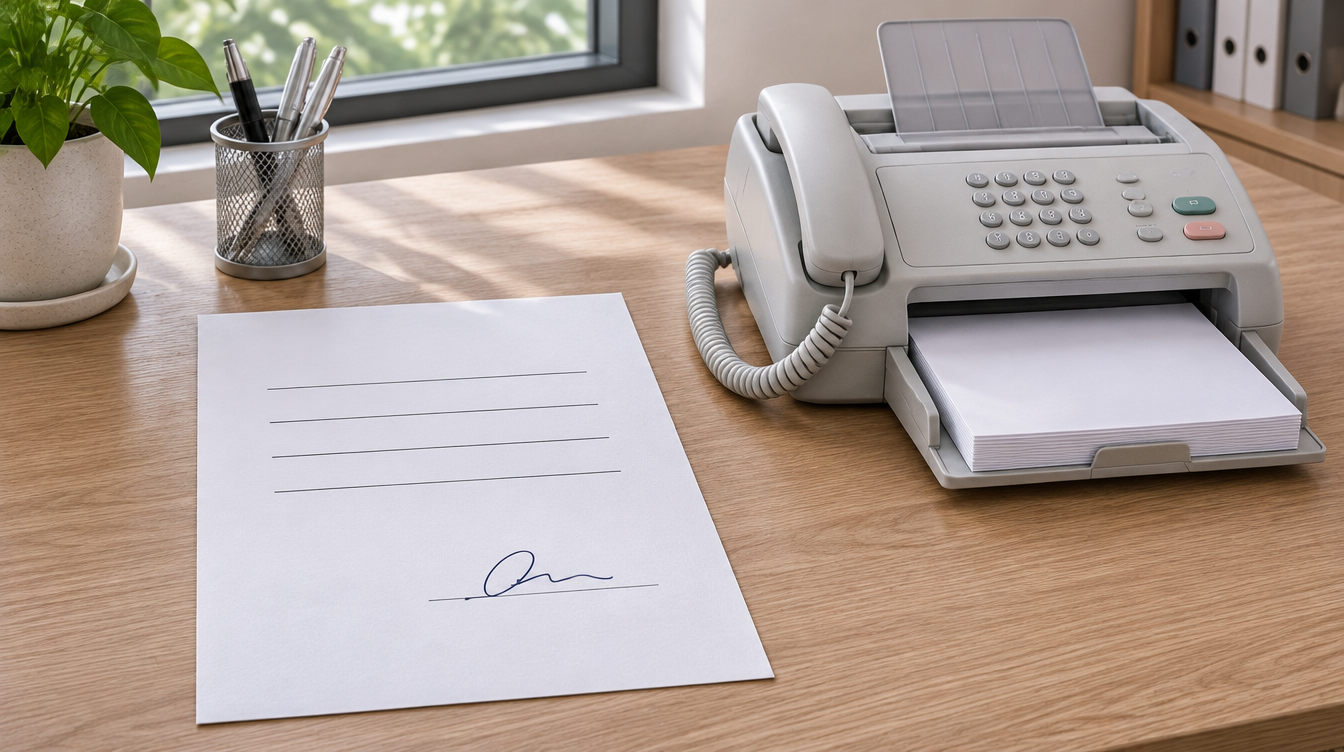
A faxed signature can have legal effect, but it is not automatically binding. Here is what the ESIGN Act and UETA actually say, and what to confirm before you send.
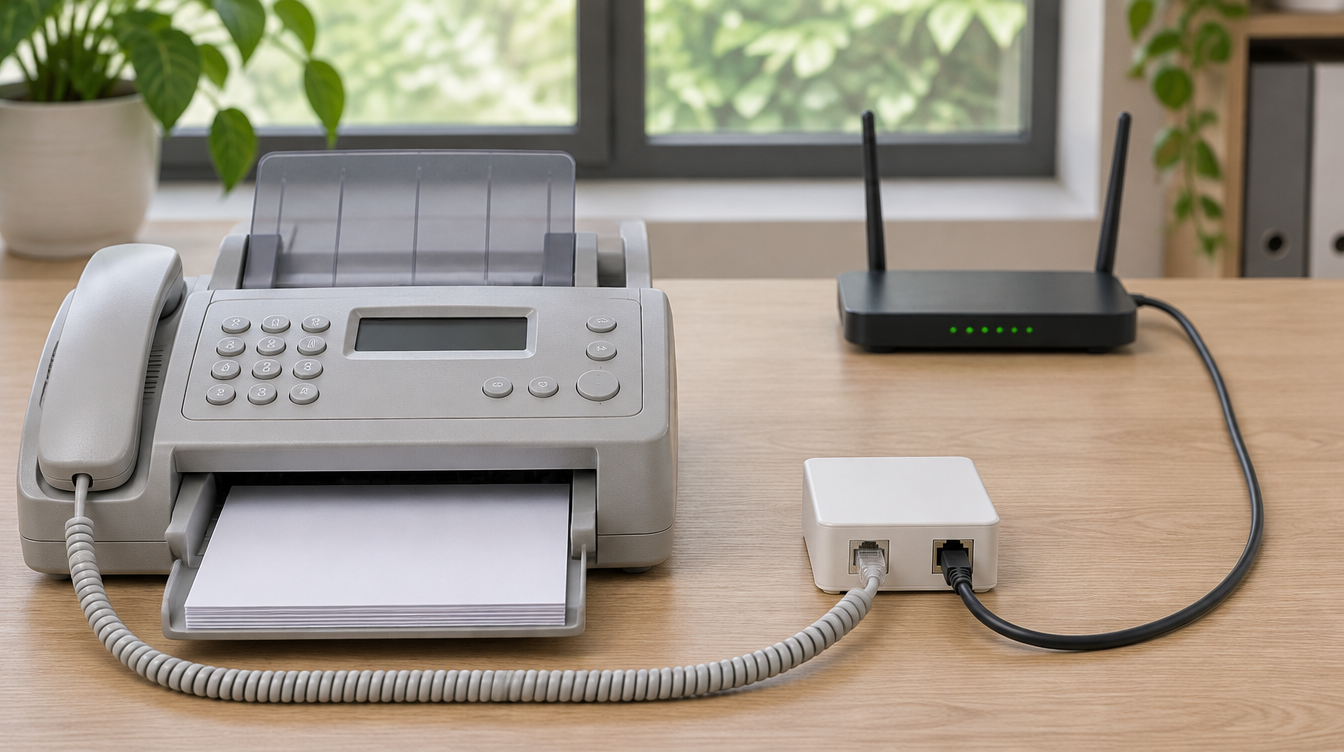
A fax machine on a VoIP phone line often fails because fax is a T.30 modem session, not ordinary speech. Here is what T.38 means and what to check before you rely on that setup.
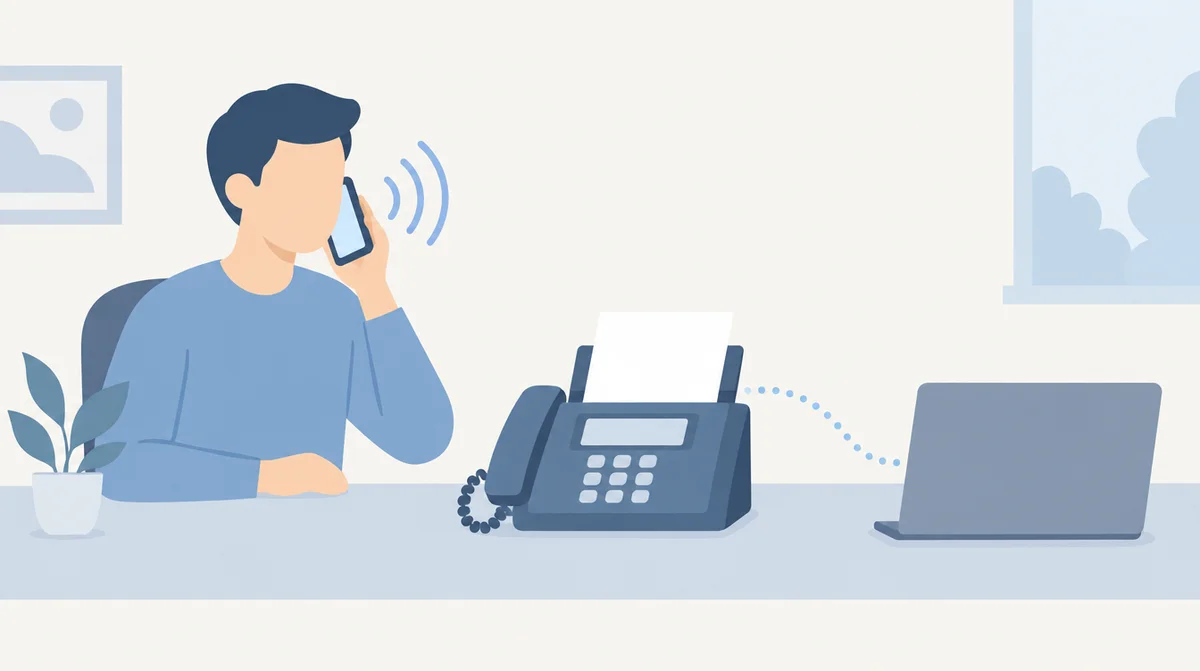
What Google says Google Voice is for, and how to send and receive faxes from your phone, browser or Gmail while you keep your Voice number for calls and texts.
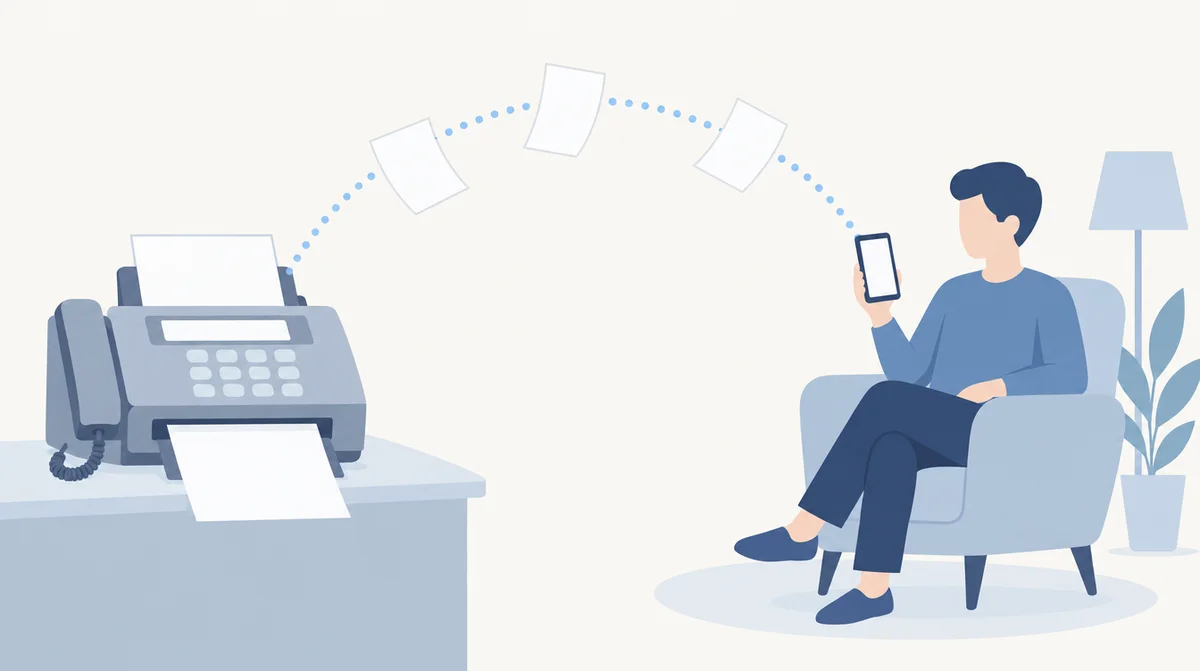
Receive faxes on your iPhone or Android phone with a dedicated fax number: get a number, set up notifications, read faxes in the app, and what a receive plan costs.
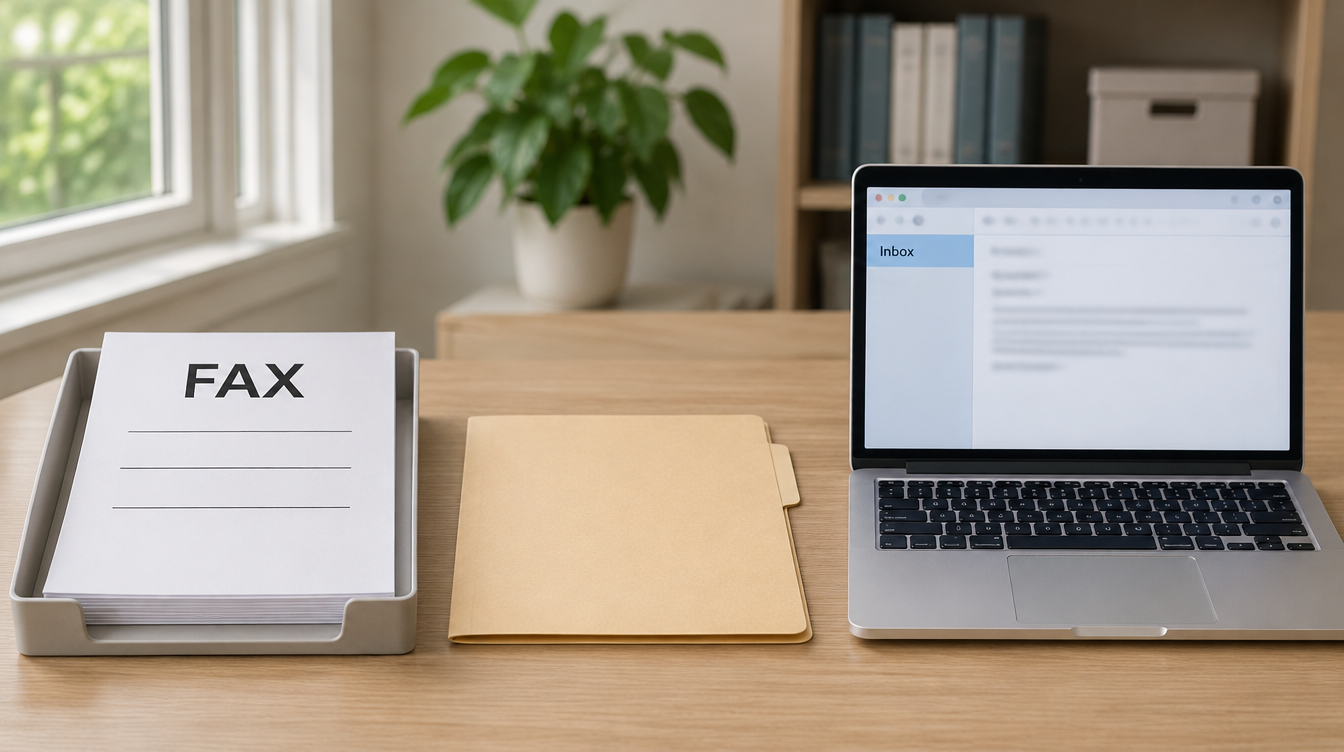
Fax and email protect different parts of a document's path. Here is what each one covers, where each one leaks, and what to check before you send.
Small Business
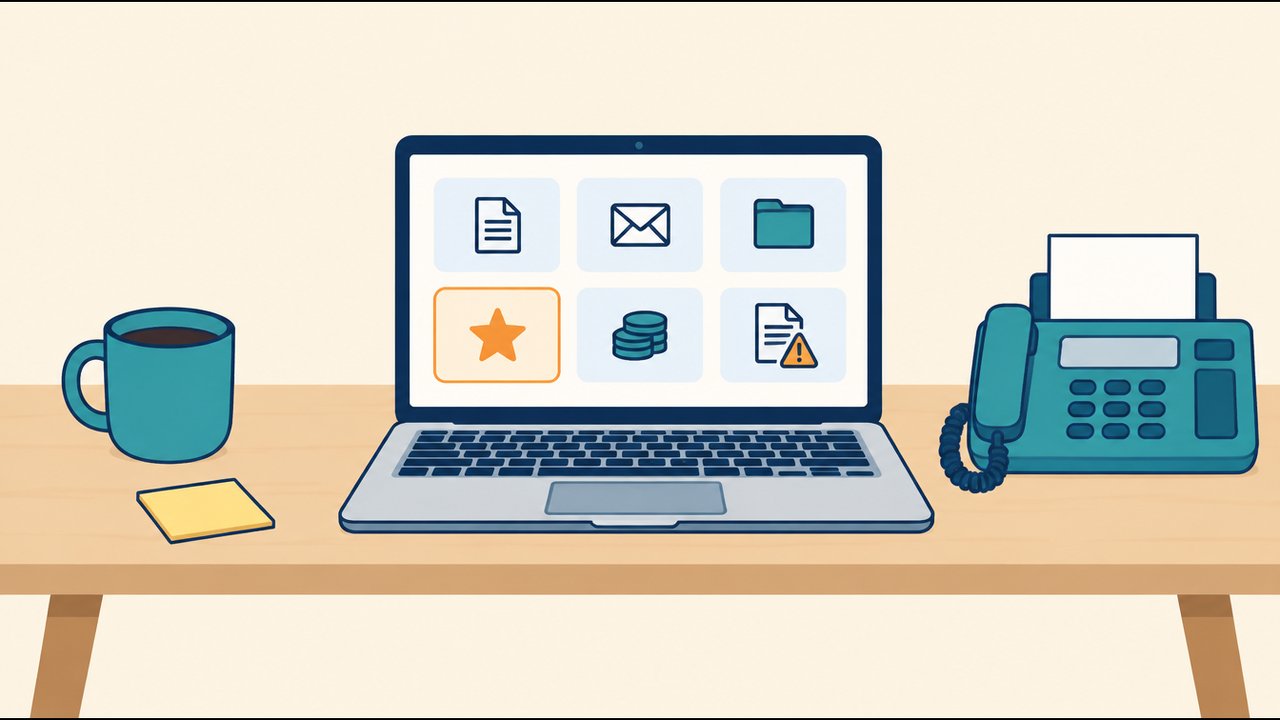
Arrange the FaxDash web dashboard Overview so unread faxes, failed faxes and credits sit at the top. Steps to add, move and remove widgets, plus what it can't show you.
Computer Fax
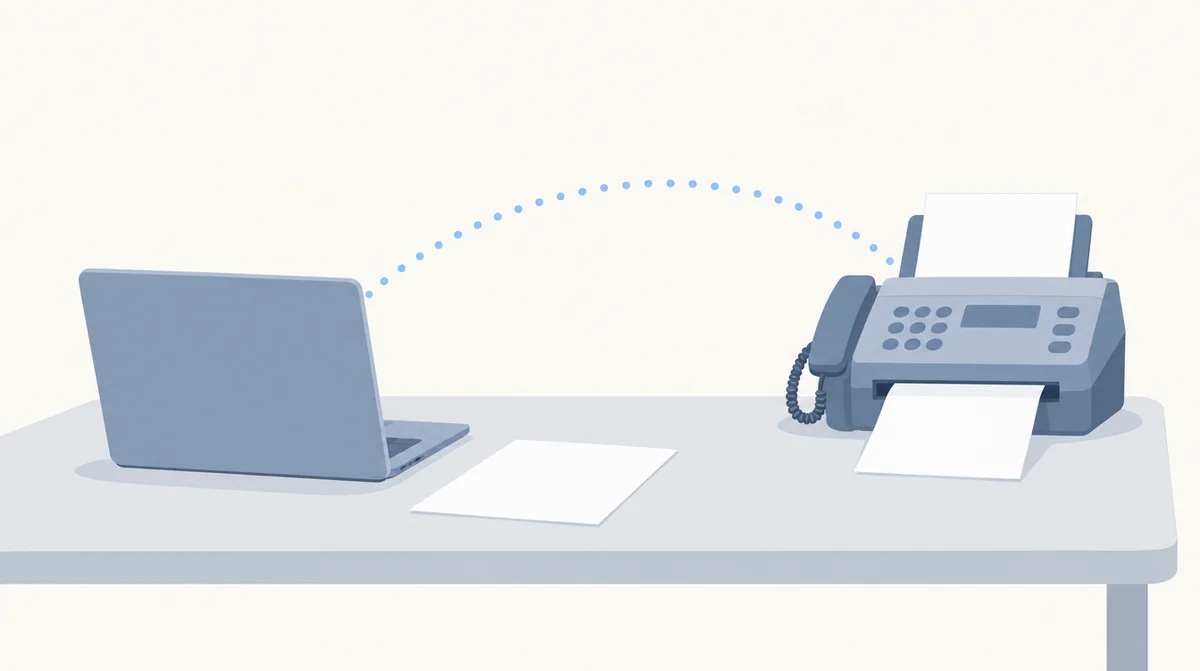
Fax from a Chromebook: save or scan your document as a PDF with built-in tools, then send it from the FaxDash web dashboard in Chrome. No fax machine, phone line or fax number needed.
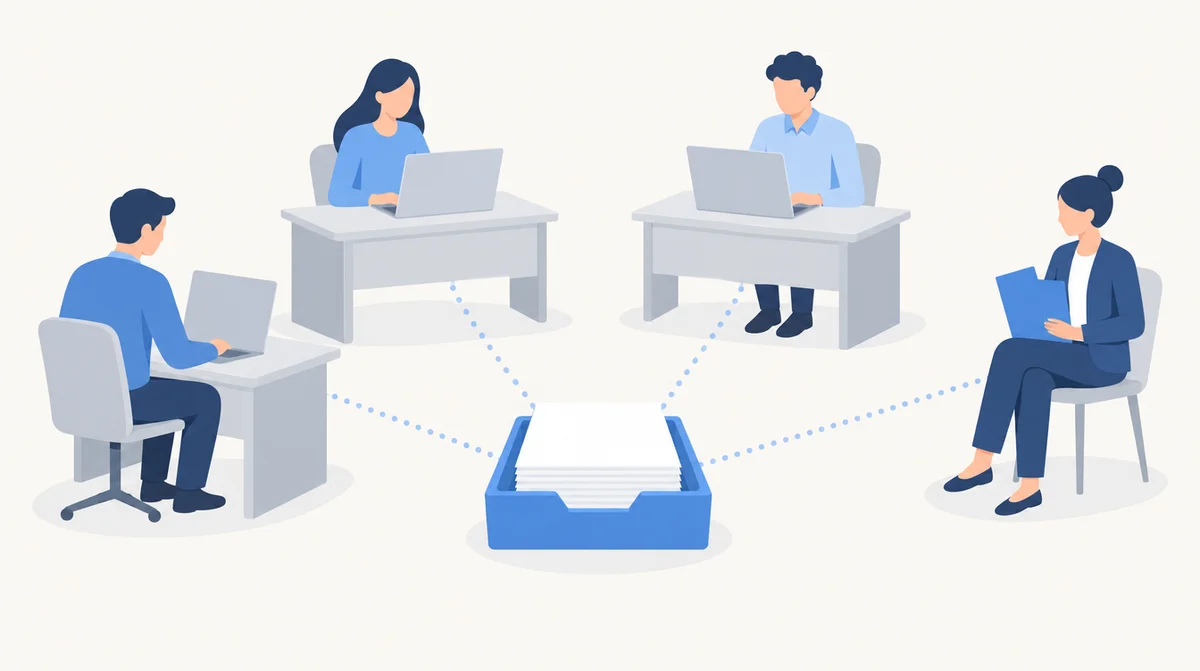
Set up a FaxDash team: which plans include teams, how to invite people, what admin, member and finance roles can do, how shared credits and monthly page limits work, and how seats change.
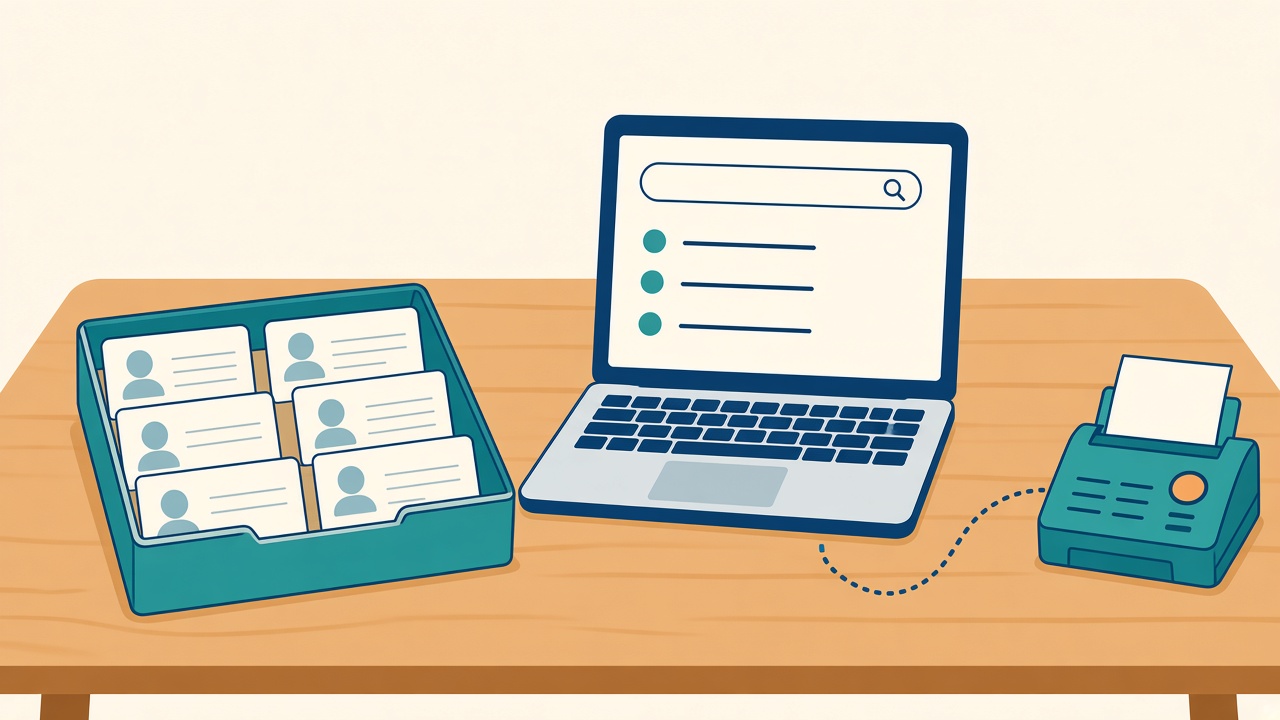
Add a fax contact once in the FaxDash web dashboard, then search it on the Send Fax page. Steps, what to check, and what Help does not cover.
Troubleshooting
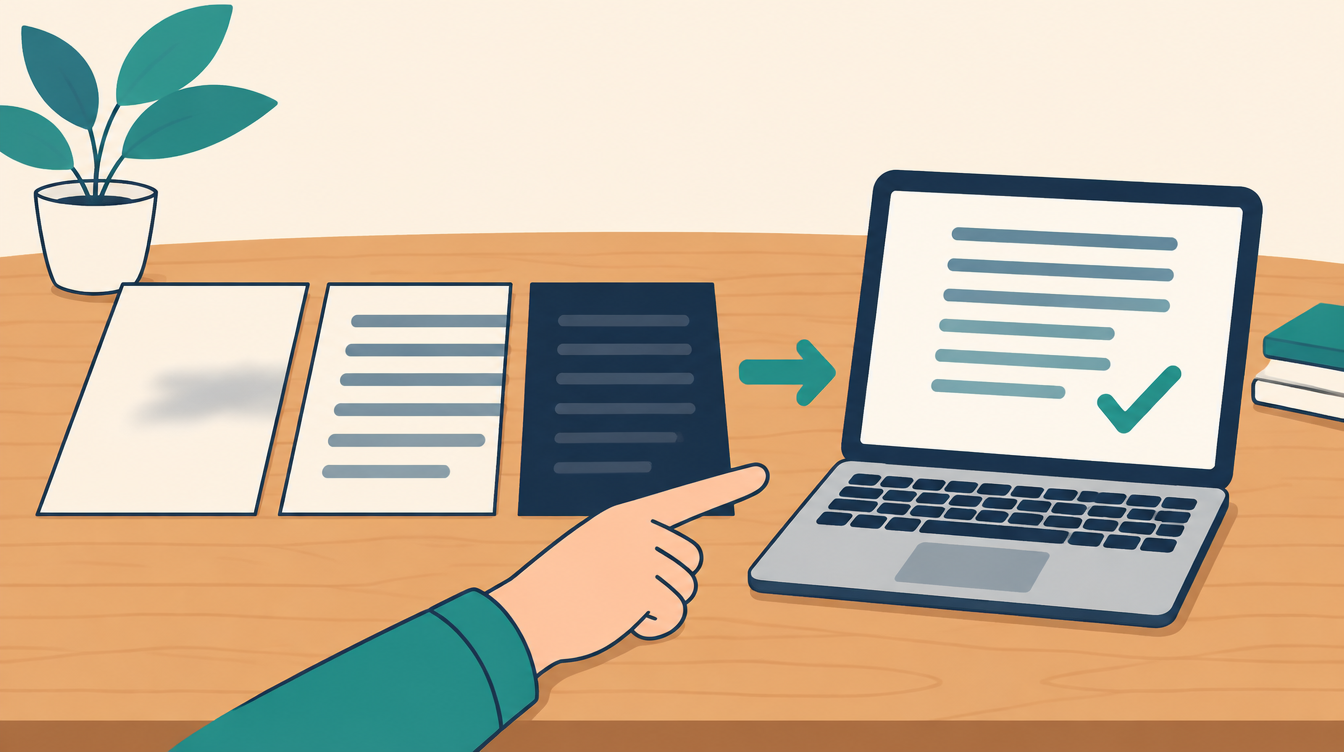
If the recipient says your fax is blank, cut off or too dark, check your copy first. Then fix the file, or ask them to check their printout, before you resend.
Cancelling a FaxDash receive plan does not delete your number that day. Here is the 30-day grace period, what pauses, what you keep, and how to cancel.
Small Business
Pick a future date and time when you compose a fax in FaxDash. Steps with a screenshot, which time zone it uses, when credits are taken, and when to send now instead.
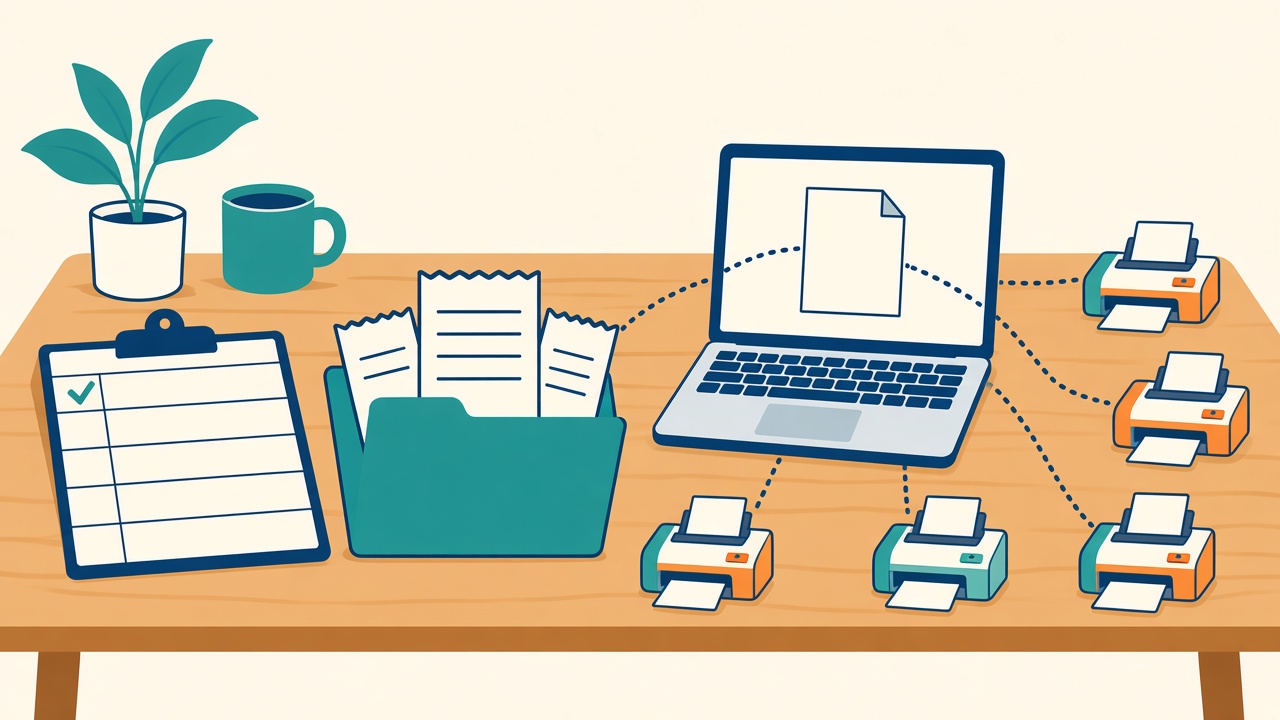
Send one document to up to 50 fax numbers from the FaxDash web dashboard or app. Steps with screenshots, the per-recipient page cost, and when to send separately.
Small Business
What to save after each fax, how FaxDash history and receipts work, and how to keep a shared record without treating Delivered as proof someone read the pages.
Document Preparation
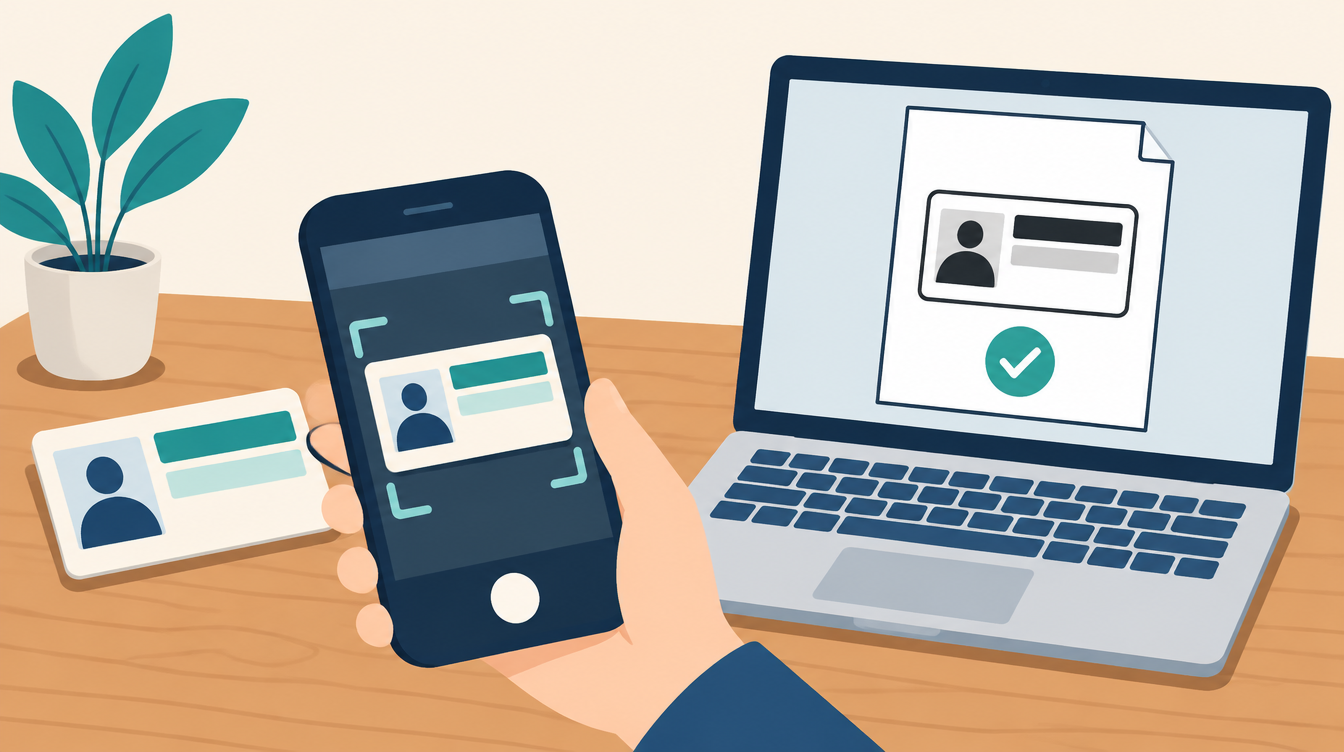
Fax a photo or ID copy as a readable black-and-white page. Scan it in the FaxDash app, check the result, and know what enhancement does and what Delivered proves.
Small Business
You do not need your own fax number to send a fax from FaxDash, only the recipient's. When you do need a number: receiving faxes and email-to-fax, with how Fax.Plus and eFax describe it.
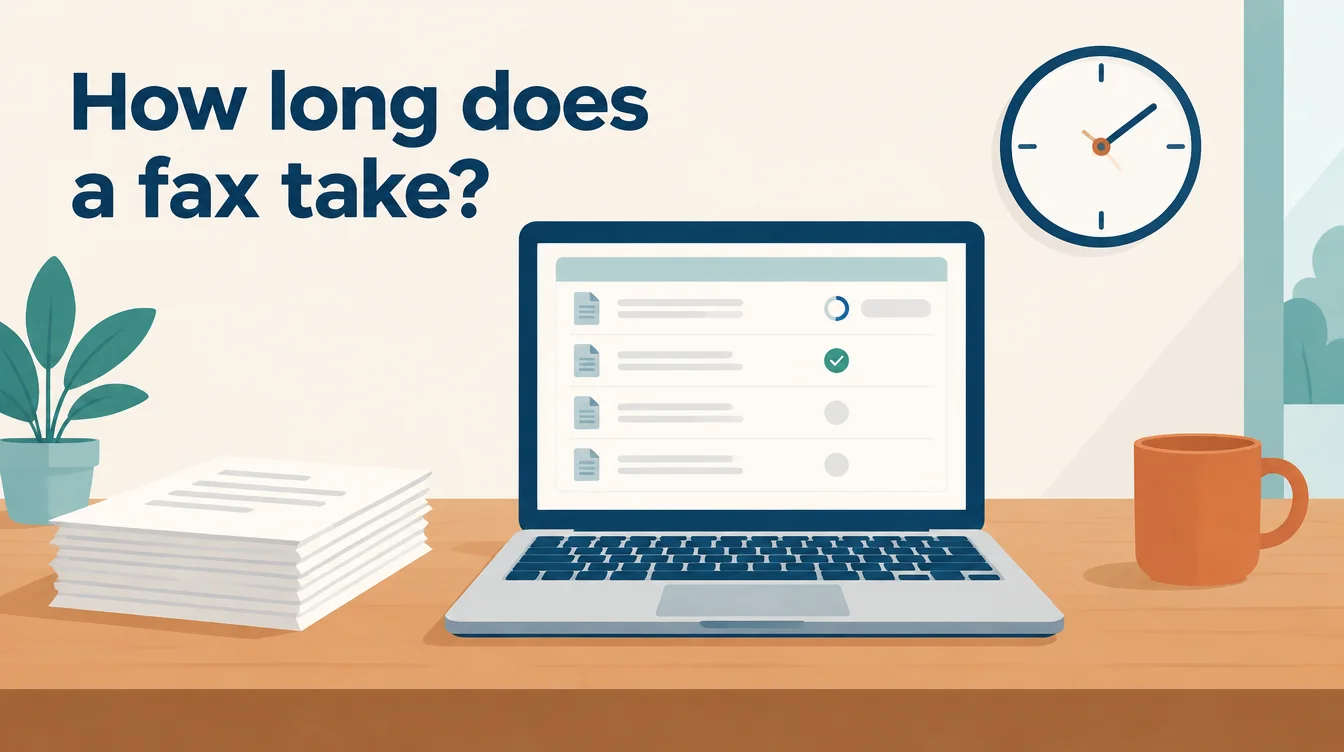
There is no fixed time for a fax. See what affects it, how to read the sending, delivered and failed statuses, and when to wait before you resend.
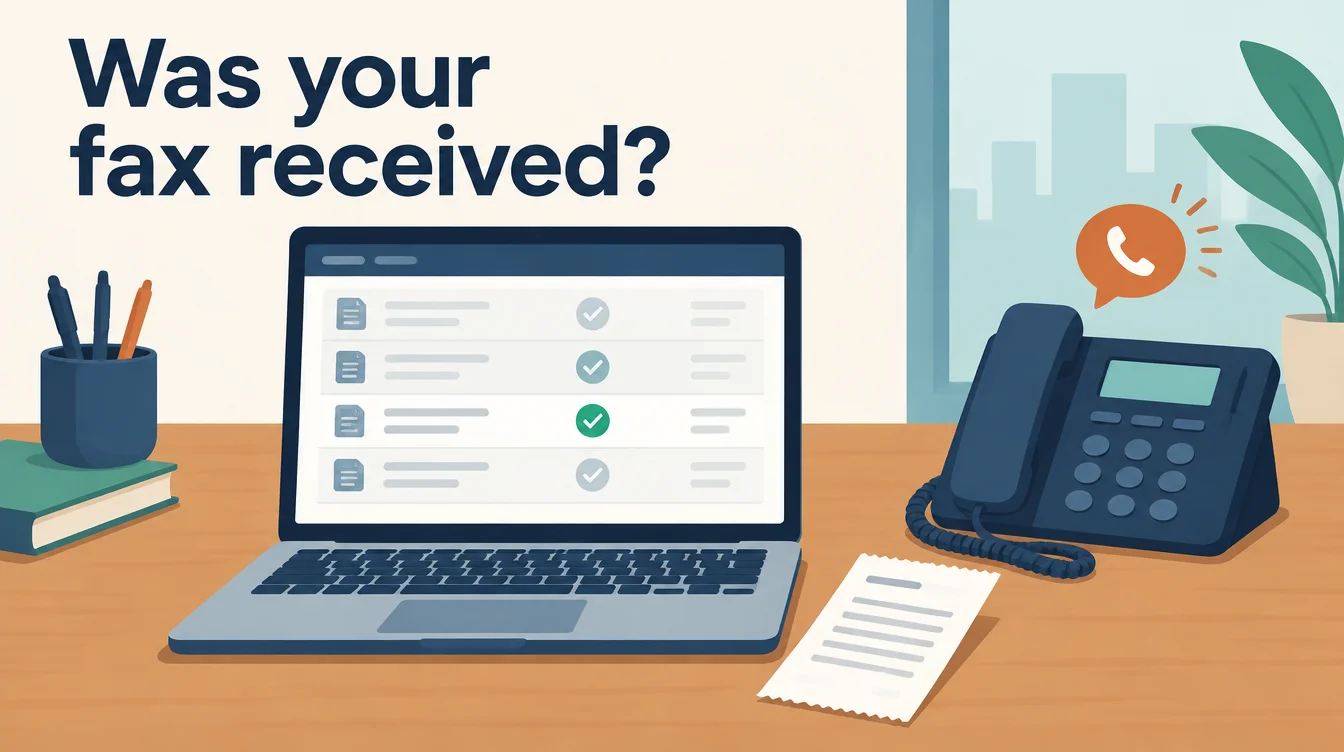
Delivered means the transmission completed, not that anyone read your fax. Save the receipt, check the number, ask the recipient, resend only if needed.
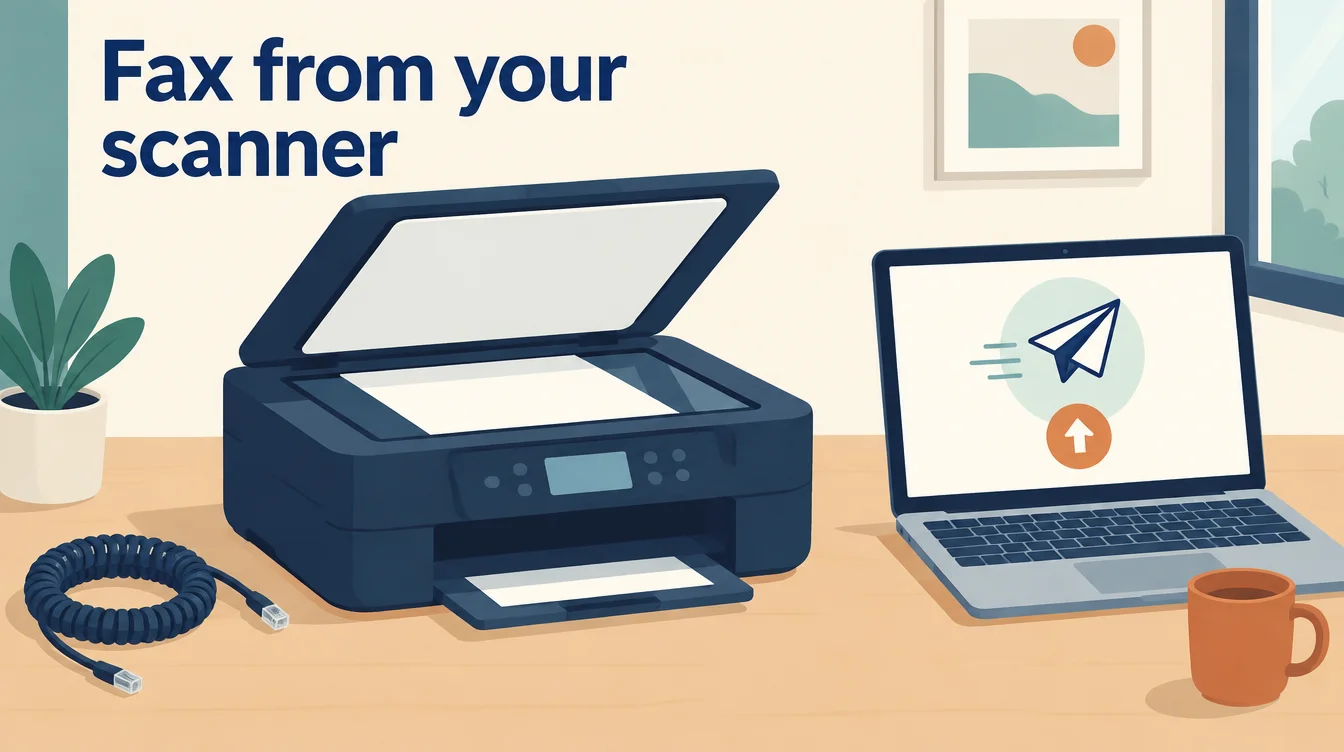
No phone line? Scan to PDF on your printer or scanner and send it from the FaxDash web dashboard. No fax number or subscription needed to send.
Small Business
Fax a Word document: save it as a PDF in Word for Windows, Mac, the web or iPhone, check every page, then send it from the FaxDash dashboard.
Small Business
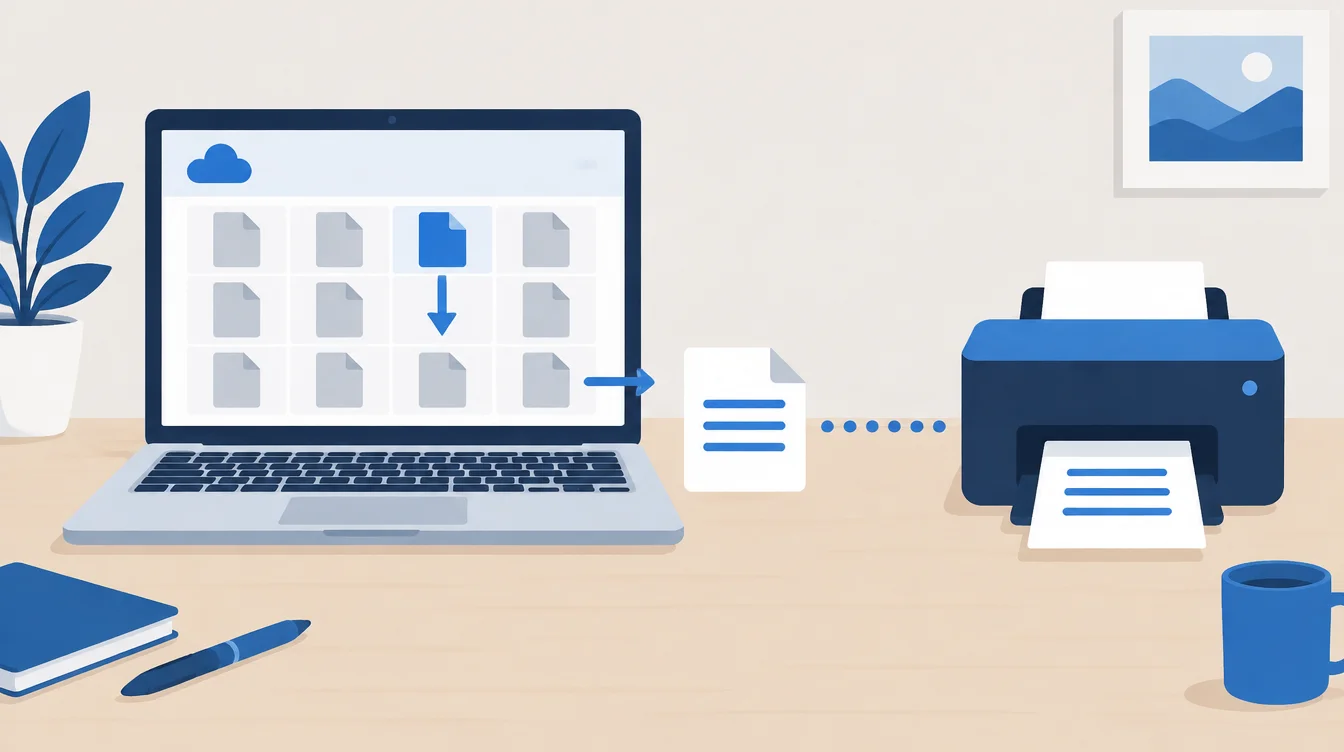
Fax a Google Doc or a Drive file: download it as a PDF with Google's own steps, then upload it in the FaxDash dashboard or app. No fax number needed.

Small Business
Fax a PDF from Outlook desktop, web or mobile with email-to-fax: the address, the subject-line rule, attaching a copy, and mistakes to avoid.
Small Business
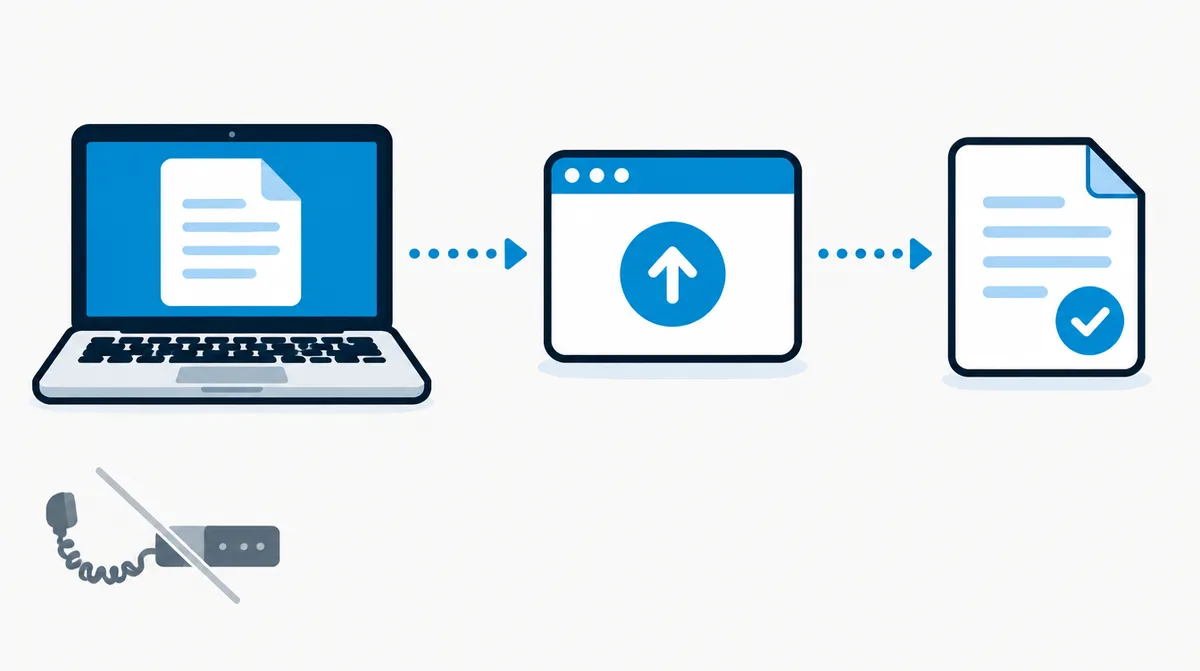
Fax from a Mac with no fax modem or phone line: save as PDF, send from the FaxDash web dashboard, and print received faxes with the free Connect app.
Small Business
Fax from Windows 10 or 11 with no fax modem or phone line: save with Microsoft Print to PDF, send from the FaxDash web dashboard, and print received faxes.
Small Business
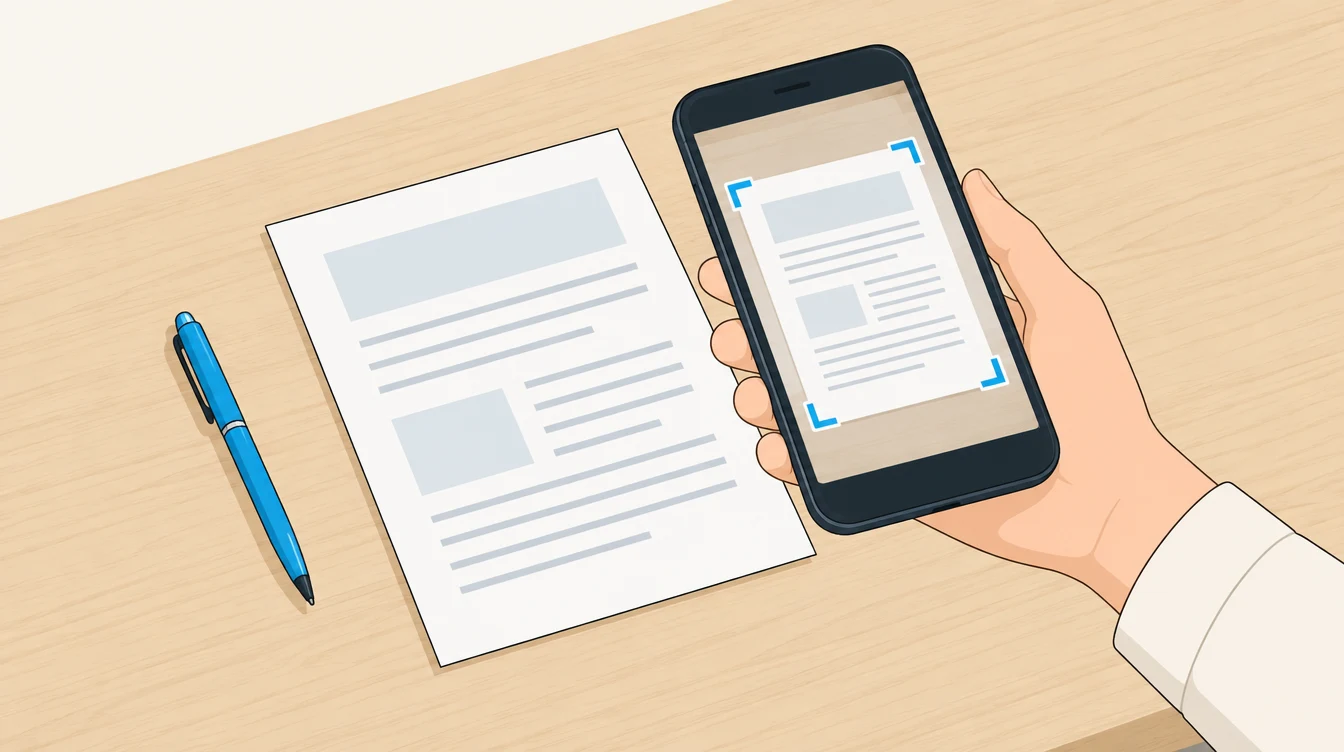
Scan paper or pick a PDF in the FaxDash iPhone app, confirm the pages and send. No fax number needed; 1 credit per page to +1 numbers (US and Canada).
Accounting & Tax
Where to fax IRS forms: the fax number for each form, linked to its IRS.gov source and dated. What to check before you send and what to keep as proof.
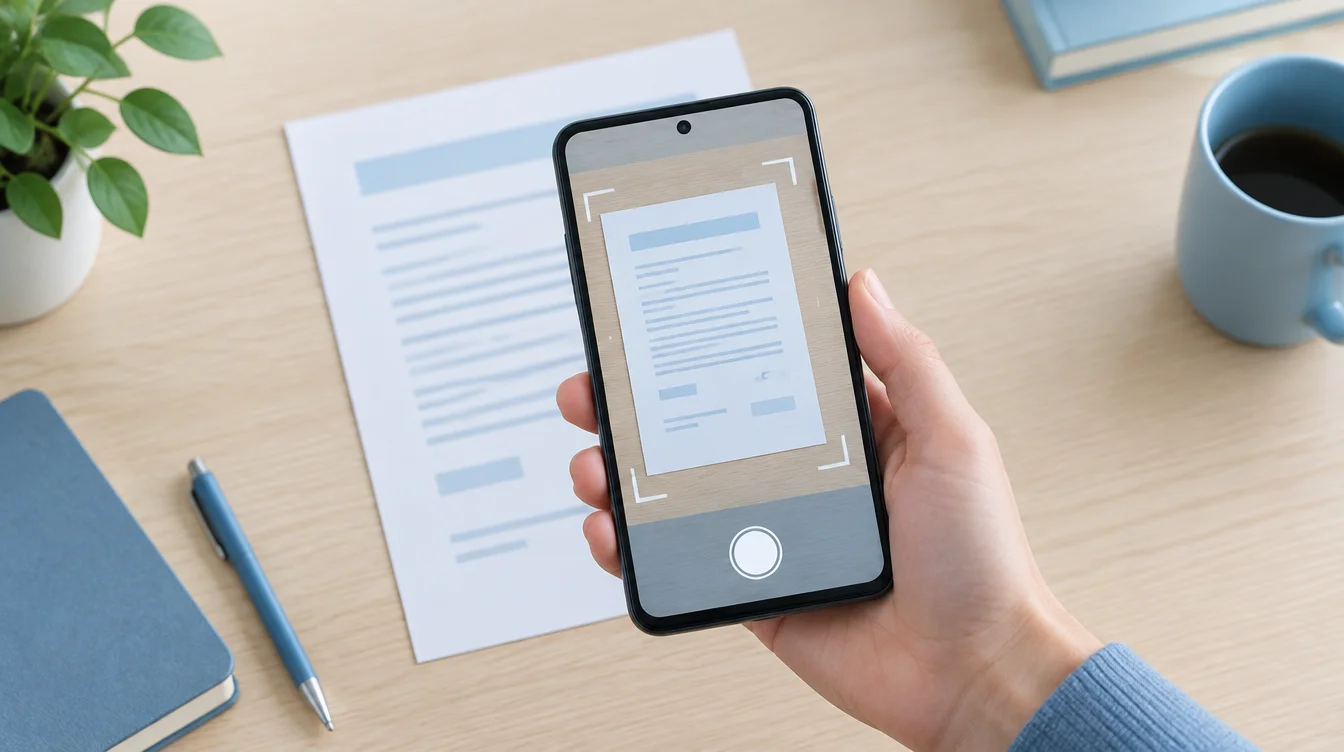
Fax from an Android phone with the FaxDash app: scan paper or pick a PDF, confirm pages and send. 1 credit per page to US (+1) numbers.
Small Business
Fax a PDF with no fax machine or number of your own: upload it in the web dashboard or pick it in the app, then send. Plus PDF mistakes that cost credits.
Leaving eFax? A checklist to keep your fax number (transfers on FaxDash Business, subject to carrier approval), plus FaxDash, eFax and Fax.Plus business plans side by side, checked Nov 22, 2026.
Small Business
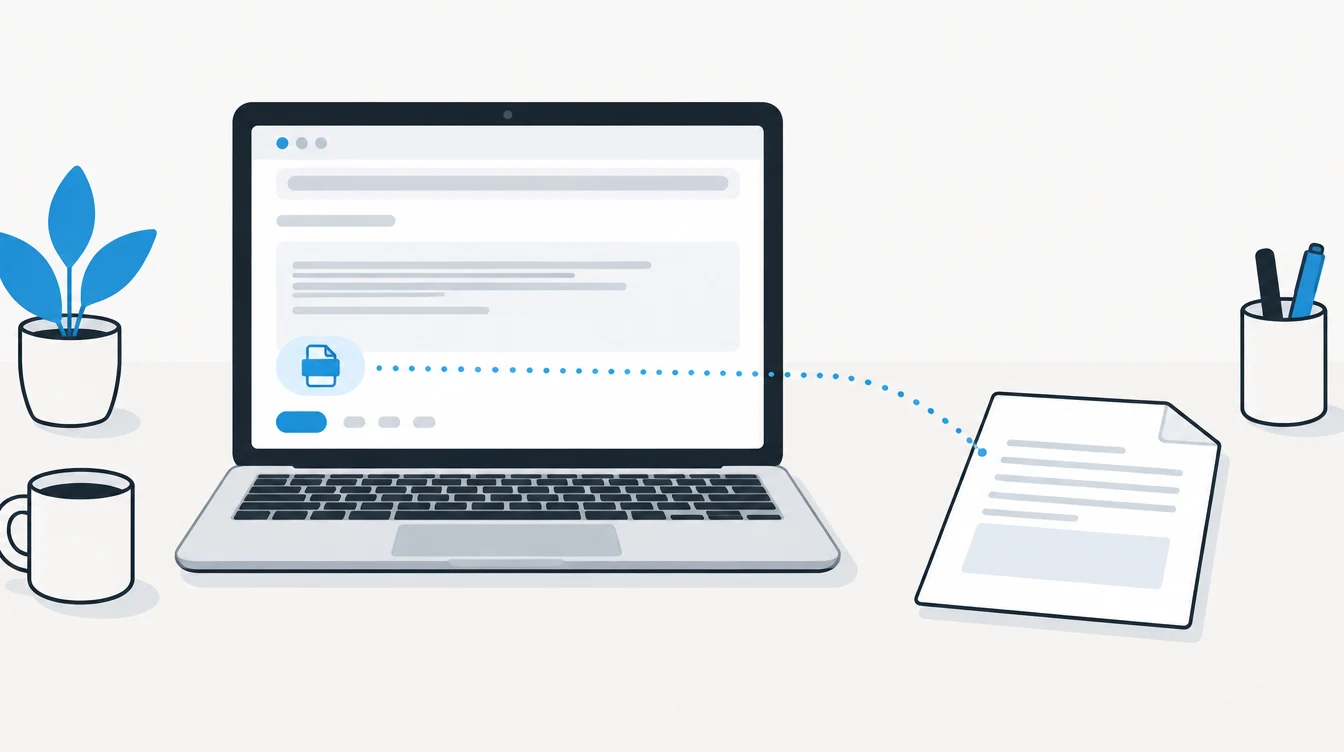
Fax from Gmail with FaxDash email-to-fax: send to your own number at fax.faxdash.io, put only the destination number in the subject, attach one PDF.
Troubleshooting
Resend a fax only after it shows Failed. Check the number, the file and your credits, resend once, and know when to stop and call the recipient instead.
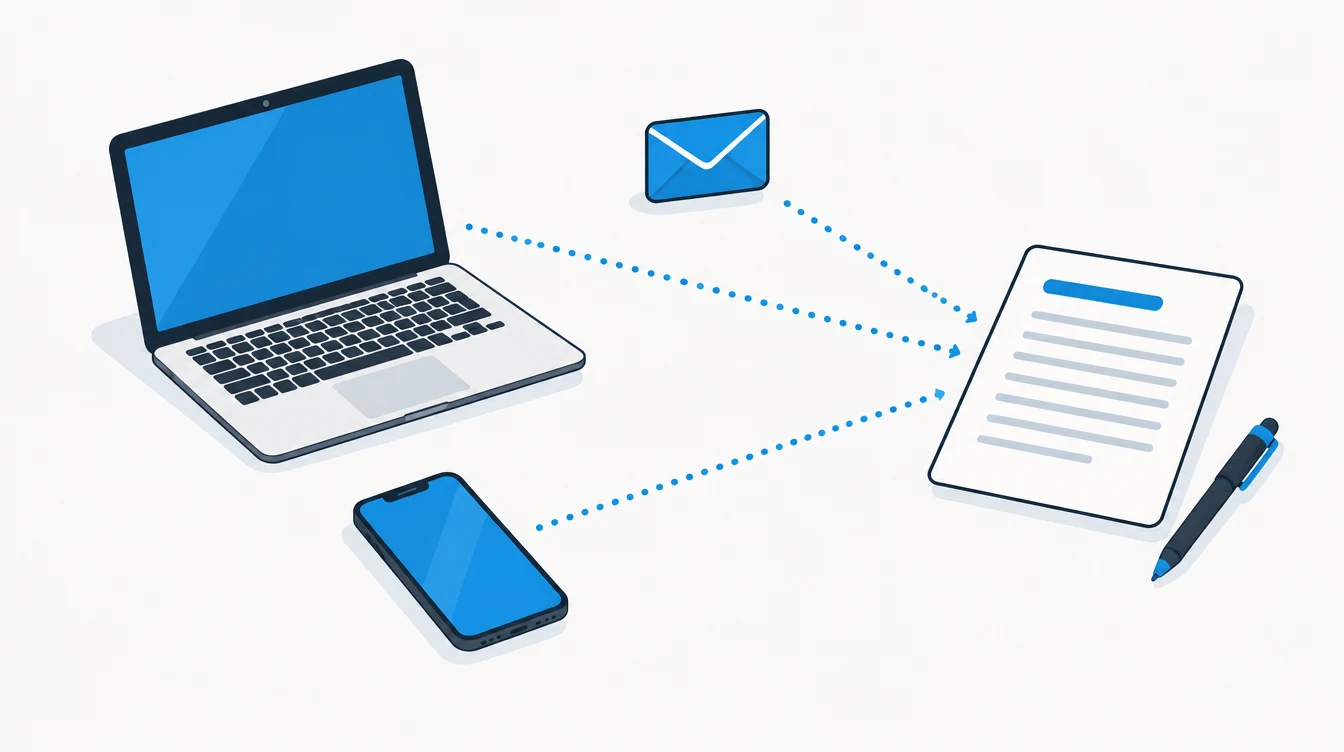
Fax from your phone, computer or email without a fax machine: three routes, which one needs a fax number (only email-to-fax), and the cost in credits.
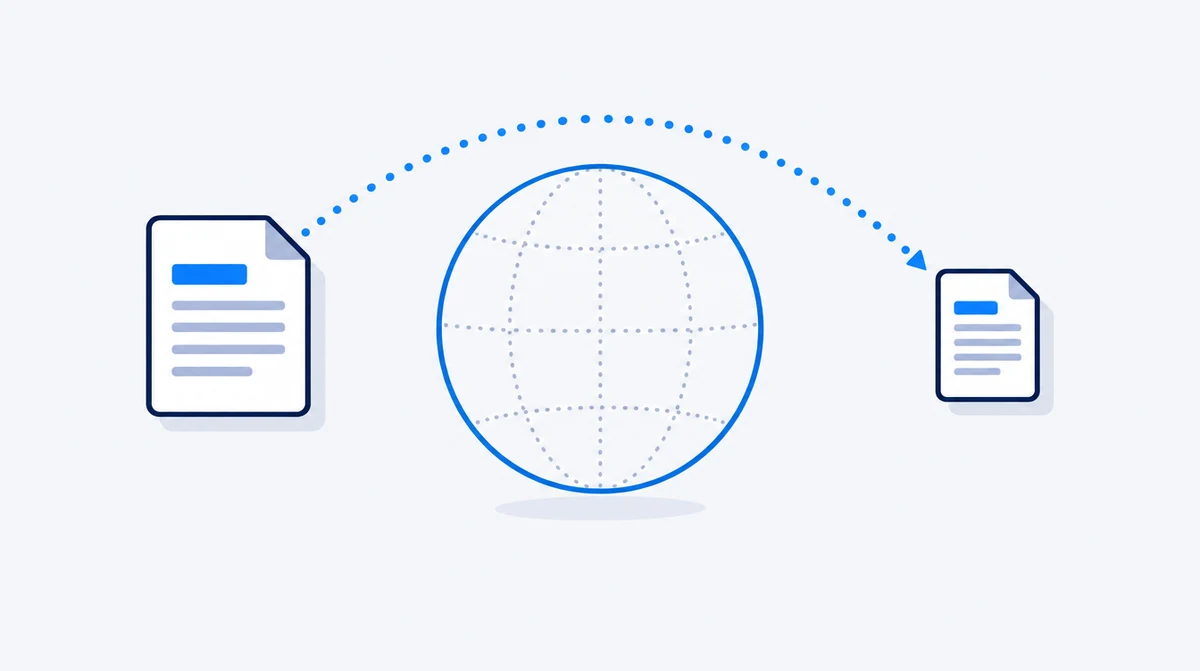
Write the number with + and the country code, drop the trunk prefix, then check that FaxDash can reach the destination and what each page costs.
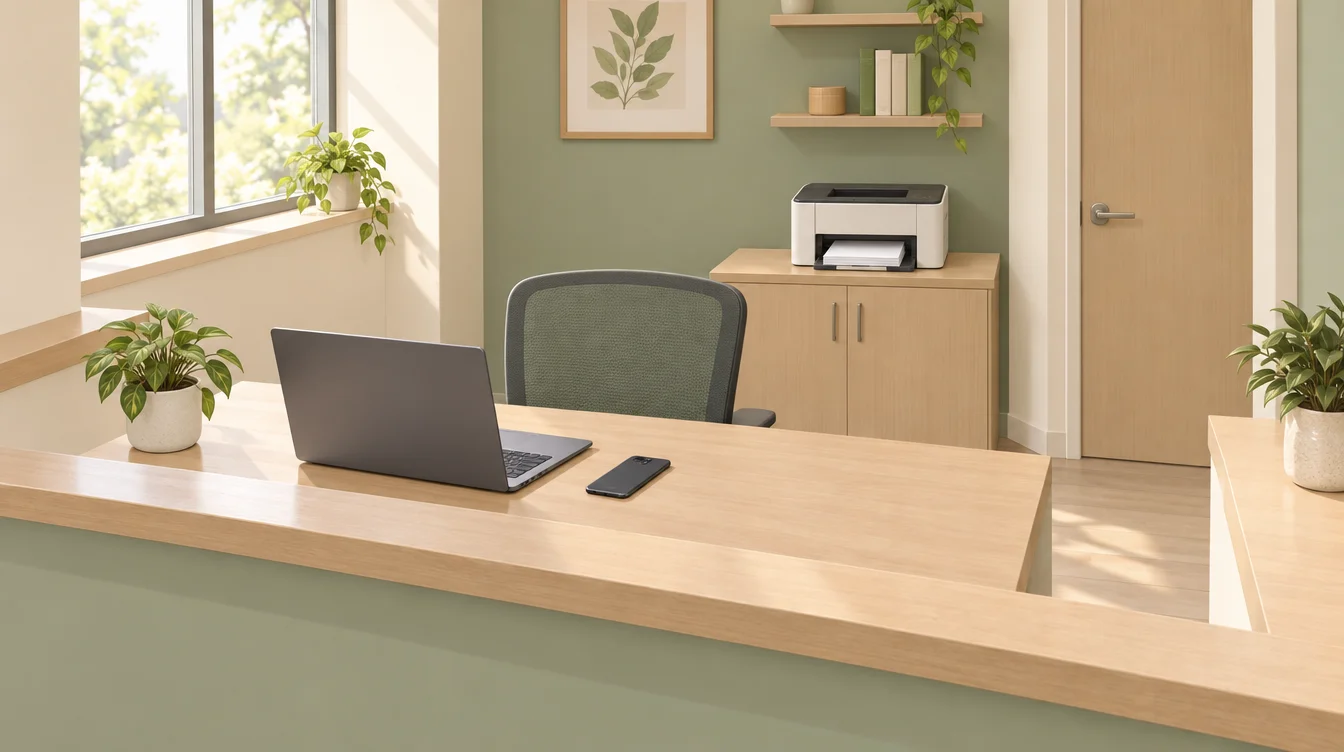
Set up front-desk fax for a small dental, chiropractic or PT office with no landline: one number, a shared inbox, auto-print and AI analysis off.
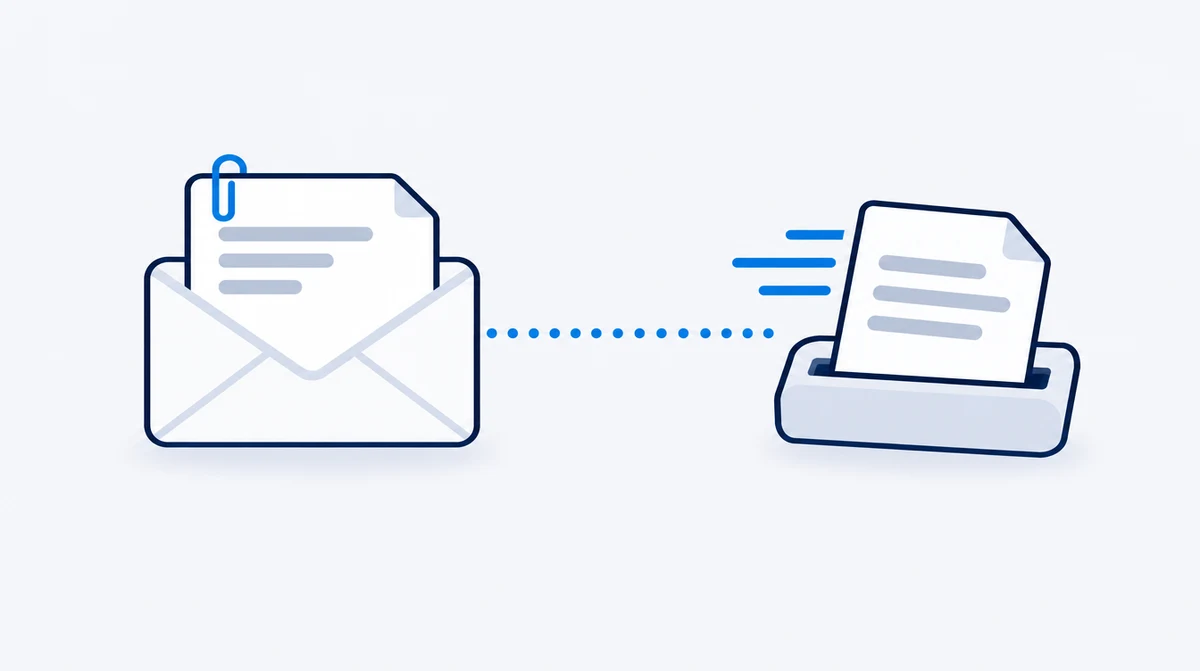
How FaxDash email-to-fax works in any mail app: your own number in To, only the destination number in the subject, one PDF, and why a fax gets refused.
Set up one fax number, a shared inbox and front-desk auto-print for rental verifications, COIs and owner forms. No landline or fax machine needed.
Servicer says your payoff fax never arrived? Send one complete packet, call a number you sourced, resend once, and know the Reg Z seven-business-day rule.
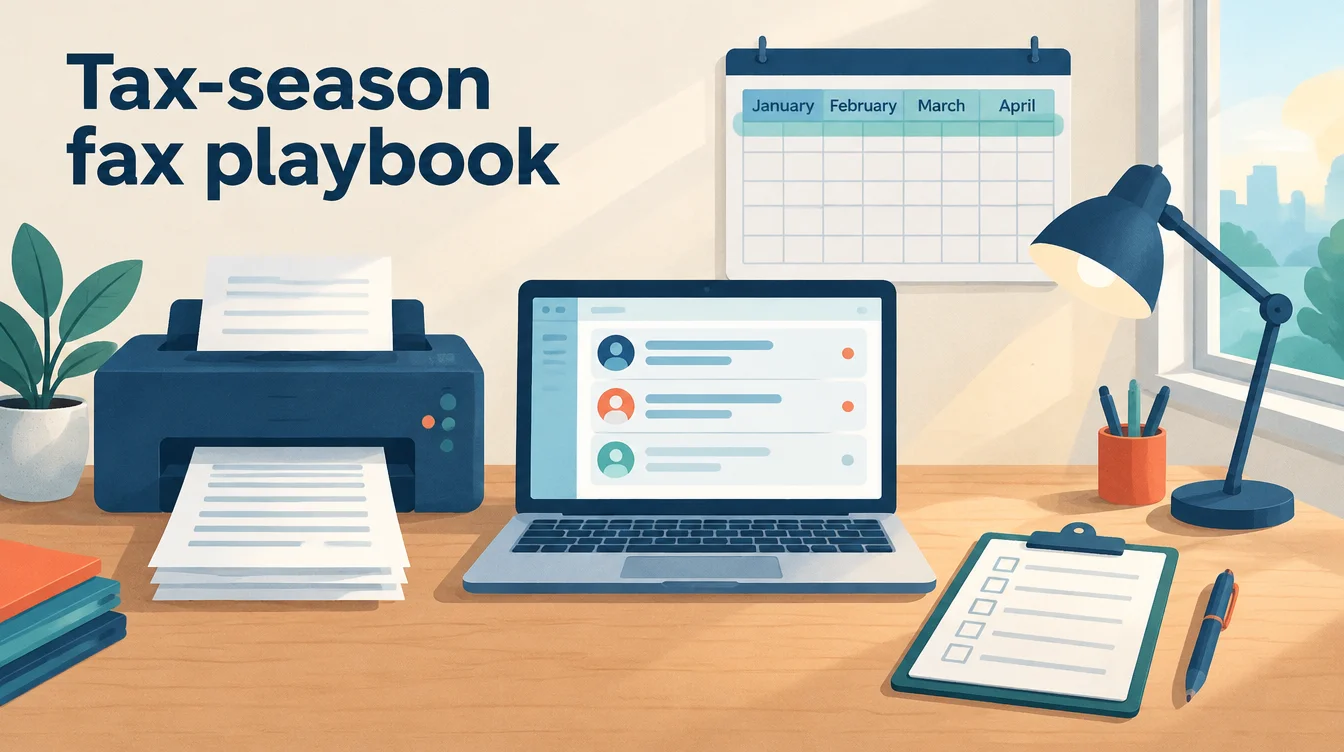
A tax-season fax routine for 1 to 5 person tax offices: one number, a shared inbox, Form 8879 and 2848 signature rules, IRS calls and a daily checklist.
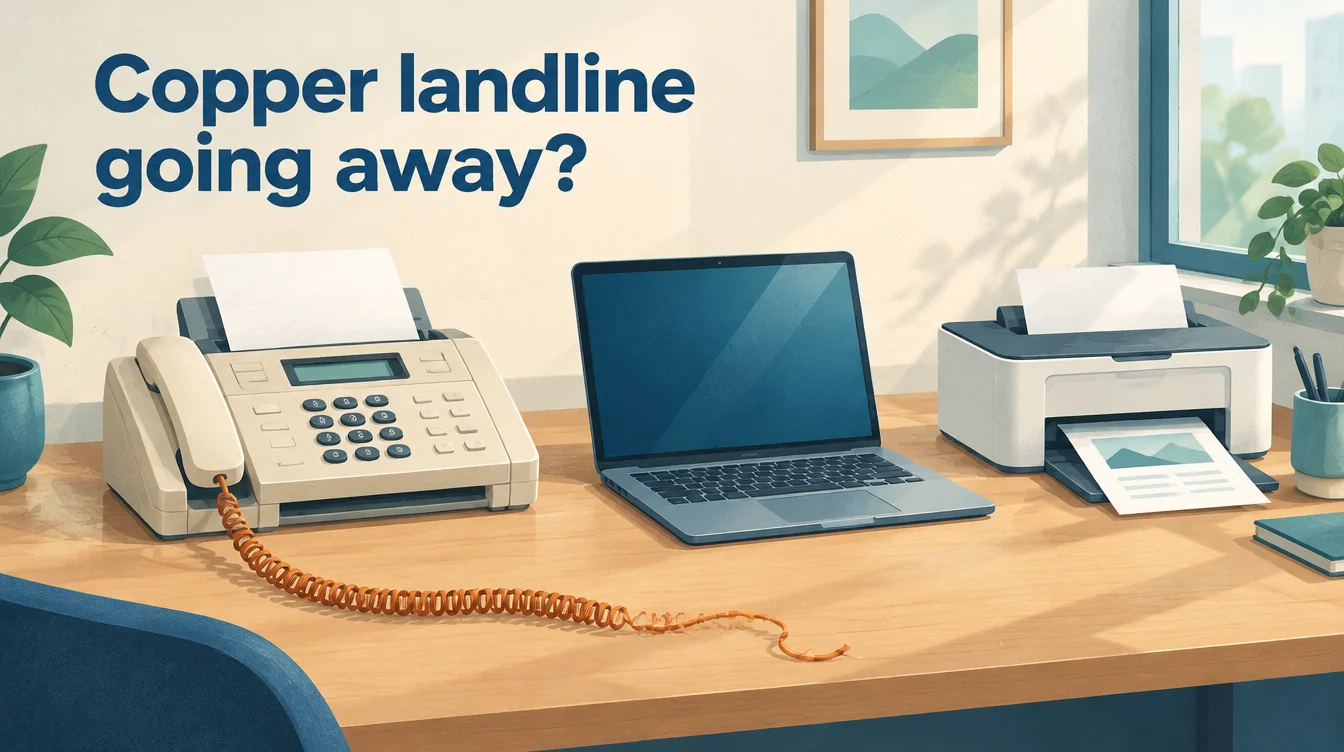
Phone companies are retiring copper landlines. Keep your office fax working: three options, a cutover checklist and what AT&T's FCC filing means.
Accounting & Tax
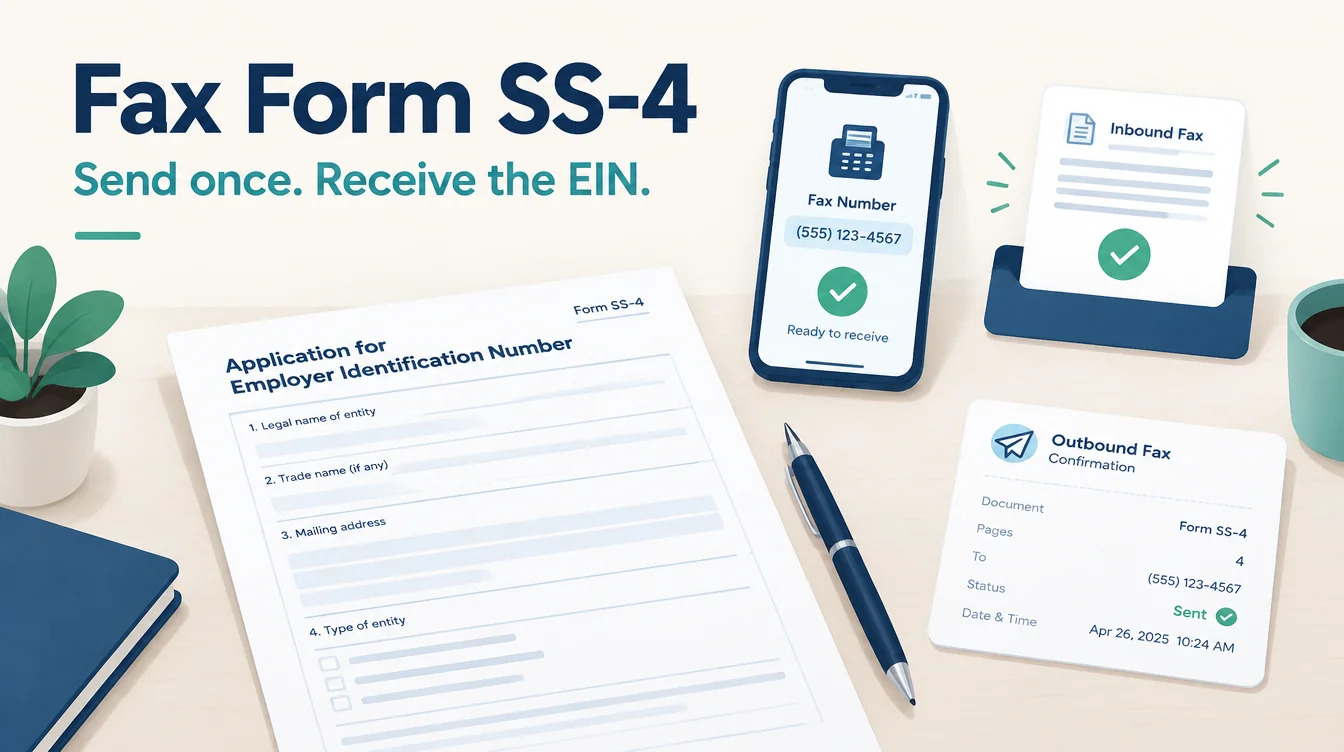
When IRS online EIN isn't available, fax Form SS-4 with a receive-capable return number, use the current Fax-TIN line, and keep the send confirmation. Delivered is not an EIN.
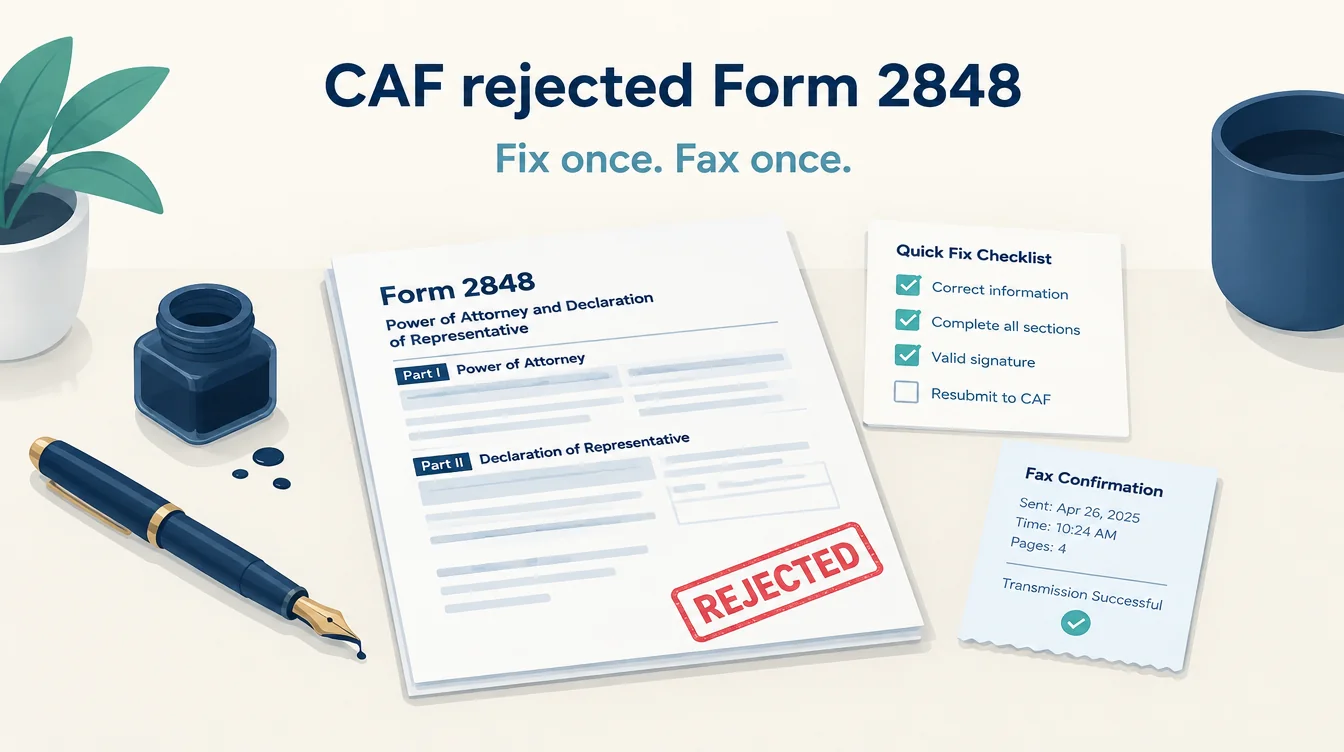
Why the IRS CAF rejects Form 2848, how to fix common form errors, and how to fax once correctly without treating Delivered as CAF acceptance.
Keep paper faxes on the desk without a fax machine. FaxDash Connect is a free Mac and Windows app that prints each newly received fax to your printer. Setup, catches and a short comparison.
Compare FaxDash, eFax and Dropbox Fax on document access, watermarks, redaction, cover pages and AI analysis under a BAA. First-party feature pages checked November 8, 2026.

Healthcare
HHS says covered providers may fax patient information for treatment with reasonable safeguards. A plain guide for small medical and dental offices: paper vs online fax, the BAA question, send and receive routines, and misdirected faxes.
A fax workflow for 1 to 5 person tax offices: when to fax Form 2848 or 8821 versus upload or Tax Pro Account, the IRS ink-signature rule, a copyable tracking log, and handoffs that prevent duplicates.
Build a practical fax-to-email and email-to-fax workflow for your small team, with clear ownership, document checks and delivery follow-through.