
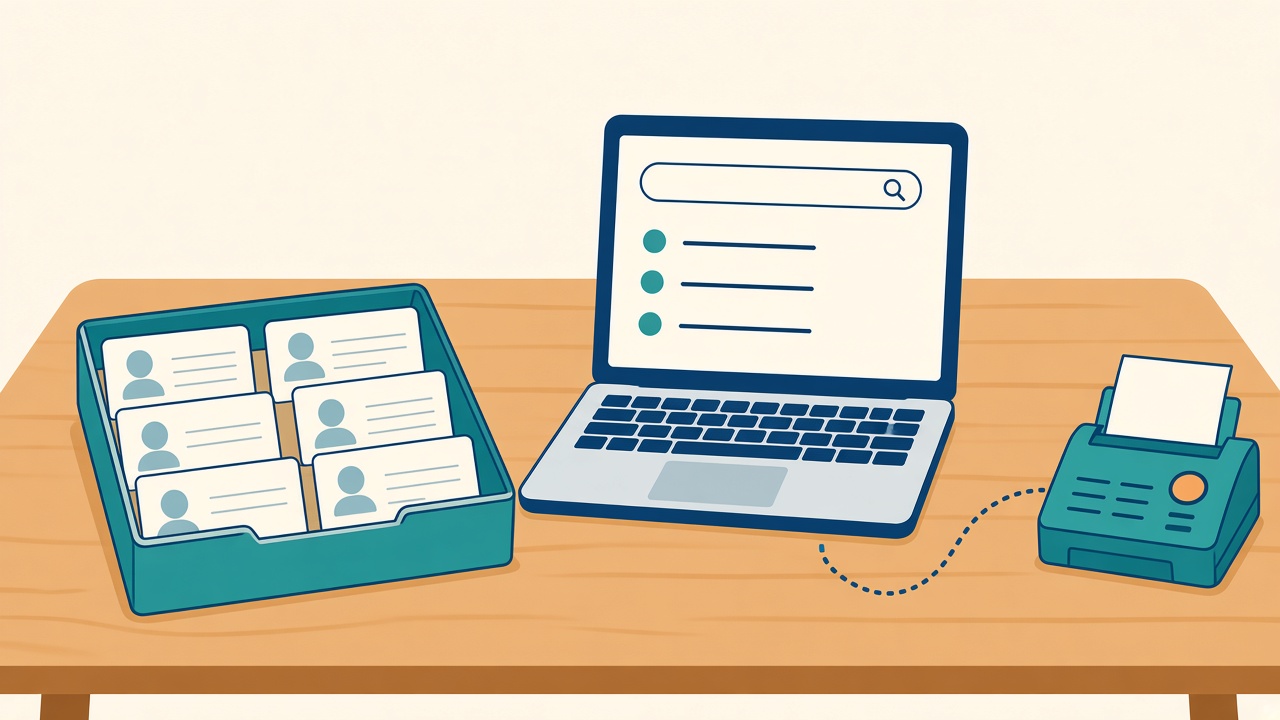
Suppose the front desk at a small office faxes the same dozen vendors and clinics every week, and someone retypes each number from a sticky note. One swapped digit and a purchase order goes to the wrong place. Saving those numbers once, and checking them once, is a small job that removes a recurring risk.
The short answer
In the FaxDash web dashboard, open Contacts, click Add Contact, and enter a name and the fax number with its country code. After that, you can search your contacts on the Send Fax page instead of typing the number again. FaxDash offers 2 free pages when you sign up.
The honest limit: a saved number is only as good as the number you typed. Confirm it with the recipient before you save it, and recheck it if a fax to that contact ever fails.
What to have ready
- A confirmed list of fax numbers. Take each one from the recipient's own letterhead, website or message, not from memory.
- Names you'll recognize in a search. Use the business name and, if you like, the department, so two offices with similar names don't blur together.
- The country code for each number. Help asks for the fax number with its country code. For a US number, that's +1 followed by the ten digits.
Steps
- Open Contacts. In the web dashboard, choose Contacts and click Add Contact.
- Enter the name and number. Type a name you'll search for, then the fax number with its country code.
- Read it back. Compare the saved number with the source, digit by digit. Catching a typo now beats finding it after a failed fax.
- Use it when you send. On the Send Fax page, type the fax number or search your contacts and pick the one you want.
- Optional: put your most-faxed numbers on the Overview. On the Overview, click Customize, then Add widget, and pick Favourites. Help describes it as your most-faxed numbers. Click Done to save the layout.
The honest catch
A contact saves typing, not mistakes. If a recipient changes their fax number, nothing tells FaxDash, so you'll find out when a send fails. When a fax fails, check that the number is a fax line and not a voice line, then resend to the right number. Why a fax fails to connect lists the checks.
Help describes saving contacts on the web dashboard. It doesn't describe contacts in the mobile app, editing or deleting a saved contact, importing a list, or grouping contacts. If you need any of these, check your account before you plan around it.
If you're on a team, Help says members use the team's contacts, and a suspended member loses access to them until an admin restores the seat. Finance members can see a team's faxes but can't send, so they can't add the Favourites widget.
Delivered means the transmission completed. It doesn't tell you a person read the fax, so a correct contact only gets the fax to the right number.
How FaxDash compares on saved recipients
Address books differ most when you have a long list or several people sharing it. Here is what Documo and Fax.Plus say on their own pages today, next to FaxDash's Help. This compares documented features, not hands-on tests.
| Feature | FaxDash | Documo | Fax.Plus |
|---|---|---|---|
| Add contacts one at a time | Yes, in the web dashboard | Yes, on the Contacts page | Yes, manually |
| Import a list | Not described in Help | CSV import | Excel import |
| Contact groups | Not described in Help | Groups, for your own use | Saved groups |
| Shared contacts | Team members use the team's contacts | You choose private or visible to the account | Not stated on that page |
A fair read: for a short list kept by one office, FaxDash's contacts cover the job. If you keep a long list, or want to import it from a spreadsheet and organize it into groups, Documo and Fax.Plus document more tooling. Check what your FaxDash account provides before you move a big list.
FAQ
Do I need a contact to send a fax? No. You can type a number on the Send Fax page. Contacts save you retyping it.
Do I need a FaxDash fax number to save contacts? No. Sending from the web dashboard or the app doesn't need a number of your own.
Which number format does Help ask for? Help asks for the fax number with its country code. Use + and the country code, such as +1 for a US number.
Can contacts be used for a batch send? Help says you can search your contacts and add more numbers on the Send Fax page to send the same fax to several recipients.
Where do I save contacts on my phone? Help doesn't describe this for the app. Use the web dashboard.