
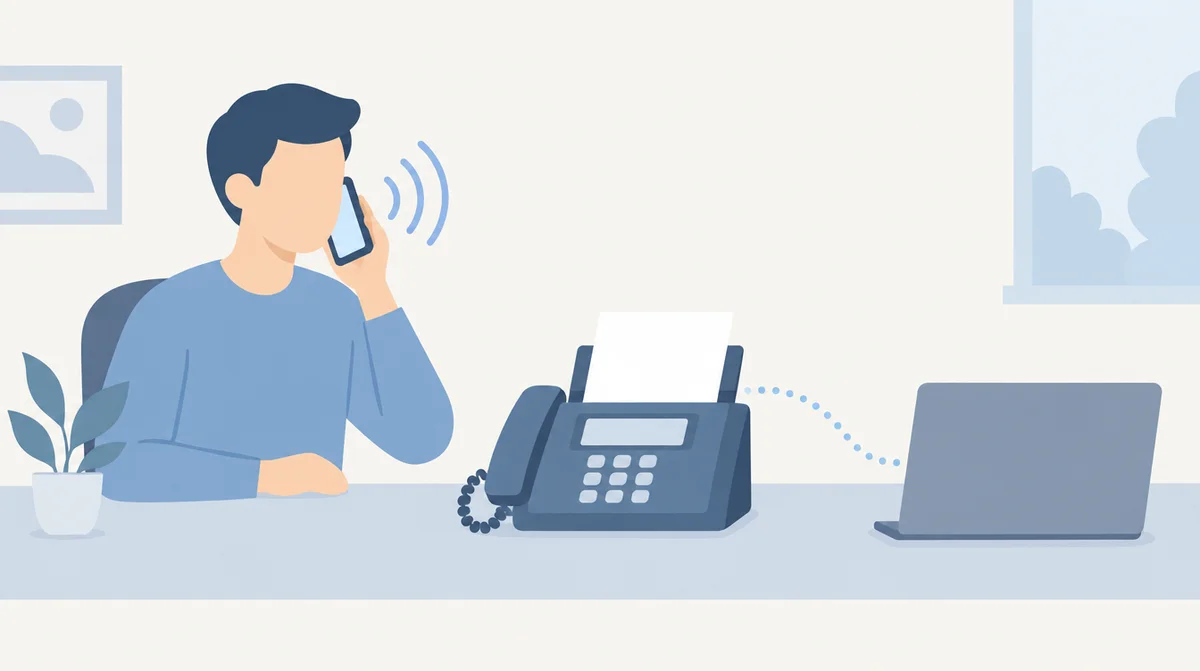
Google Voice gives you a phone number you can use from your web browser and mobile devices. So when someone asks for a fax number, it is natural to wonder whether that Voice number can do the job. This guide covers what Google's own Voice Help says Voice is for, what to use for faxes, and how to keep your Voice number for calls while you fax from the same phone.
Short answer
Use Google Voice for calls and texts, and a fax service for faxes. Google's own Set up Google Voice help page, checked November 17, 2026, says "Google Voice gives you a phone number for calls, texts, and voicemails." For faxes, give senders a dedicated fax number from a fax service.
With FaxDash, you can send a fax from your phone or a browser without a fax number of your own, and add a dedicated fax number only if you need to receive.
What Google Voice Help says Voice does
Google's Set up Google Voice help page, checked November 17, 2026, describes Voice this way:
- The number: Voice gives you a phone number "for calls, texts, and voicemails."
- Where you use it: you can make domestic and international calls from your web browser and mobile devices.
- The extras it lists: voicemail transcripts you can read and search in your inbox, personalized voicemail greetings, and international calls at low rates.
So the practical route is to keep Voice for the calls, texts and voicemails Google describes, and give faxes their own path.
What to use instead
Pick the route that matches what you need to do.
To send a fax from your phone
Use the FaxDash app on your iPhone or Android phone. FaxDash's sending help, checked November 17, 2026, describes it: scan a document with your camera or pick a PDF, confirm the pages, enter the destination fax number and tap send. Sending from the app doesn't need a fax number of your own, so your Voice number stays exactly as it is.
To send a fax from a computer
Sign in to the FaxDash web dashboard in your browser, upload a PDF and send. The web dashboard is also where you can sign the document before it goes or add a watermark (scan, sign and enhance help). Signing is a web dashboard feature.
To receive faxes
You need a dedicated fax number. In the FaxDash web dashboard, choose a receive plan, then open Fax Numbers, then Get a Number, and pick a local or toll-free number (receiving help). Inbound faxes appear in your inbox in the app and the web dashboard, and you get a push notification when one arrives. Our guide to getting a receiving number without a big monthly bill covers the options.
Then list both numbers where people need them: your Voice number for calls and texts, your fax number for faxes.
To fax from Gmail
If you work in Gmail, FaxDash's email-to-fax works from there. FaxDash's integrations help sets the rules:
- It needs a FaxDash fax number on your account.
- Send from the email address on your FaxDash account to your FaxDash number, digits only with the country code, followed by @fax.faxdash.io.
- Put the destination fax number in the subject and nothing else.
- Attach one PDF. Other file types are not read, and if there are several PDFs, only the first is sent.
See our Gmail fax guide for the full walkthrough.
Common mistakes
- Giving out your Voice number as a fax number. Google describes Voice as a number for calls, texts and voicemails. Give senders a dedicated fax number instead.
- Getting a fax number when you only send. Sending from the FaxDash app or web dashboard doesn't need one. You need a number to receive or to use email-to-fax.
- Typing the wrong country prefix. For a fax number outside the US and Canada, start with + and the country code.
- Treating delivered as read. In FaxDash, delivered means the transmission completed. It does not mean someone has read the document. See how to confirm a fax was received.
Cost
Google Voice pricing is separate and set by Google. On the FaxDash side, sending is pay as you go with no subscription: 1 credit per page to US (+1) numbers, including Canada, and more credits per page elsewhere. A cover page has no feature fee but uses 1 send credit. FaxDash's pricing help, checked November 17, 2026, lists credit packs from 5 pages for $0.99 to 150 pages for $9.99.
A fax number to receive needs a receive plan, from $3.99/month for Starter with 50 received pages and 10 send credits. FaxDash offers 2 free pages when you sign up.
How MetroFax compares, checked November 17, 2026
If you are choosing a fax service to sit beside Google Voice, here is what MetroFax's own home page said on November 17, 2026, compared on features only.
| FaxDash | MetroFax | |
|---|---|---|
| Where you send from | The iPhone and Android apps, the web dashboard, and email | Email, the web or a smartphone |
| Fax number | A local or toll-free number with a receive plan; sending from the app or dashboard needs no number | Your own local or toll-free fax number |
| Sending from an email inbox | Email your FaxDash number at fax.faxdash.io with the destination number in the subject and one PDF attached | Email the recipient's fax number followed by @metrofax.com with the file attached |
Sources: FaxDash's sending help, receiving help and integrations help, and MetroFax's home page.
Both give you a separate fax path while Voice keeps handling your calls. With FaxDash, you can send from the app or a browser before you decide whether you need a receiving number at all.
FAQ
Can I send a fax from my Google Voice number?
Google's Voice Help describes Voice as a phone number for calls, texts and voicemails. For faxes, use a fax service. FaxDash sends from its app or web dashboard without a number of your own.
Can someone fax me at my Google Voice number?
Give them a dedicated fax number instead. With FaxDash, that is a local or toll-free number on a receive plan, and faxes show up in the app on your phone.
Can I keep my Google Voice number and also fax?
Yes. Keep Voice for calls and texts, and use FaxDash for faxes. The two don't need to be connected.
Can I fax from Gmail?
Yes, with FaxDash email-to-fax, once you have a FaxDash fax number. Send from the email address on your account, with the destination number in the subject and one PDF attached.