What Google says Google Voice is for, and how to send and receive faxes from your phone, browser or Gmail while you keep your Voice number for calls and texts.
Guides to scanning and faxing documents from iPhone, iPad and Android, plus comparisons of mobile fax apps.
8 articles
What Google says Google Voice is for, and how to send and receive faxes from your phone, browser or Gmail while you keep your Voice number for calls and texts.
Receive faxes on your iPhone or Android phone with a dedicated fax number: get a number, set up notifications, read faxes in the app, and what a receive plan costs.
Mobile Fax
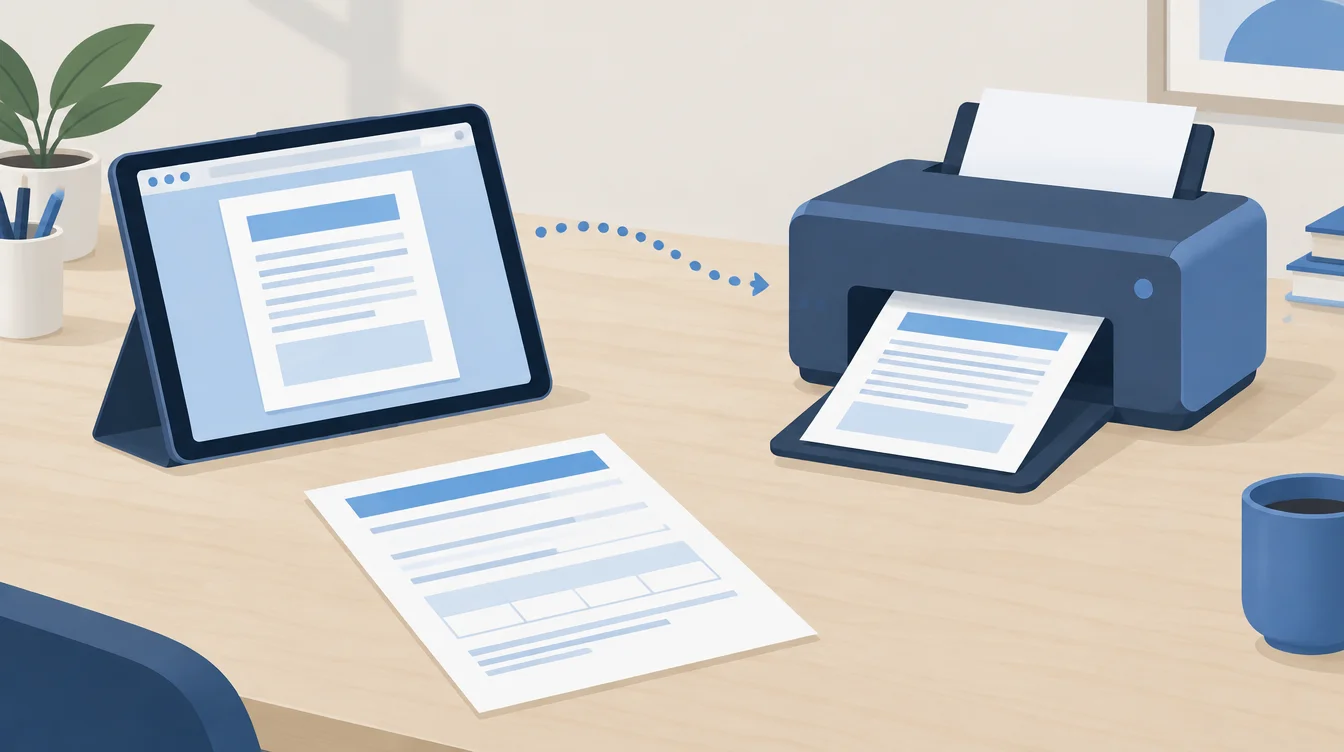
Fax from an iPad: scan with the Files app or save your PDF, then send it from the FaxDash web dashboard in Safari. No fax number needed.
Document Preparation
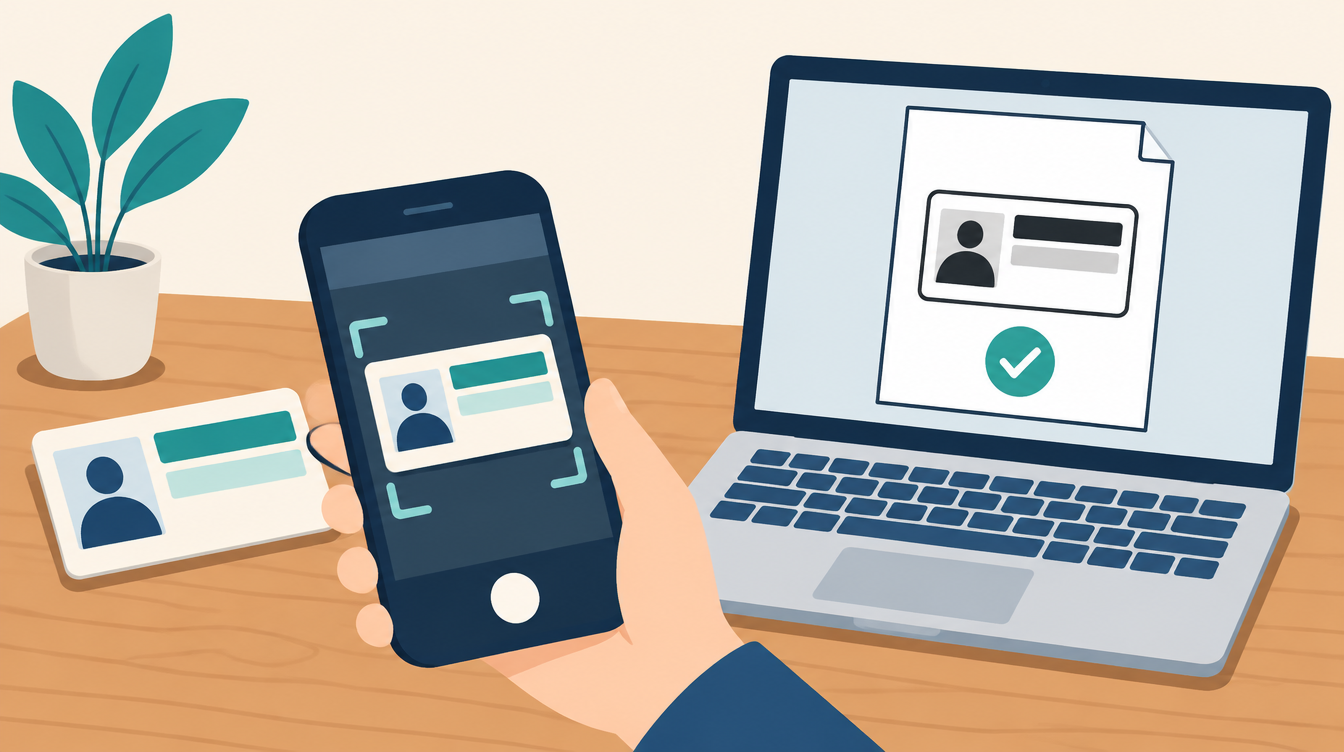
Fax a photo or ID copy as a readable black-and-white page. Scan it in the FaxDash app, check the result, and know what enhancement does and what Delivered proves.
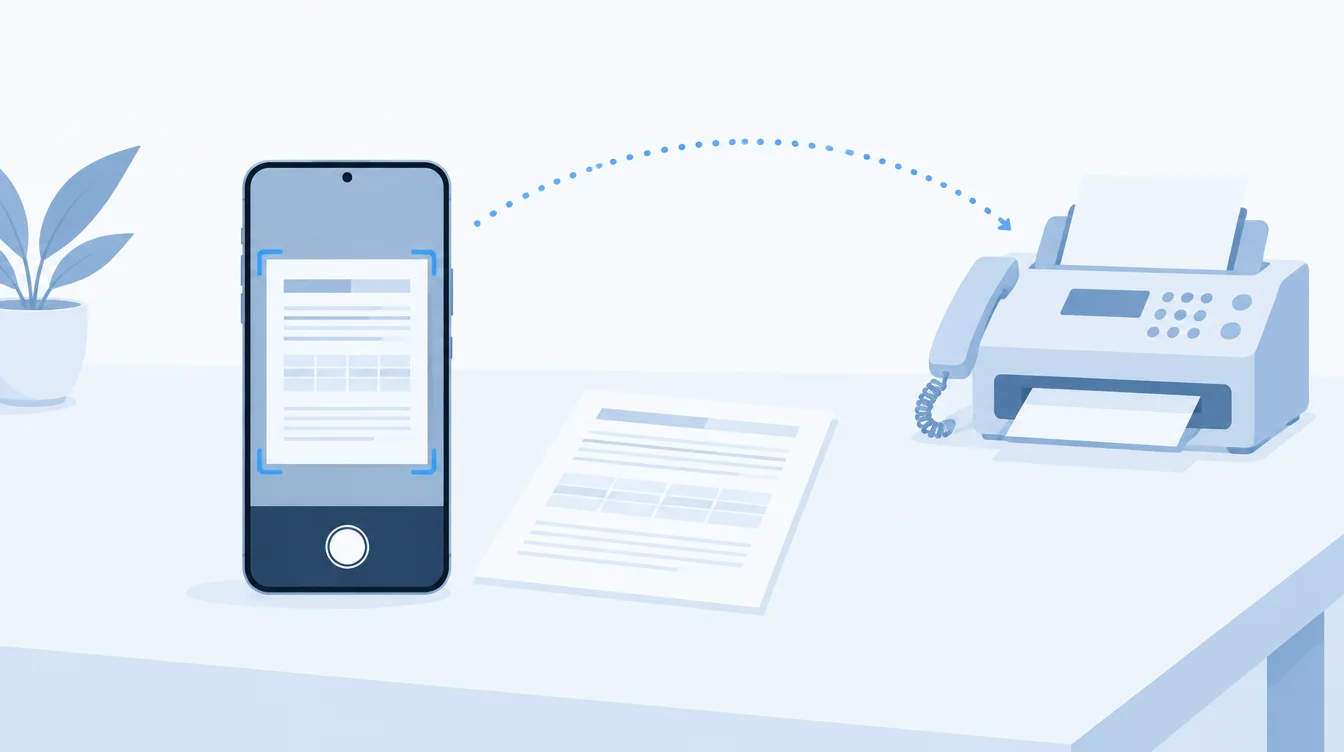
Android fax app comparison for 2026: FaxDash, Fax.Plus and iFax on sending without a subscription, plan prices and Google Play billing.
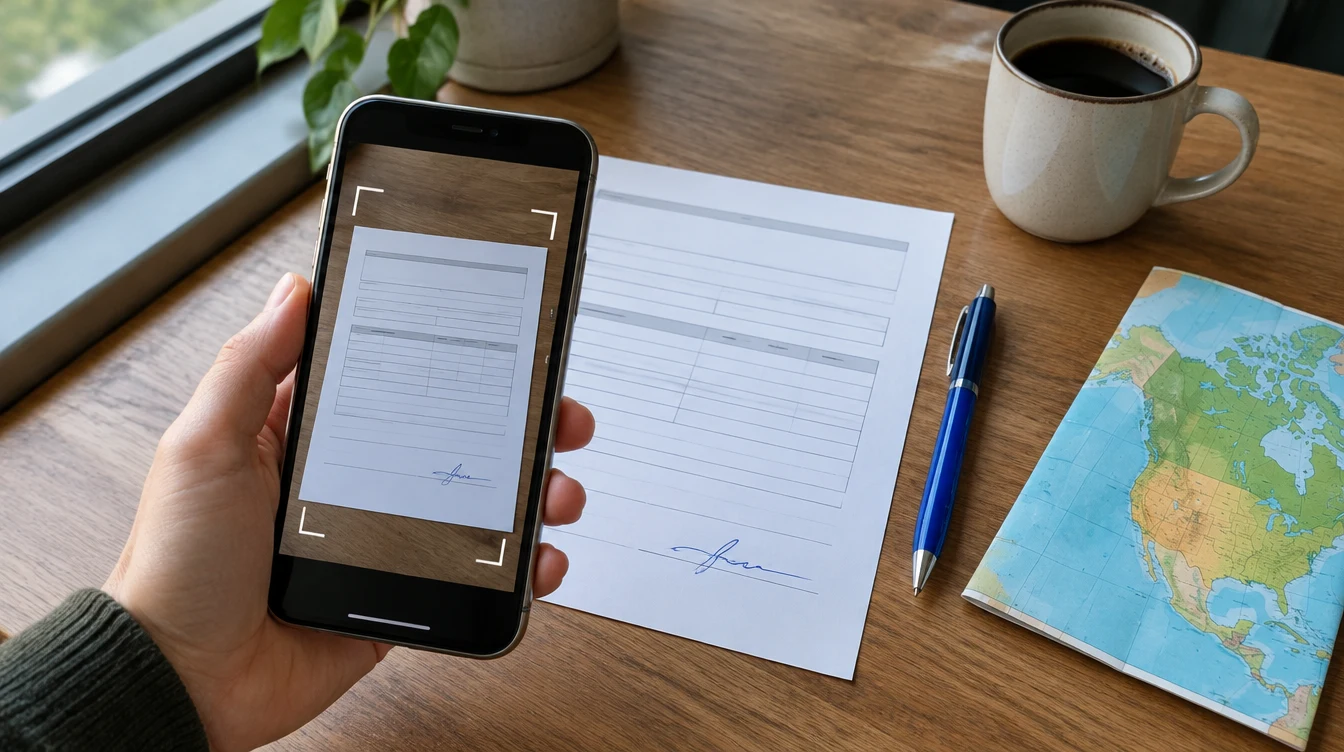
Fax a Canadian number from your phone, or fax the US from Canada: dial +1 and the 10 digits, count your pages, send, and check for Delivered or Failed.
Mobile Fax
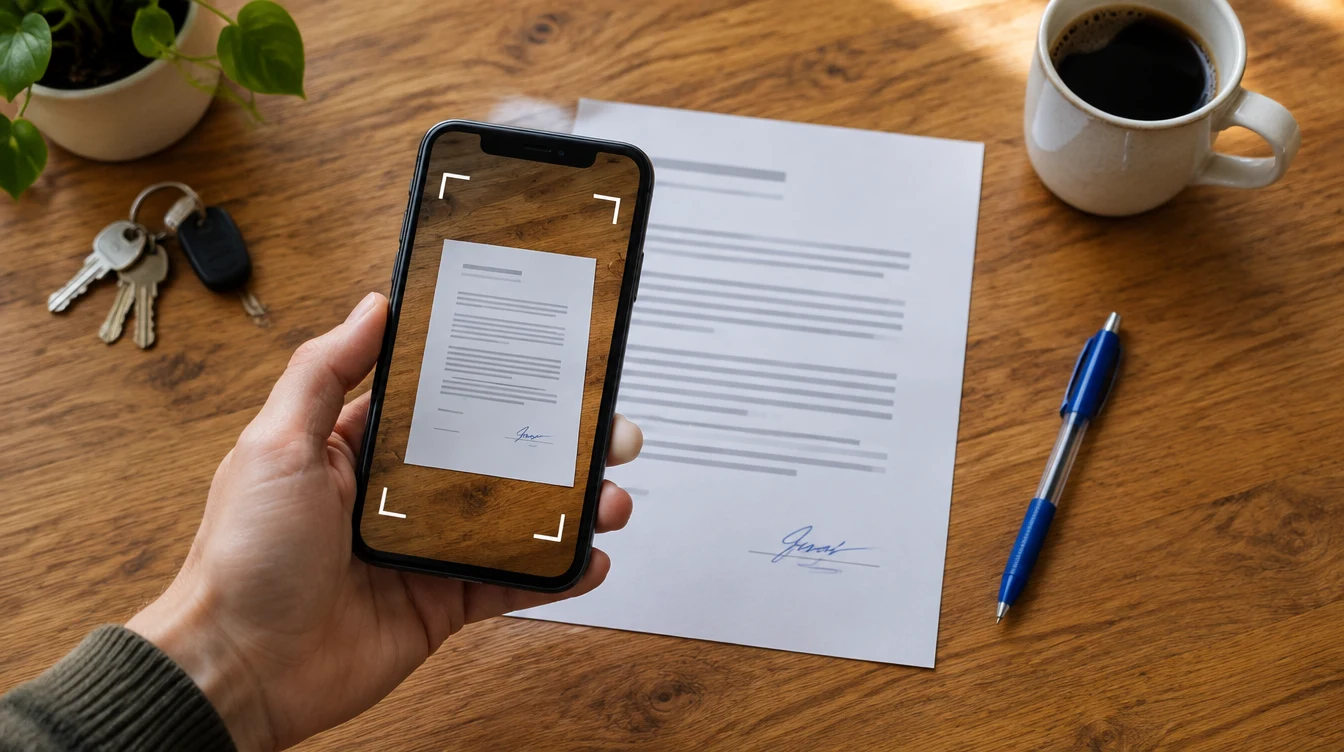
Fax from your phone without a machine: scan in the FaxDash app, enter the number, send, and check for Delivered or Failed. Costs and catches included.
Compare the best fax apps for Android and iPhone: FaxDash, Fax.Plus, iFax and FaxBurner on scan to fax, signatures, receiving numbers and plan prices.