
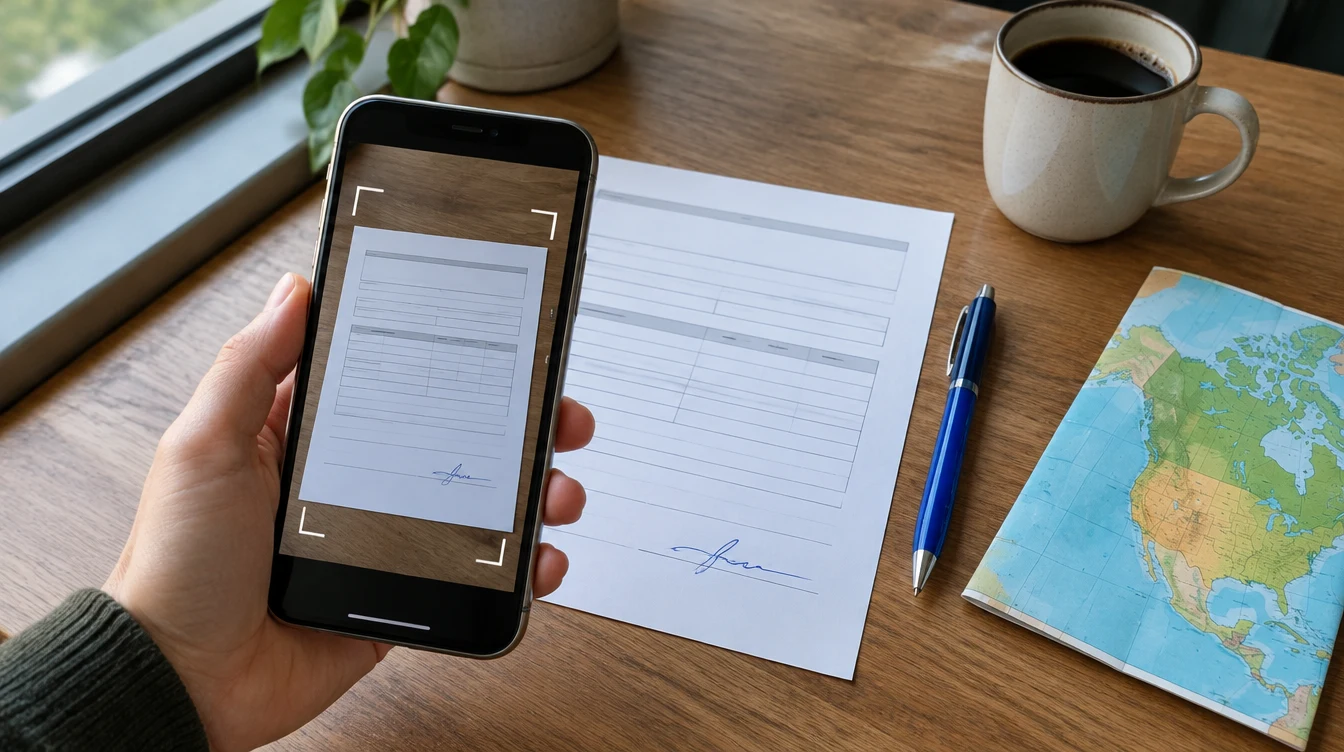
Suppose a supplier in Toronto asks for a signed order form by fax, and all you have is the paper copy and your phone. Or flip it: you're working from Vancouver this month, and a US office wants a form faxed back to them.
Both directions work the same way in the FaxDash app. Canada and the US share the +1 country code, so you dial a Canadian fax number just like a US one: +1, then the 10-digit number. Help's email-to-fax guide notes that "A 10-digit number is read as US or Canadian." You don't need a fax machine, a phone line or a fax number of your own to send.
What you need before you start
- The FaxDash app on an iPhone or Android phone, and a FaxDash account. FaxDash offers 2 free pages when you sign up.
- The document, on paper or as a PDF on your phone.
- The recipient's fax number, confirmed with them, including the area code.
- A signature plan. If the form needs signing, sign the paper with a pen before you scan it, or add a drawn signature in the web dashboard. The app scans and enhances pages; it doesn't do the signing.
- Enough credits for every page, including a cover page if you add one. A cover page has no feature fee, but it uses 1 send credit.
Step 1: Scan the pages with your phone
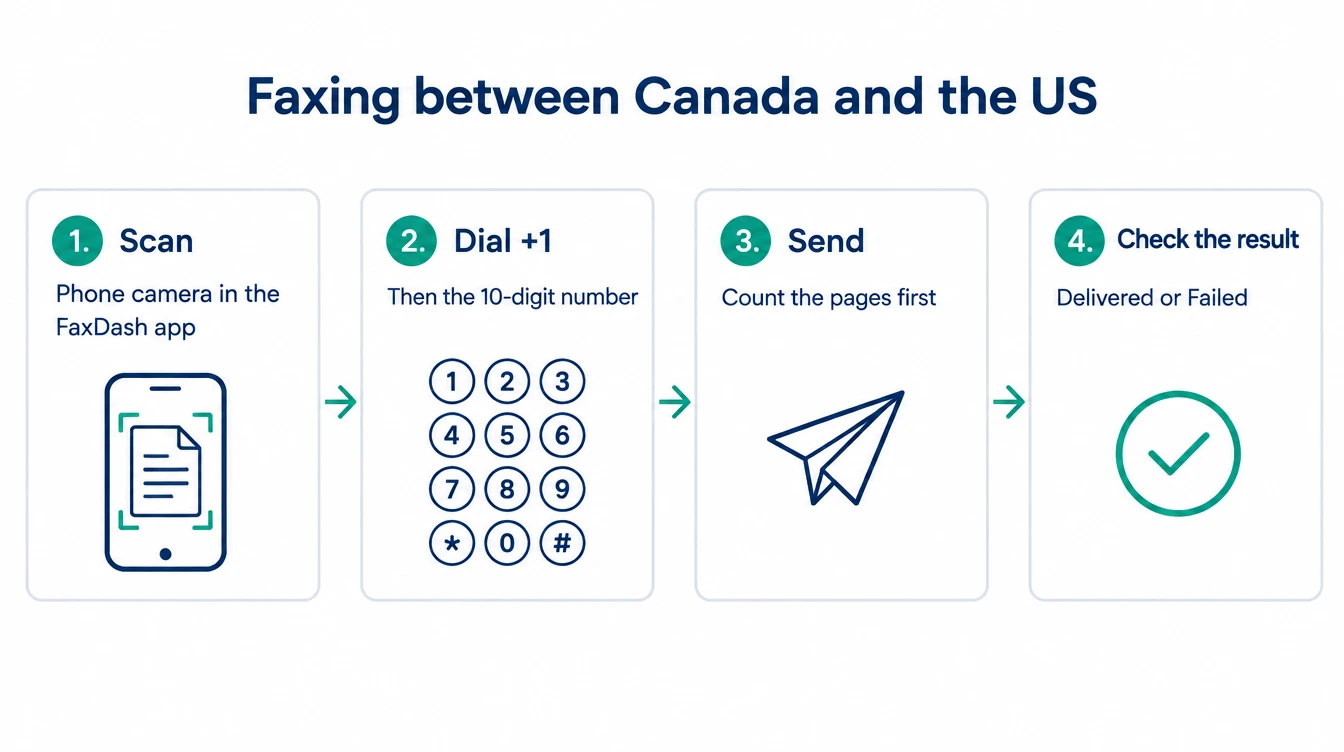
Open the app, choose to scan and point your camera at the page. FaxDash finds the edges, straightens the page and balances the contrast, and you can scan several pages into one fax. If the document is already a PDF, pick the file instead. The scan, sign and enhance guide covers each part, including signing in the web dashboard under Finishing touches.
Step 2: Enter the number with +1 in front
Type + first, then 1, then the 10-digit fax number. For a Toronto number, that looks like +1 416 555 0142.
Typing the + yourself matters most when you're the one who's away from home. Help says the app adds your own country's prefix as soon as you start typing unless you type + first. Starting with +1 keeps the number exactly as you meant it, whichever side of the border you're on.
Step 3: Count the pages, then send
Count the pages, including any cover page, before you send. Help says a fax to a US (+1) number uses 1 credit per page, wherever you send it from, and a fax to a Canadian number costs the same: 1 credit per page. If you send from the web dashboard, Help's steps say to check the document, recipients and credit cost before you click Send Fax.
If a cover page helps the recipient route the fax, the guide on what to put on a fax cover sheet has a short list.
Step 4: Check for Delivered or Failed
After you send, check for Delivered or Failed in your fax history. Delivered means the transmission completed. It doesn't tell you anyone has read the pages, so a quick call is worth it when the form matters.
FaxDash retries automatically when a failure looks temporary, such as a busy line. If every attempt fails, the fax shows as Failed and its credits go back to your balance. Check that the number is a fax line, not a phone line, then resend. Delivered faxes include a confirmation you can download, so save it with the document.
The honest catch
Several Caribbean islands also use the +1 code, so if an "area code" looks unfamiliar, confirm where the number actually is before you send.
The other catch is credits. A fax to Canada costs 1 credit per page, the same as the US, so count your pages and make sure your credits cover them before you send. If you also need people to fax you back, sending alone won't cover it; receiving needs a receive plan with a dedicated number.
For more ways to send and receive, including options that don't involve your phone, see where to send or receive a fax. For the general phone walkthrough, see how to fax from your phone. The full sending details are in the sending faxes guide.
How other services handle Canada
| FaxDash | Fax.Plus | eFax | |
|---|---|---|---|
| Send without a plan | Yes, pay-as-you-go credits | See its pricing page for sending options | Not shown on the pricing page |
| Entry plan | Receive plans from $3.99/month | Basic $6.99/month billed annually ($83.99/year), 200 pages a month | Personal $18.99/month billed monthly, 200 pages a month |
| What the pricing page says about Canada | 1 credit per page to Canadian numbers, the same as US (+1) numbers | Notes that faxes to certain destinations may count as multiple pages; Canada not singled out | Personal plan pages are "to US & Canada", $0.10 per page over the plan |
Prices checked Nov 3, 2026, on each company's own pricing page.
Your next step
Scan one page, enter the number as +1 and the 10 digits, count your pages and send.