
The short answer
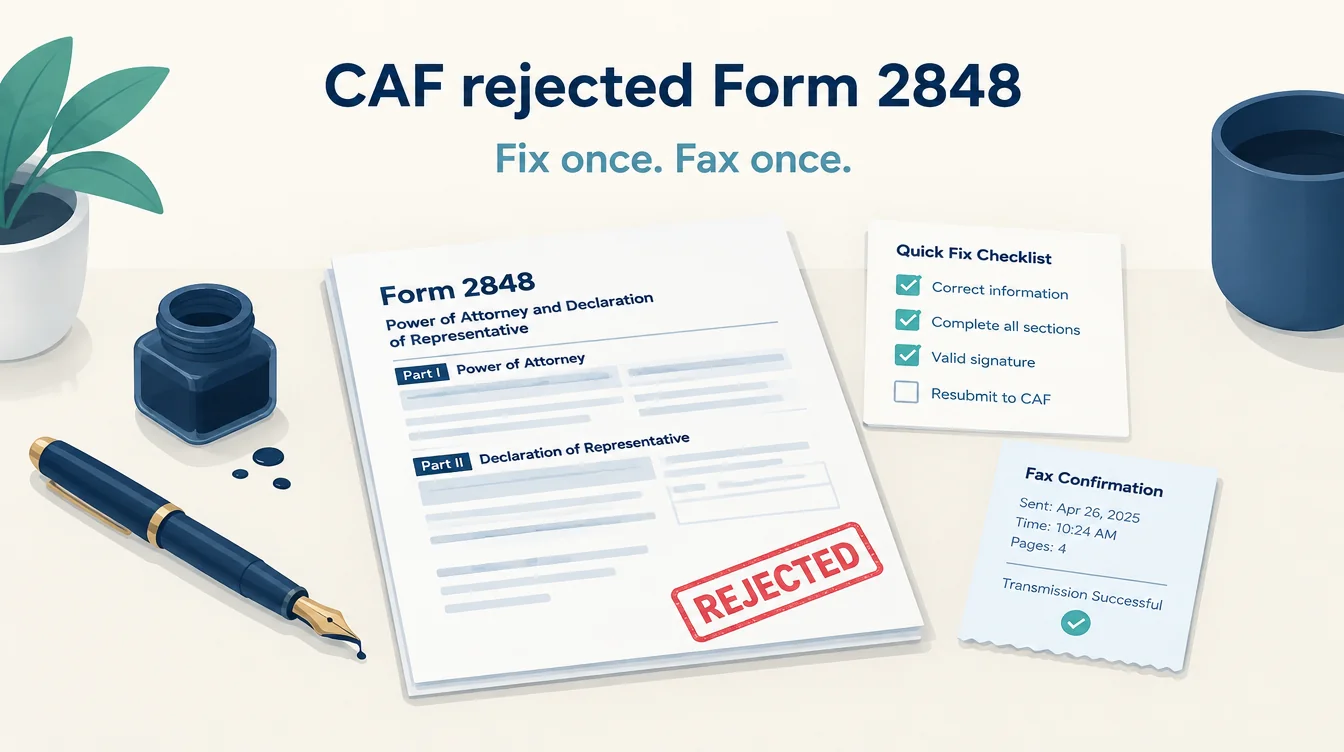
If the IRS rejected Form 2848 for the Centralized Authorization File (CAF), fix the form first. Then choose one submission route and send once. If that route is fax or mail, the IRS requires a handwritten signature. A FaxDash Delivered status means the transmission completed. It does not mean the authorization is on CAF.
Common rejection reasons the IRS lists today include missing signatures or signature dates, tax periods written as generalizations such as "All Years," a Line 6 retention box checked without the prior power of attorney attached, missing designation or jurisdiction, a missing license or enrollment number when one applies, and a business taxpayer signing without a title.
This guide is for enrolled agents, CPAs and tax-office managers who need a client POA onto CAF after a rejection. It is workflow guidance, not tax or legal advice. Check the current IRS instructions and the common reasons for power of attorney (POA) rejection page before you act. For the fax-once steps after the form is fixed, see How to fax IRS Form 2848 or 8821. For office tracking and handoffs, see A fax workflow for small tax offices.
IRS rejection reasons (Form 2848)
The IRS page Common reasons for power of attorney (POA) rejection (page last reviewed or updated June 28, 2026; re-checked October 27, 2026) lists these Form 2848 problems:
| Issue the IRS lists | What to fix before you resubmit |
|---|---|
| Missing representative and/or taxpayer signatures or signature dates | Complete signatures and dates. The IRS points to the Form 2848 instructions for the signature and date rules. |
| Line 3, Acts authorized: non-specific tax periods (for example "All Years" or "All future periods") | Use specific periods. The IRS examples include ranges such as "2012 through 2014" or a list of years. |
| Line 6 retention/revocation box checked, but no copy of the prior power of attorney attached | Attach the copy that identifies the representative being retained, or clear the box if it does not apply. |
| Missing designation and/or jurisdiction state | Complete Part II designation and licensing jurisdiction. |
| Missing bar license, certification, registration or enrollment number when applicable | Enter the number the designation requires. |
| Title of a business taxpayer signing the POA not indicated | Enter the signer's title. |
Two related IRS notes matter before you treat a "rejection" as something to fax again:
- Line 4 (specific use). Items to consider while completing Form 2848 says checking line 4 means the authorization is not recorded on the CAF. Do not send a specific-use Form 2848 to a CAF unit if it is not meant for CAF.
- Lines 5a and 5b ("modified" CAF entries). The same IRS page explains that certain entries on lines 5a and 5b can be recorded as "modified," which limits use of tools such as the Transcript Delivery System for those matters. Read that page before you fill those lines.
The Form 2848 instructions state: "You must handwrite your signature on Form 2848 if you file it by mail or by fax. Digital, electronic, or typed-font signatures are not valid signatures for Forms 2848 filed by mail or by fax." A form with an electronic signature must go through the IRS online route instead.
Fix the form before you resubmit
Work least disruptive to most disruptive. Change nothing about the fax or mail packet until the form itself matches the IRS list.
- Read the IRS rejection reason (or the letter) against the table above. Note which line failed.
- Open a clean Form 2848 from IRS.gov, or correct the fields that failed. Do not assume a prior scan still matches what you will send.
- Fill Line 3 with specific tax matters and periods. Avoid "All Years" and "All future periods."
- If Line 6 is checked, attach the prior power of attorney that identifies the representative being retained.
- Complete Part II: designation, jurisdiction and any required license or enrollment number.
- If a business taxpayer signs, include the title.
- Decide the route once: Tax Pro Account (when it fits), IRS online upload, fax or mail. The IRS Request a POA or TIA page lists these options and warns that submitting duplicate Forms 2848 or 8821 increases inventory and may delay processing. Verify current processing status before submitting another authorization.
- If the route is fax or mail, print and sign by hand in ink. Do not use an on-screen drawn signature for that route.
Stop here if the form is still incomplete. Faxing a corrected cover sheet over a still-broken Form 2848 does not fix a CAF rejection.
If you fax the corrected form
Use the dedicated how-to for the send itself: How to fax IRS Form 2848 or 8821. In short:
- Take the fax number from the current Form 2848 instructions Where To File Chart on the day you send. The IRS says those numbers may change without notice.
- Scan every signed page. Check readability, page order and that the file opens without a password.
- Send once. Wait for the final status.
- If the fax shows Delivered, save the confirmation with the client file. The FaxDash Help Center says delivered faxes include a confirmation you can download (on the web dashboard: Download Receipt on Sent Faxes).
- Do not fax the same form again, and do not also upload it online, unless the IRS tells you to. The IRS processing status page says not to submit a duplicate form. The online submission page says that if you already faxed or mailed a form, do not submit it online.
Transmission success vs CAF acceptance
Keep these in separate columns of your office log. They answer different questions.
| Column | What it records | What it does not establish |
|---|---|---|
| Route | Tax Pro Account, upload, fax or mail. One only. | Whether CAF has the authorization |
| Send result | For fax: final status and where the receipt is saved. For upload: IRS email confirmation of receipt. | That the IRS accepted the form or recorded it on CAF |
| IRS status checked | Date you checked the IRS processing status for tax forms page, and what it said that day | A fixed processing time you can promise a client |
| Recorded on CAF | Yes, no or unknown, and how you confirmed it | That a Delivered fax alone proved CAF entry |
On October 27, 2026, the IRS processing status page listed Forms 2848 and 8821 as "Processed 3 business days after receipt." That estimate comes from the IRS and can change. Treat it as a reminder to check status, not as a guarantee. The online submission page also says the IRS does not notify you when the form is processed.
For individuals, Tax Pro Account can show active authorizations after they are on file. Use the IRS's own tools and letters for CAF status. Do not treat FaxDash history as a CAF lookup.
How FaxDash compares for a corrected authorization
We make FaxDash. Here is how these services describe their options on their own pages, checked November 7, 2026. Once the form is corrected, the useful comparison is who can check the previous send before a teammate sends another copy.
| Service | Office access | Before another send |
|---|---|---|
| FaxDash Business | Owner plus 2 included seats, with individual accounts | Shared sent history shows the sender; save the receipt in the client file |
| Fax.Plus Business | 5 members included | Ask support to activate shared Sent; it excludes pending Outbox items |
| eFax Business | 5 user licenses and online storage listed | Verify which users can see a colleague's sent documents and result; that permission detail was not established on the pricing page |
| MyFax Share with 5 | Up to 5 email addresses on one account | Agree where everyone records the send; shared email access does not establish independent permissioned seats |
Our advice: Fax.Plus Business may fit an office needing five members and a documented shared Sent option. Check pending sends with the owner of the job too. Assigning one incoming number to multiple Fax.Plus members counts a separate received copy for each member, so include that in your volume estimate.
Whichever service you use, give the corrected form one owner and one entry in the client log. Store the signed version, transmission result and later IRS status together. Do not rely on a fax provider to validate the completed POA or prevent CAF rejection. A transmission receipt does not prove CAF acceptance. Features and prices change, so check each service's own page before you decide.
Where FaxDash Business helps
After a rejection, the riskiest office mistake is a second send while someone else already faxed a corrected form. FaxDash Business teams are set up from the web dashboard. The Help Center and Business page describe a shared sent history that shows who sent each fax, so a colleague can check before sending again. Team seats are you plus 2 on Business, with extra seats available.
That history records transmission results. It does not replace CAF status on IRS systems. Use it to prevent duplicates and to find the confirmation you saved, not as proof the IRS accepted the POA.
While you wait on CAF after a Delivered fax, keep one owner on the client row and a clear after-hours path for anything that still arrives on paper. FaxDash Connect can auto-print newly received faxes to an office printer so the desk handoff stays visible without changing the send-once rules above.
See how FaxDash Business works for small teams. For industry context, see FaxDash for accounting.
When to stop and ask
- Tax form questions (which form, what to enter, who may sign): check the current IRS instructions and, where needed, a qualified tax professional.
- CAF or processing status: use IRS processing status pages, Tax Pro Account (when it applies) and IRS correspondence. Do not keep faxing the same form to "speed up" CAF.
- A fax that will not go through after you have checked the number and the file: email support@faxdash.io with the destination number, the status and the date and time. Leave taxpayer names, identification numbers and form contents out of the email.
This guide is general information, not legal or tax advice. Fax numbers, forms and agency rules change, so check the agency's official page before you send. FaxDash isn't responsible for decisions made or actions taken based on this guide. For advice about your situation, talk to a qualified tax professional or attorney.