
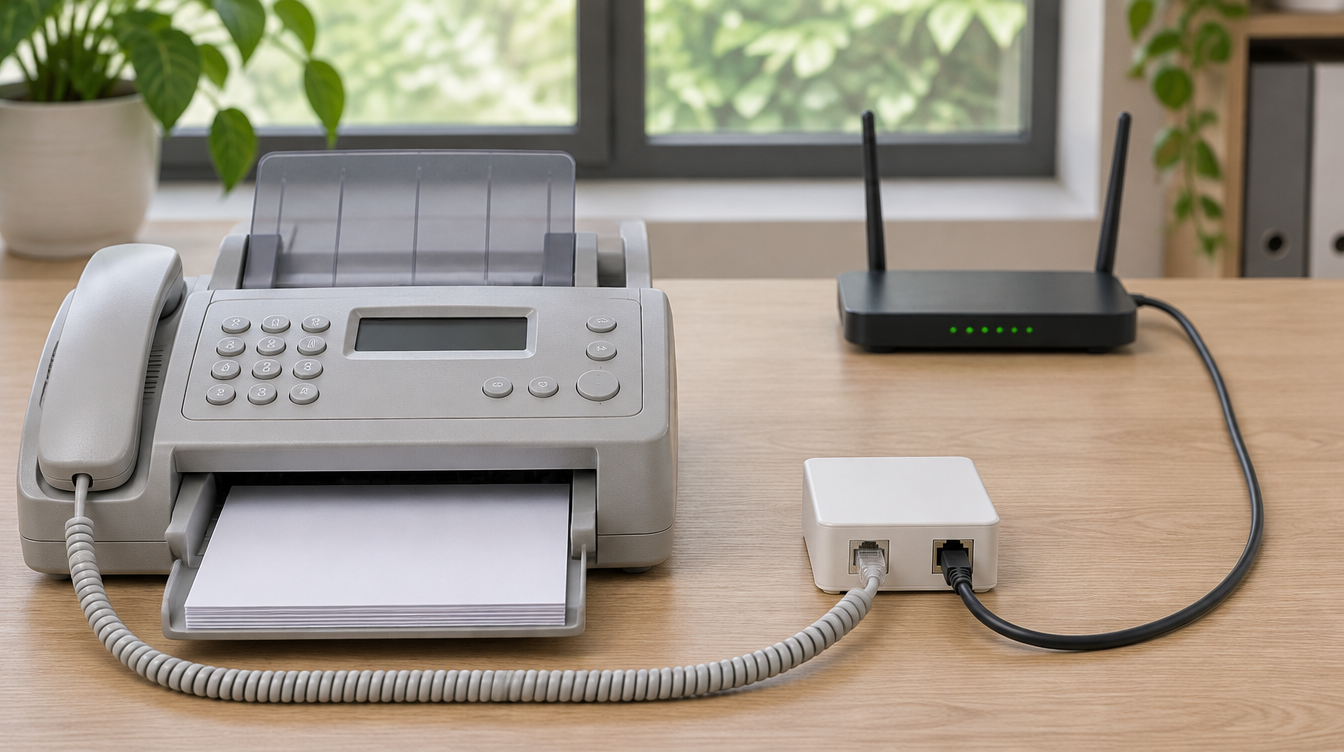
You can try to fax over a Voice over Internet Protocol (VoIP) phone line, but a traditional fax machine often fails on that path. A fax is a T.30 modem session, not ordinary speech, and an internet phone line does not behave like a public switched telephone network (PSTN) line. T.38 is the ITU standard that defines how Group 3 fax can cross an IP network. An online fax service is a different approach: you send from an app or the web, and the service places the call.
Why a fax machine struggles on a VoIP line
A Group 3 fax machine talks to the other end with ITU-T T.30 procedures: a telephone call that carries modem signals, not a spoken conversation. VoIP service turns audio into packets and sends them over the internet. Those two designs do not match.
ITU-T T.38 says so directly. Recommendation T.38 (11/2015), still listed as in force on the ITU page, exists because "the characteristics of IP networks differ from those provided by the PSTN or ISDN," and "some additional provisions need to be standardized to maintain successful facsimile operation." If you plug a machine into a VoIP analog telephone adapter and treat the call as ordinary voice, the handshake can break, the page can stop mid-send, or the call may never connect.
That is a path problem, not proof that the destination number is wrong. Still, confirm the number first. Offices that are losing a copper line run into the same question; see Copper landline going away? What happens to the office fax machine.
What T.38 actually means
T.38's title is "Procedures for real-time Group 3 facsimile communication over IP networks." Its scope is narrow: the procedures that let a Group 3 fax go through when, in addition to the PSTN or ISDN, part of the path is an IP network, such as the Internet.
The standard is not a consumer app setting. It describes fax gateways. In the T.38 model, a traditional machine still places a PSTN-style call into a gateway. The emitting gateway demodulates the T.30 session, then transfers the fax control and image data as packets (IFP packets over TCP or UDP) to a receiving gateway. That gateway rebuilds the session and places a call to the destination machine. The two machines stay "virtually linked" and still negotiate with T.30. What changes is the middle of the path: the fax is carried as fax data, not as a compressed voice stream.
T.38 only works when the devices on that IP portion actually speak T.38 to each other. A VoIP provider may document T.38, or it may not. Support on your adapter does not mean the far end will use T.38 too.
An online fax service is a different path
You do not have to attach a machine to your office VoIP line. With an online fax service, you send a PDF or a scan from an app or a web dashboard. The service, and its carrier, place the fax call. That is not the same as enabling T.38 on your phone system, and it does not require you to configure a gateway.
Help does not describe a customer T.38 setting. You send from the FaxDash app or the web dashboard. Sending by email also works, but it needs an active FaxDash receive number and one PDF. You can send without a FaxDash number; to receive, add a US (+1) number on a plan that includes one. See Do you need a fax number to send a fax? if you are choosing between send-only and a receiving number.
A "Delivered" result still means the transmission completed, not that a person reviewed the pages.
Checks before you rely on a VoIP fax setup
Start with the check that changes the least.
- Confirm the destination number against a source you already trust.
- If you are trying a machine on a VoIP line, send a short test page first. See How to send a test fax (before an important one).
- If the call does not connect, or the pages stop mid-send, work through Why a fax fails to connect, and what to check before you resend before you keep trying. How to resend a failed fax (and when not to) covers when another attempt is useful.
- Ask your VoIP provider whether it documents T.38, and whether an analog telephone adapter on your account would actually use it. Check that answer in writing.
- If the office line will not carry a reliable T.30 session, stop using that line for the machine. Send from an online fax account, or review what is left of the copper line, instead of repeating the same failed call.
How other services describe VoIP and T.38
This is a short, feature-only look at what two other services document on their own pages, checked November 17, 2026. It is not a ranking.
Fax.Plus's VoIP fax page describes sending a fax over VoIP by connecting a traditional machine to an analog telephone adapter, and it lists data compression, packet loss or jitter, and codec compatibility as problems of that setup. It also describes T.38 as a protocol intended to facilitate faxing over IP. iFax's VoIP vs analog page states that faxing on a VoIP phone system "Requires an analog terminal adapter (ATA) and support for T.38 protocol."
If you still want to attach a machine to an internet phone line, check what that provider actually documents for T.38 or an ATA. Online fax is a different path. Check what each service offers.