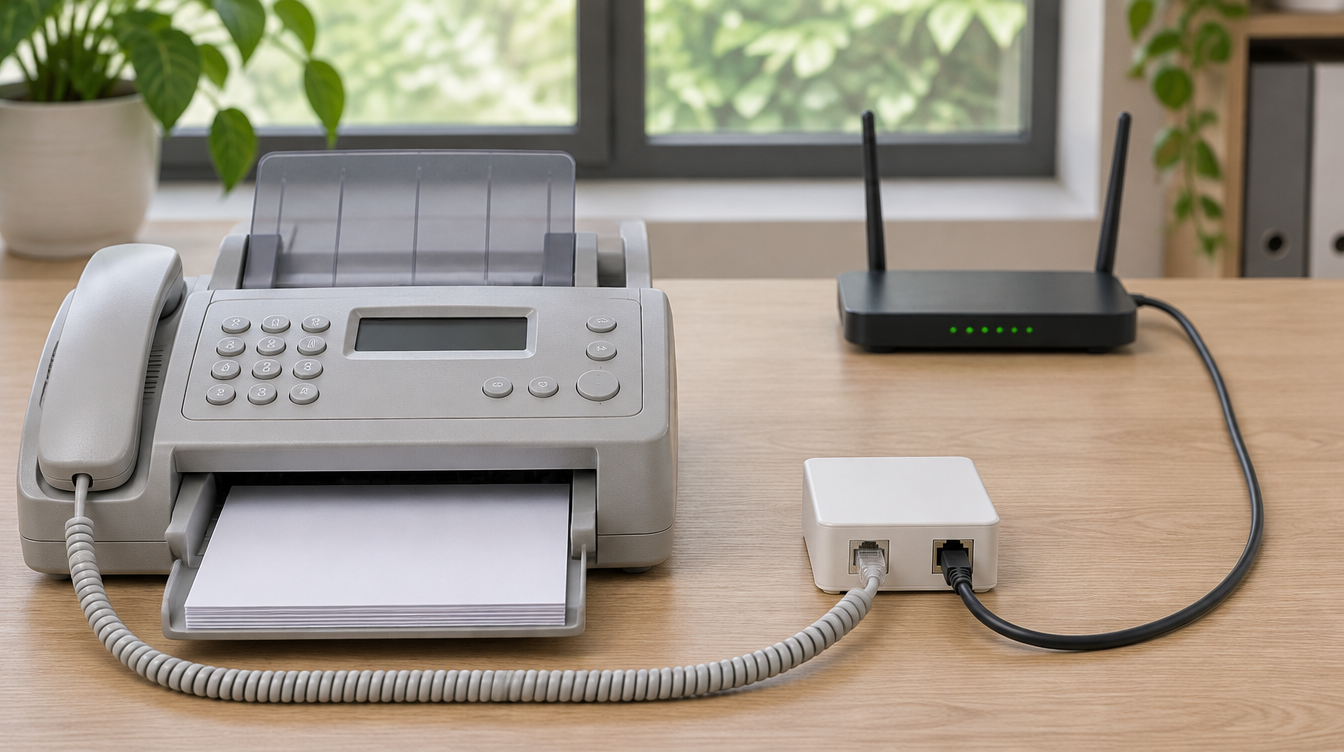
A fax machine on a VoIP phone line often fails because fax is a T.30 modem session, not ordinary speech. Here is what T.38 means and what to check before you rely on that setup.
Step-by-step guides for understanding fax results and working through failed or unclear sends, starting with the safest check.
10 articles
A fax machine on a VoIP phone line often fails because fax is a T.30 modem session, not ordinary speech. Here is what T.38 means and what to check before you rely on that setup.
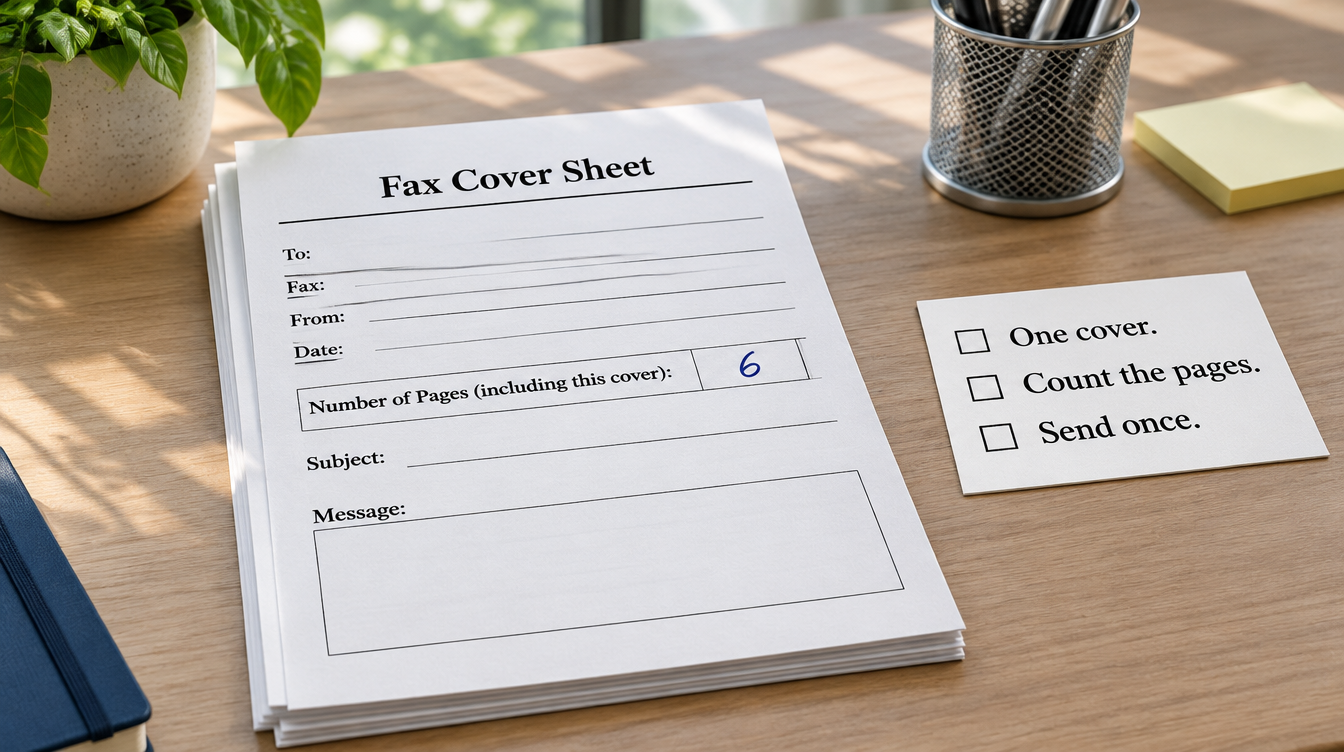
Assemble a fax with one routing cover, the right document order, and an accurate page count. Follow this final-PDF checklist before sending.
Troubleshooting
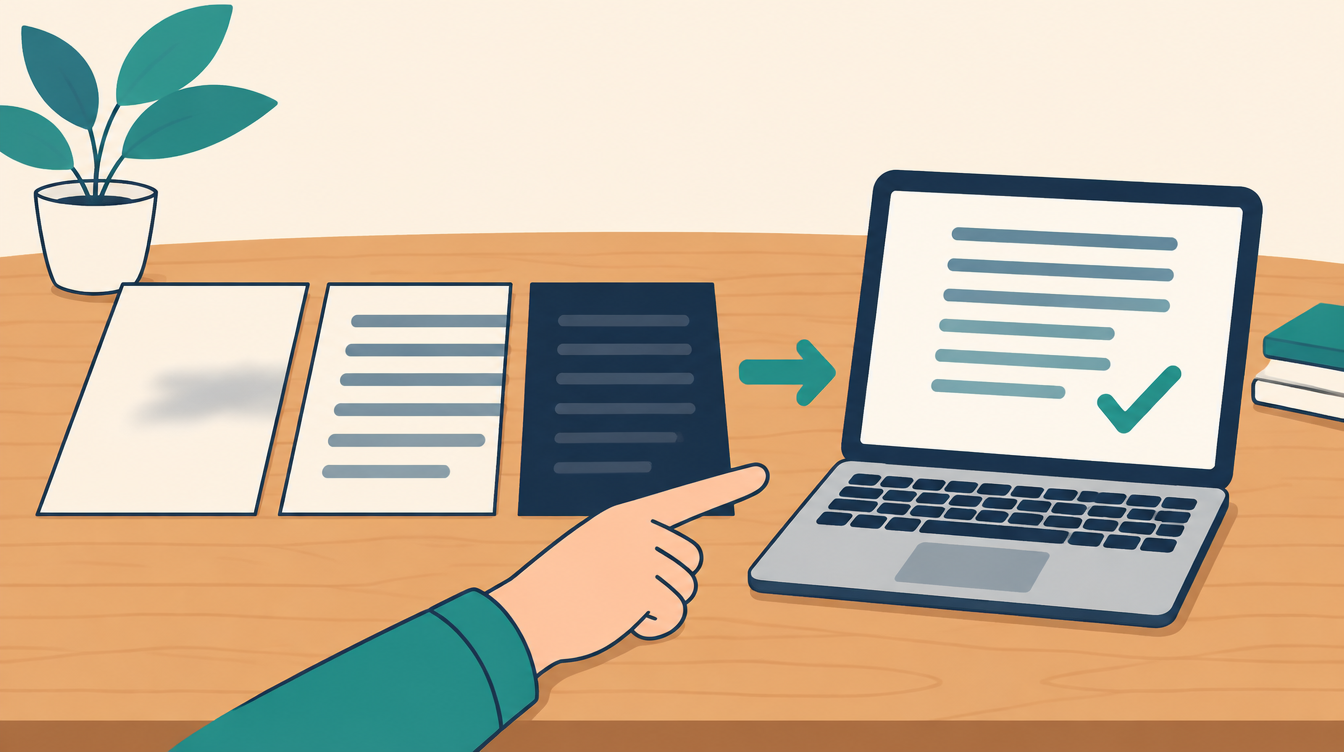
If the recipient says your fax is blank, cut off or too dark, check your copy first. Then fix the file, or ask them to check their printout, before you resend.
Troubleshooting
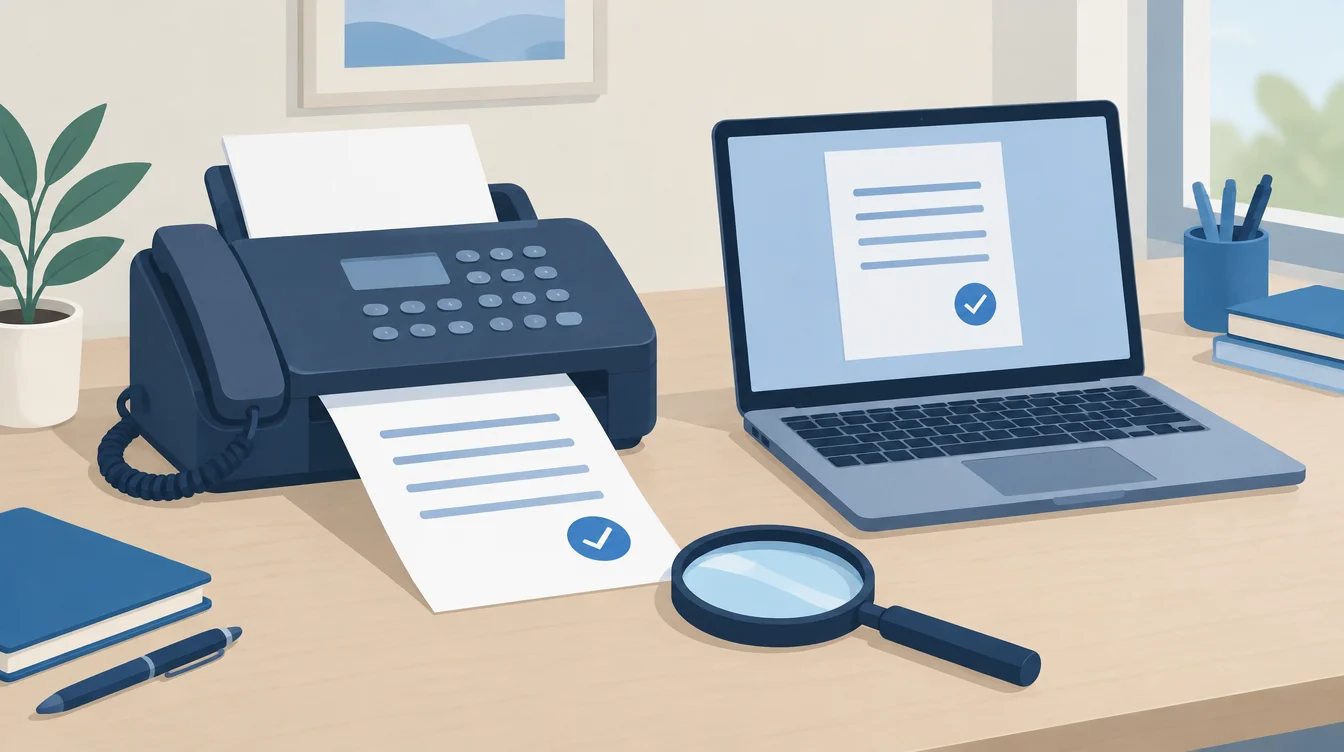
Send a one-page test fax to a line you can check before an important one: what a test proves, what it doesn't, and when to call instead.
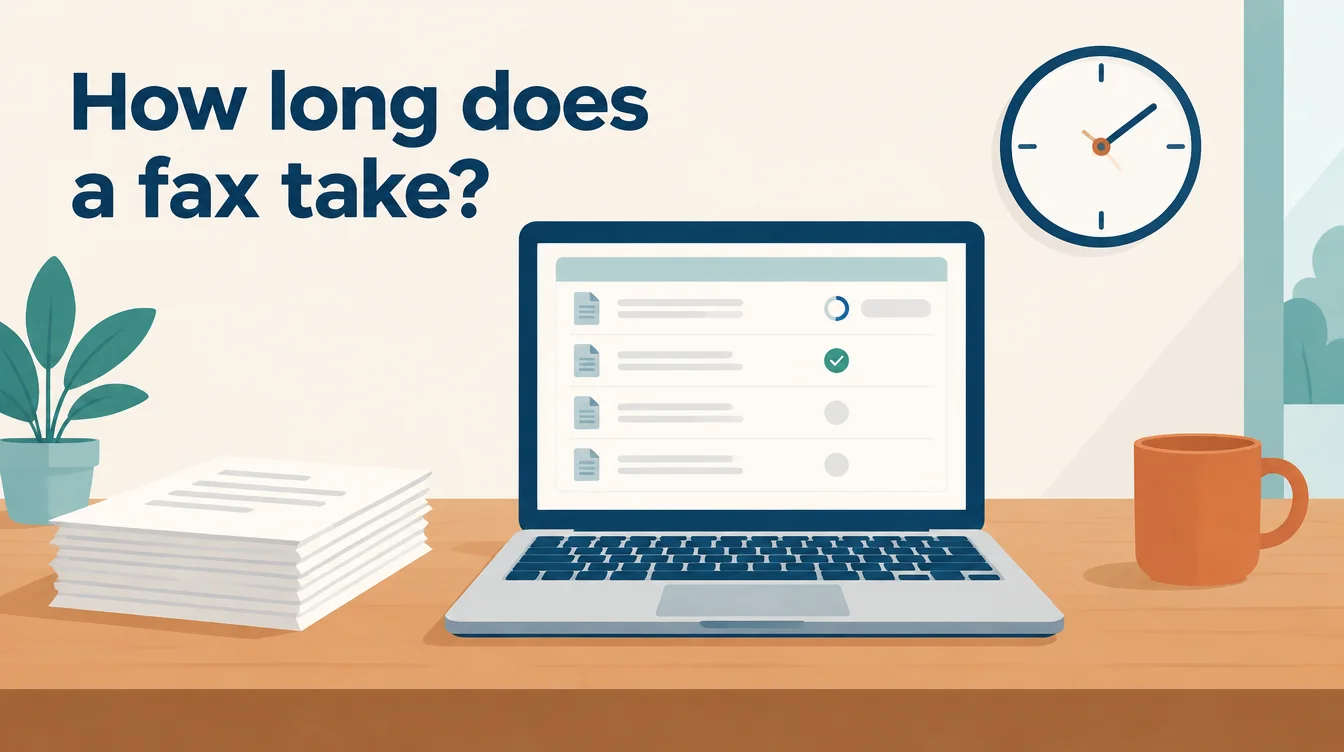
There is no fixed time for a fax. See what affects it, how to read the sending, delivered and failed statuses, and when to wait before you resend.
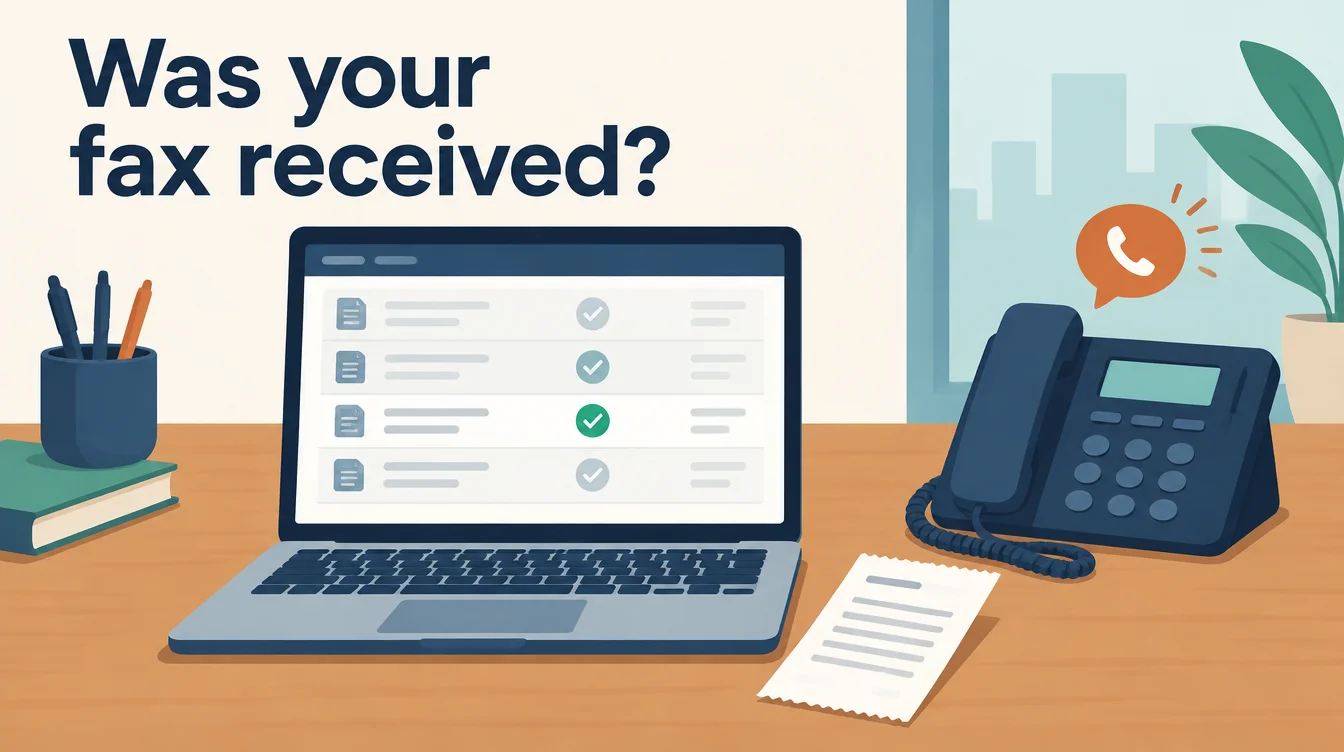
Delivered means the transmission completed, not that anyone read your fax. Save the receipt, check the number, ask the recipient, resend only if needed.
Troubleshooting
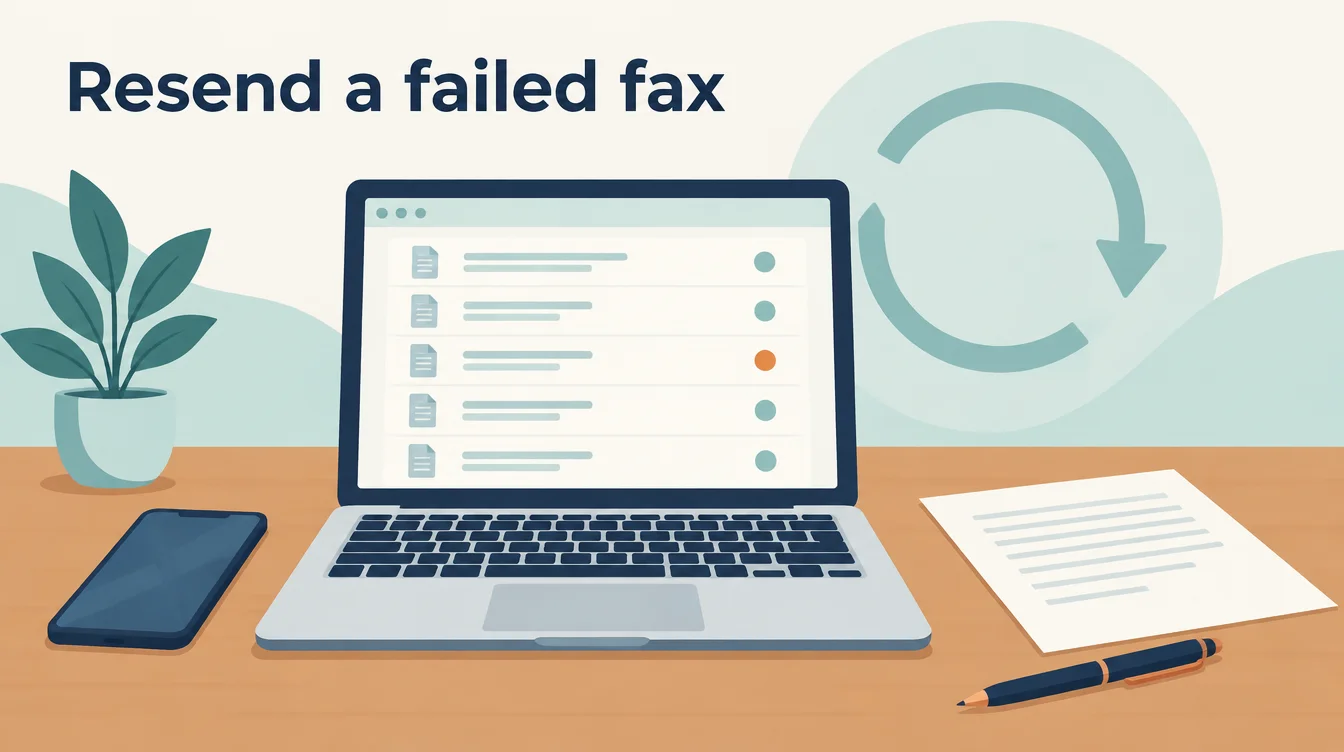
Resend a fax only after it shows Failed. Check the number, the file and your credits, resend once, and know when to stop and call the recipient instead.
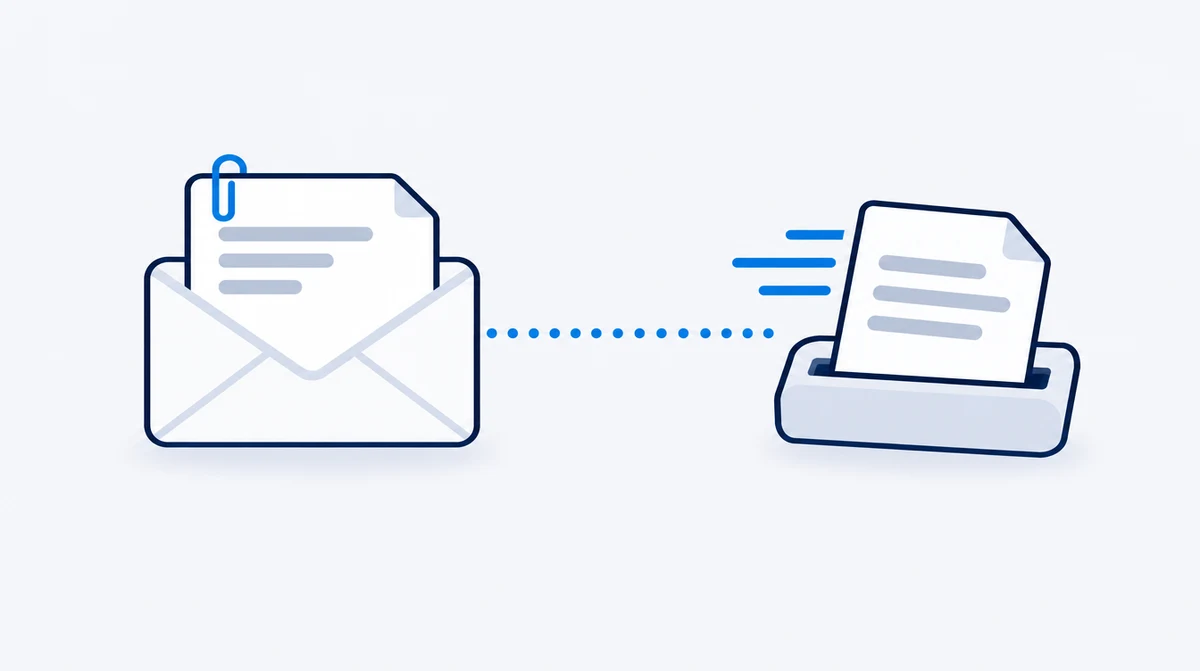
How FaxDash email-to-fax works in any mail app: your own number in To, only the destination number in the subject, one PDF, and why a fax gets refused.
Servicer says your payoff fax never arrived? Send one complete packet, call a number you sourced, resend once, and know the Reg Z seven-business-day rule.
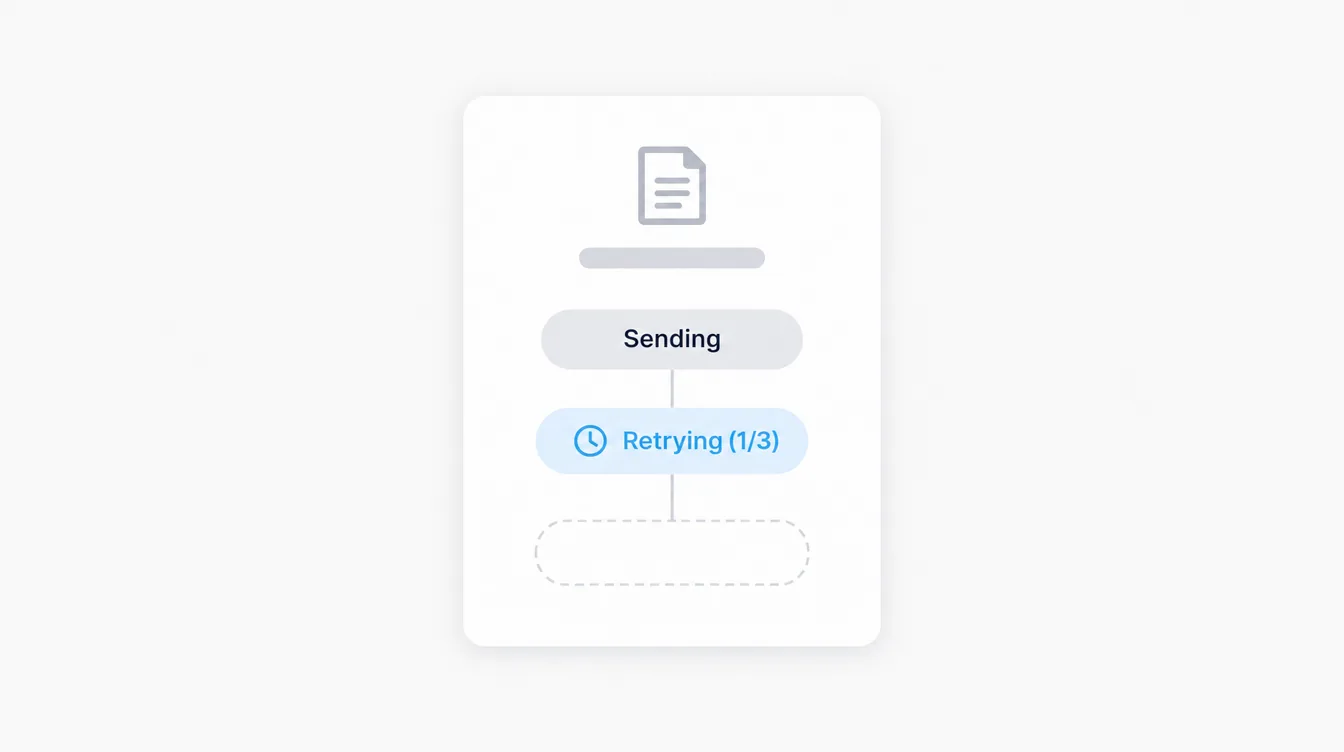
Your fax failed to connect. Wait for the final status: many failures retry automatically, but a wrong number does not. After Failed, check the number, country, file and credits, then resend once.