Small Business
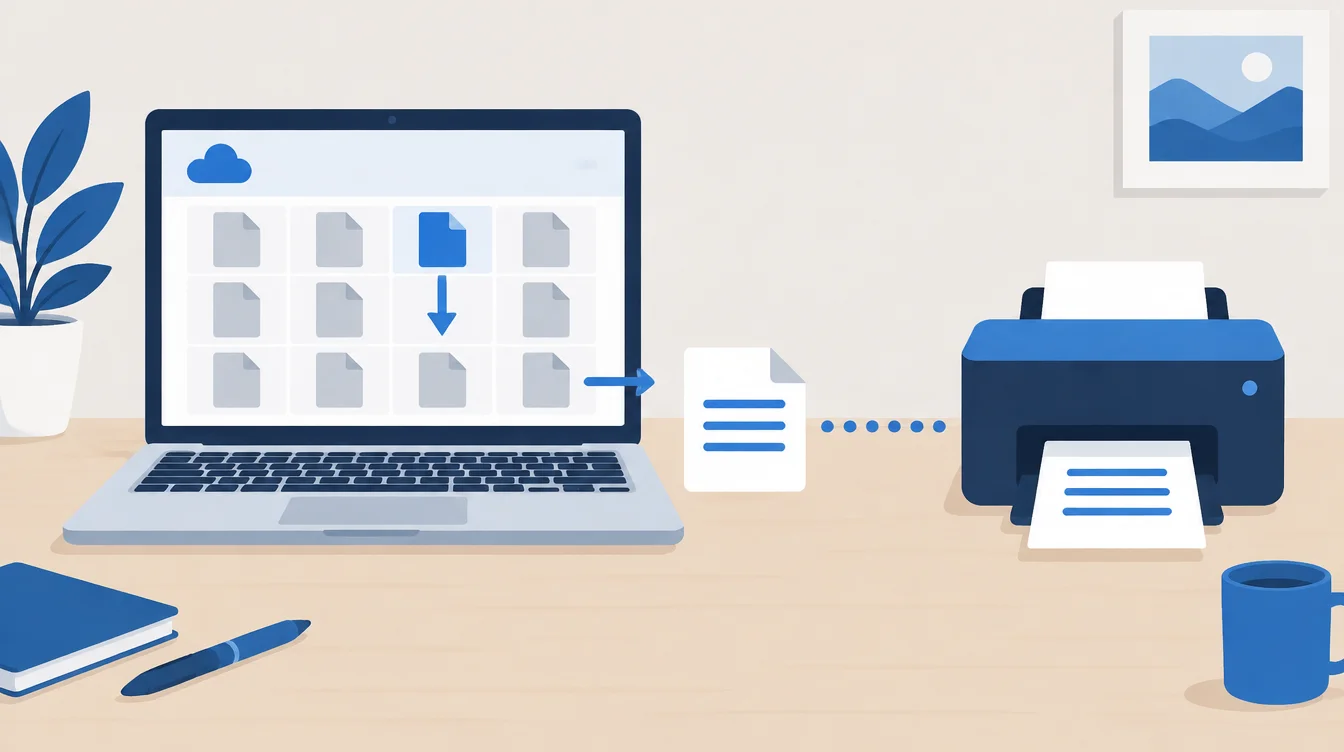
How to fax a Google Doc or a file from Google Drive
Fax a Google Doc or a Drive file: download it as a PDF with Google's own steps, then upload it in the FaxDash dashboard or app. No fax number needed.
How to send and receive faxes from a phone or email, what compliance actually requires, and how to choose between the services that still insist on fax.
Small Business
Fax a Google Doc or a Drive file: download it as a PDF with Google's own steps, then upload it in the FaxDash dashboard or app. No fax number needed.

Small Business
Fax a PDF from Outlook desktop, web or mobile with email-to-fax: the address, the subject-line rule, attaching a copy, and mistakes to avoid.
Small Business
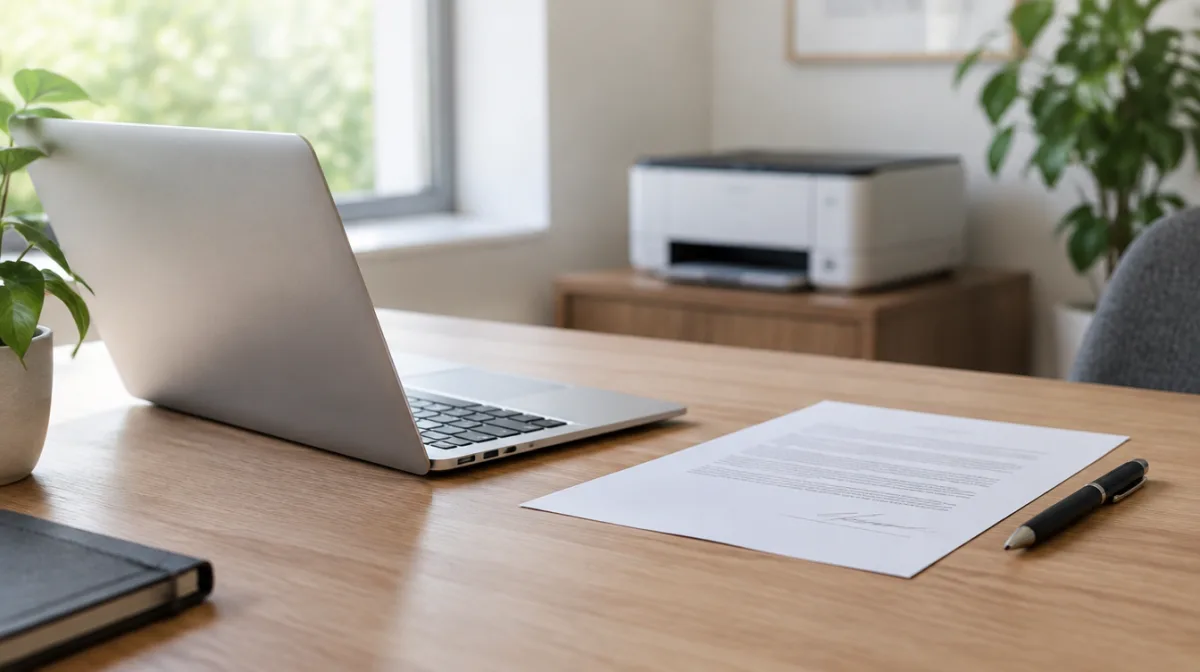
Fax from a Mac with no fax modem or phone line: save as PDF, send from the FaxDash web dashboard, and print received faxes with the free Connect app.
Small Business
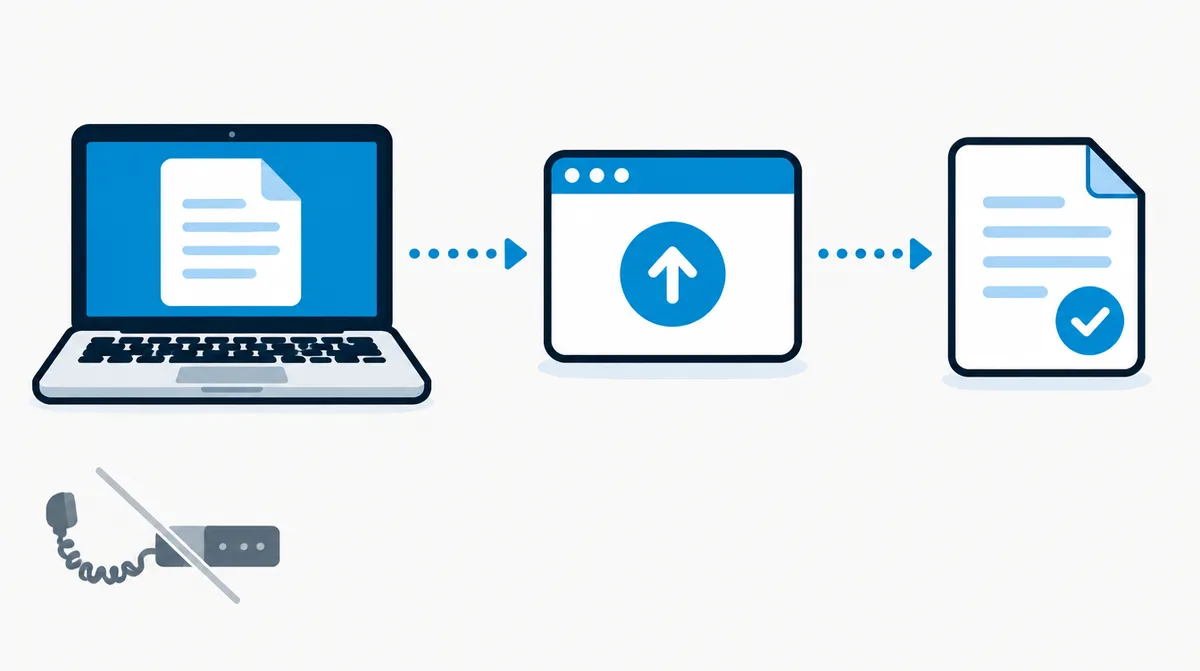
Fax from Windows 10 or 11 with no fax modem or phone line: save with Microsoft Print to PDF, send from the FaxDash web dashboard, and print received faxes.
Small Business
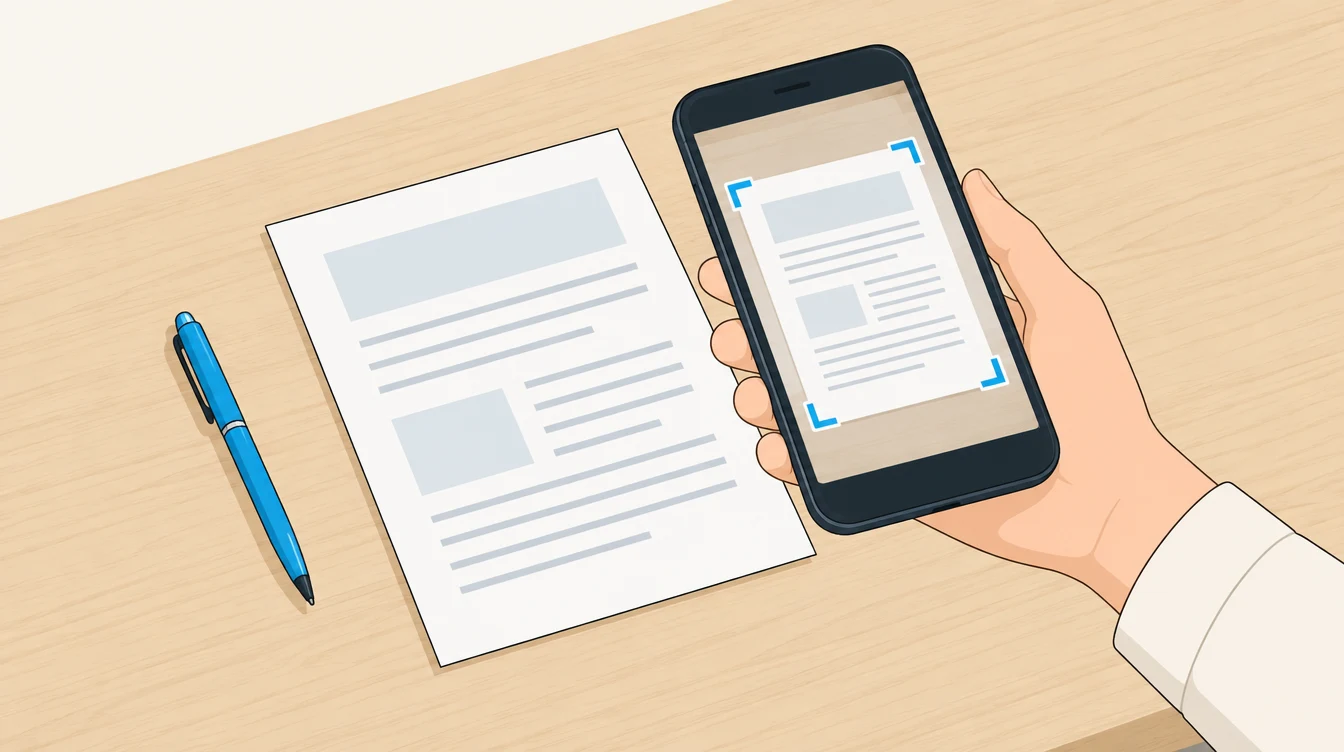
Scan paper or pick a PDF in the FaxDash iPhone app, confirm the pages and send. No fax number needed; 1 credit per page to +1 numbers (US and Canada).
Accounting & Tax
Where to fax IRS forms: the fax number for each form, linked to its IRS.gov source and dated. What to check before you send and what to keep as proof.
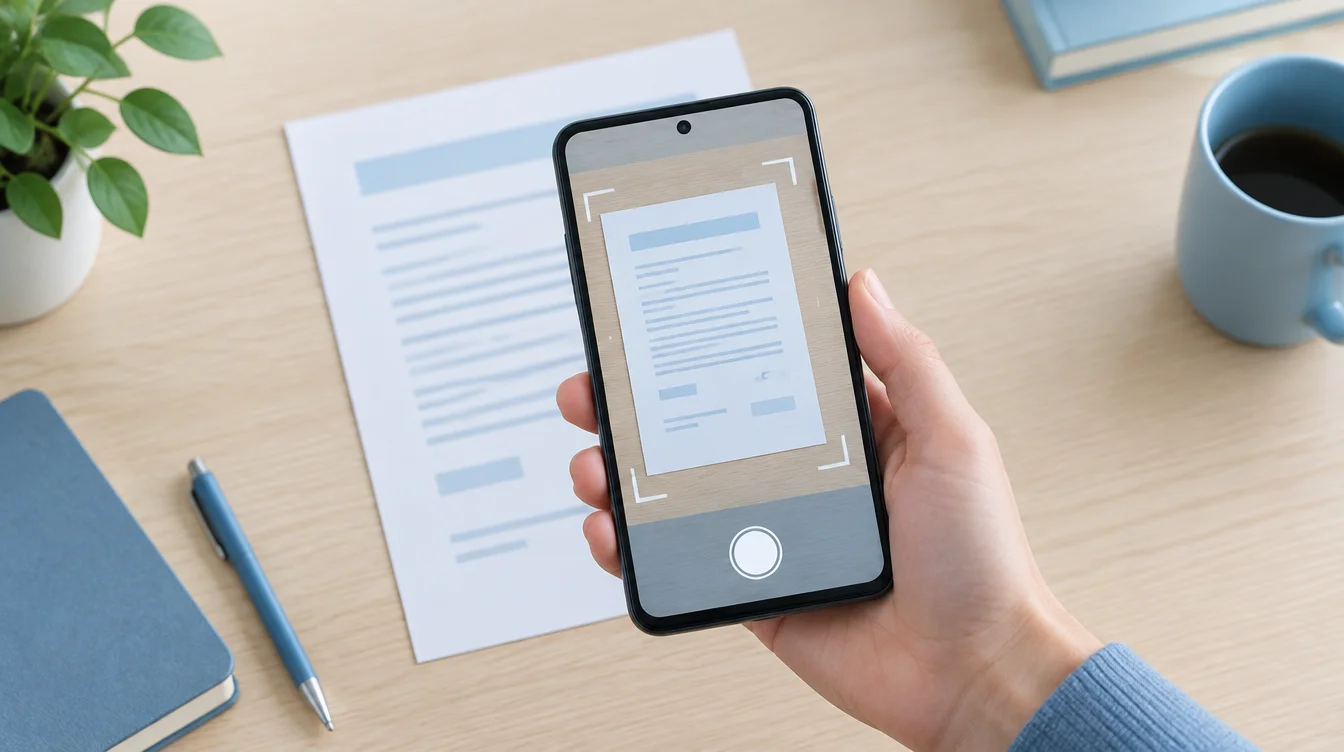
Fax from an Android phone with the FaxDash app: scan paper or pick a PDF, confirm pages and send. 1 credit per page to US (+1) numbers.
Small Business
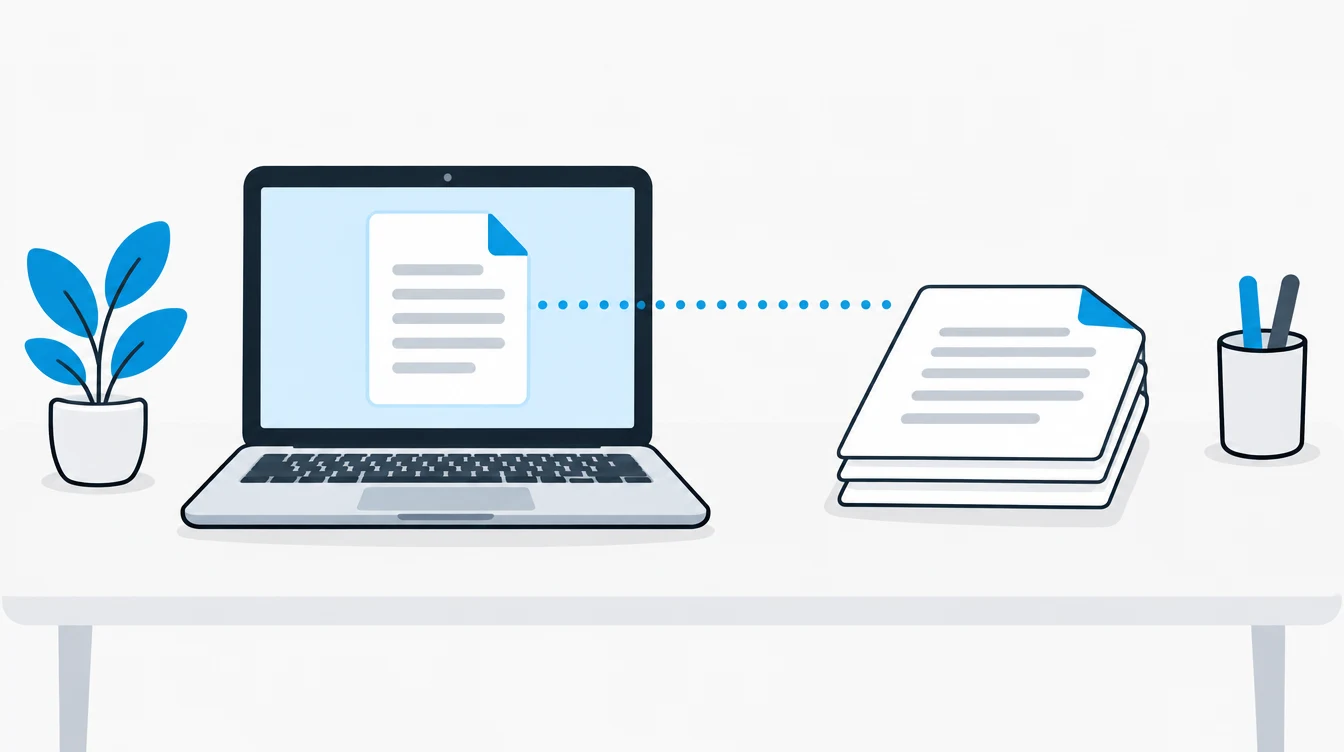
Fax a PDF with no fax machine or number of your own: upload it in the web dashboard or pick it in the app, then send. Plus PDF mistakes that cost credits.
How a 1 to 3 person tax office can choose a fax service: IRS form needs, seasonal volume, a shared inbox, and published prices from four services.
Scan with the camera, send pay-as-you-go. No machine, no line, no subscription needed.