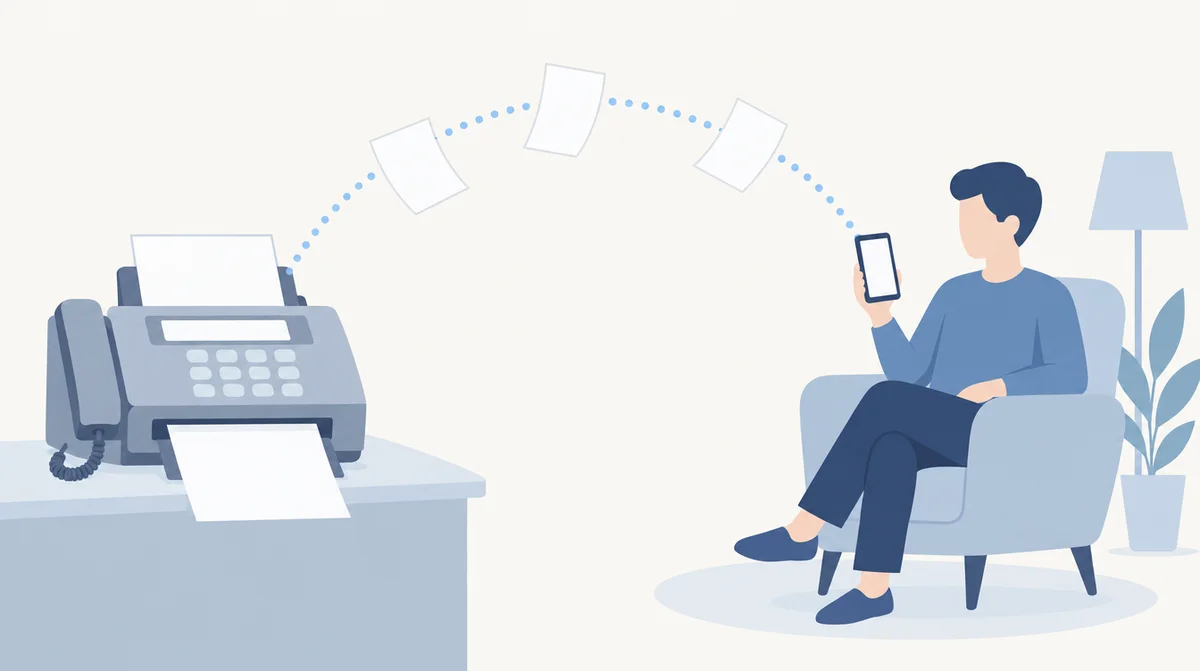
Receive faxes on your iPhone or Android phone with a dedicated fax number: get a number, set up notifications, read faxes in the app, and what a receive plan costs.
How to send and receive faxes from a phone or email, what compliance actually requires, and how to choose between the services that still insist on fax.
Receive faxes on your iPhone or Android phone with a dedicated fax number: get a number, set up notifications, read faxes in the app, and what a receive plan costs.
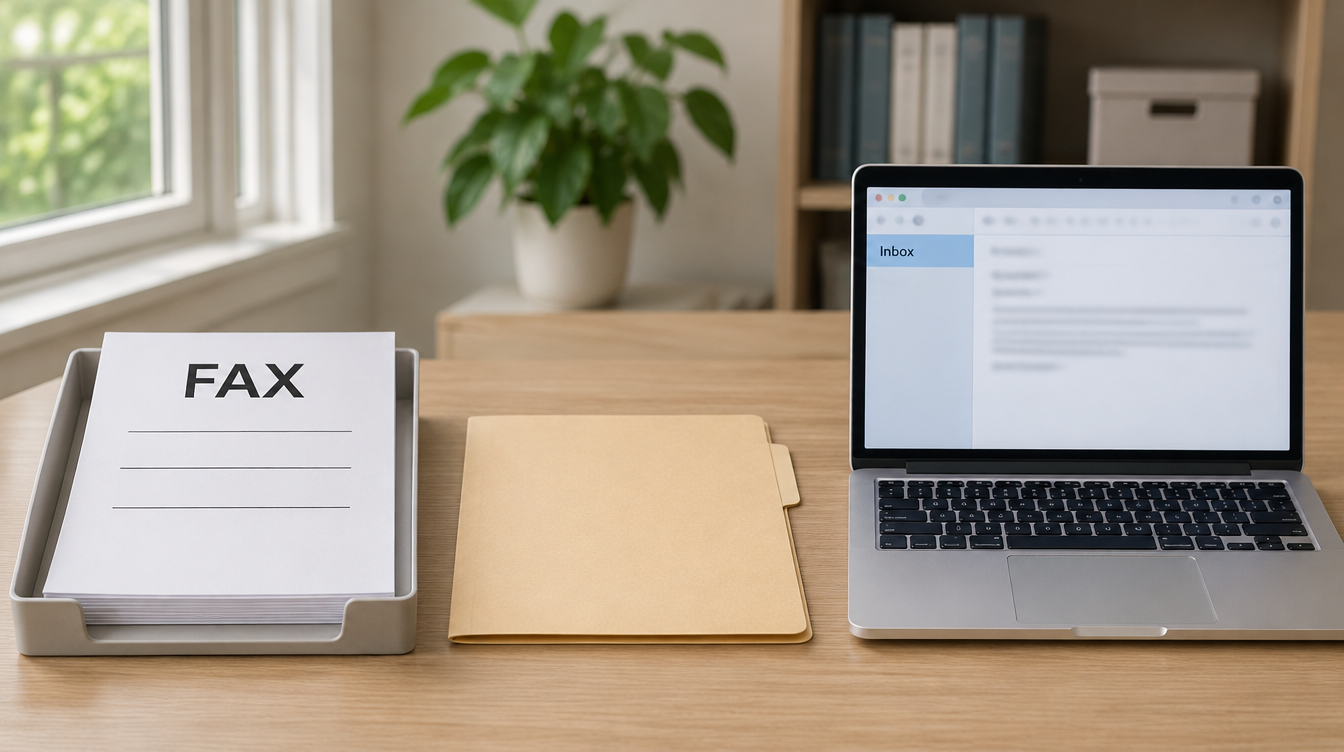
Fax and email protect different parts of a document's path. Here is what each one covers, where each one leaks, and what to check before you send.
Small Business
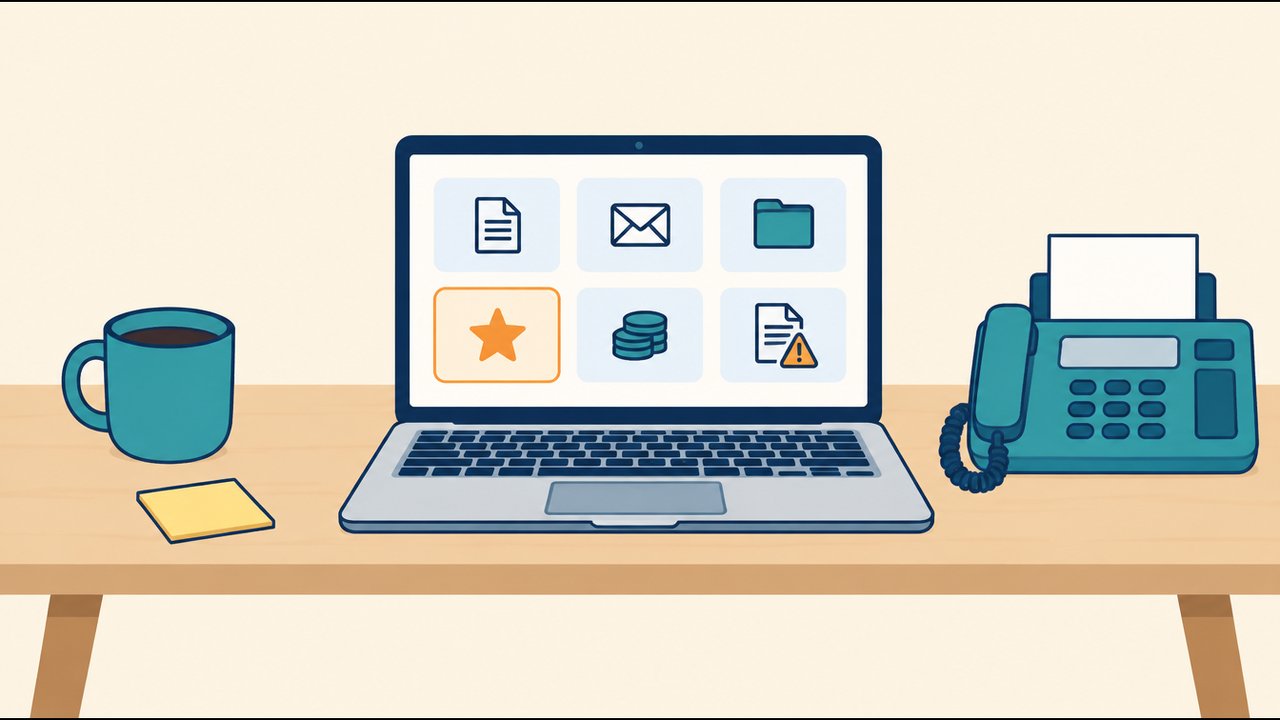
Arrange the FaxDash web dashboard Overview so unread faxes, failed faxes and credits sit at the top. Steps to add, move and remove widgets, plus what it can't show you.
AI & Automation
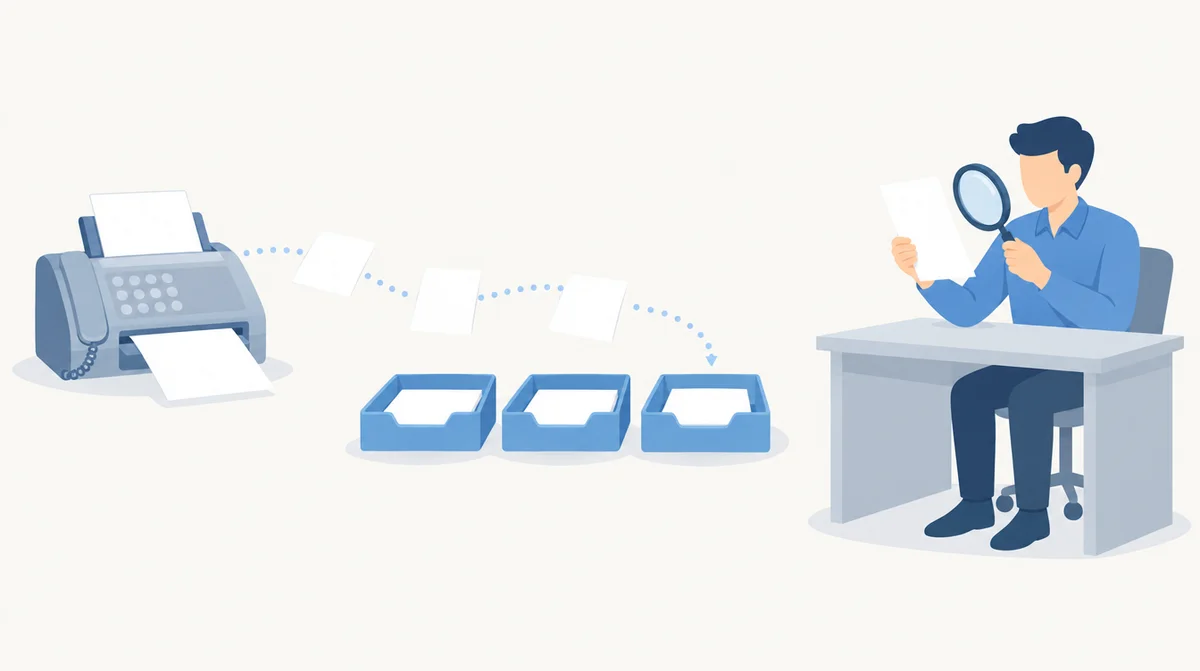
Design a fax intake queue with AI-assisted extraction, human review, duplicate checks and recovery for missed events. Includes a synthetic example and test checklist.
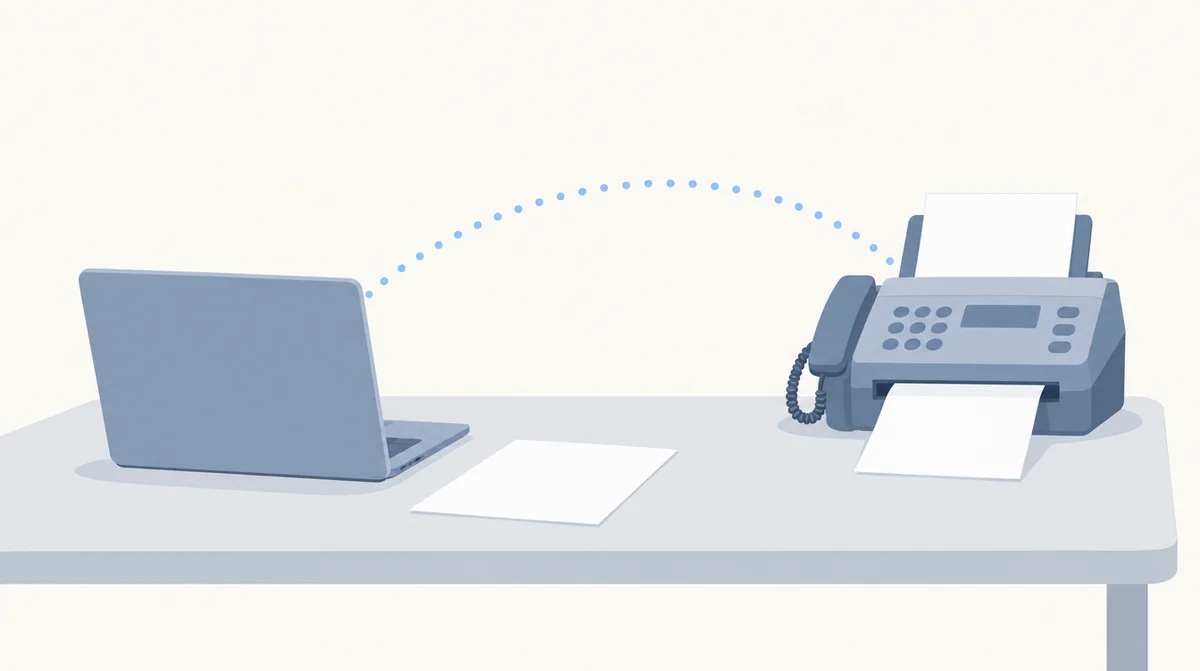
Computer Fax
Fax from a Chromebook: save or scan your document as a PDF with built-in tools, then send it from the FaxDash web dashboard in Chrome. No fax machine, phone line or fax number needed.
Draft a clear fax cover note with AI using only a few approved facts, review the wording, then add it with FaxDash's cover sheet maker, Send Fax cover page or email-to-fax default cover.
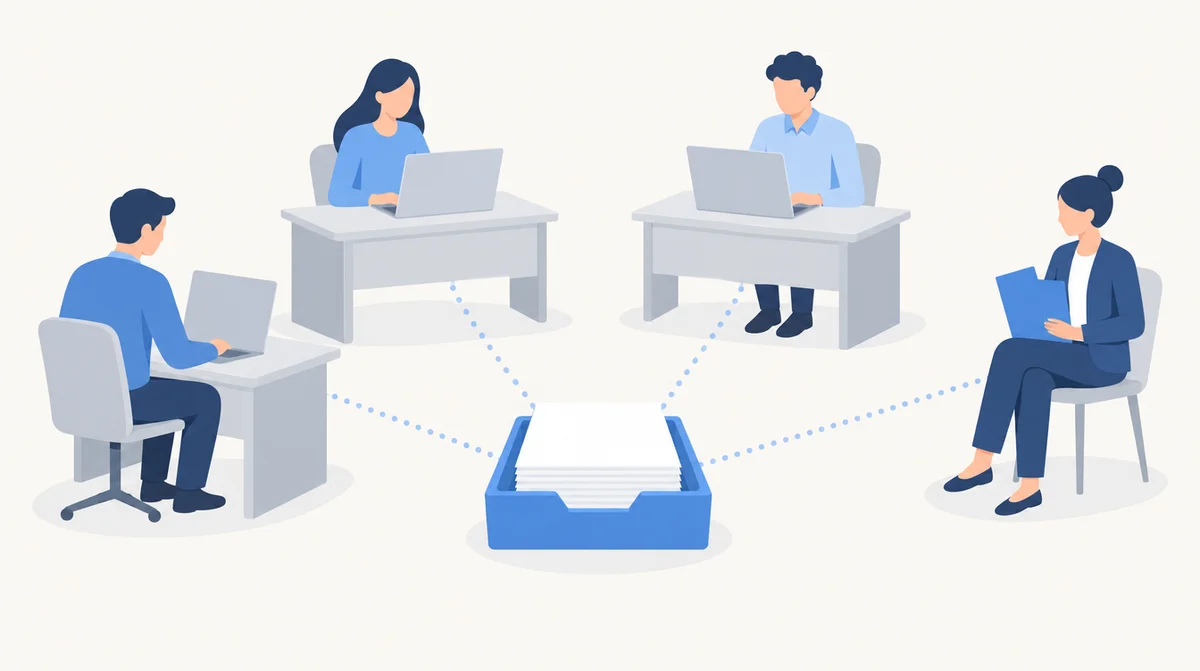
Set up a FaxDash team: which plans include teams, how to invite people, what admin, member and finance roles can do, how shared credits and monthly page limits work, and how seats change.
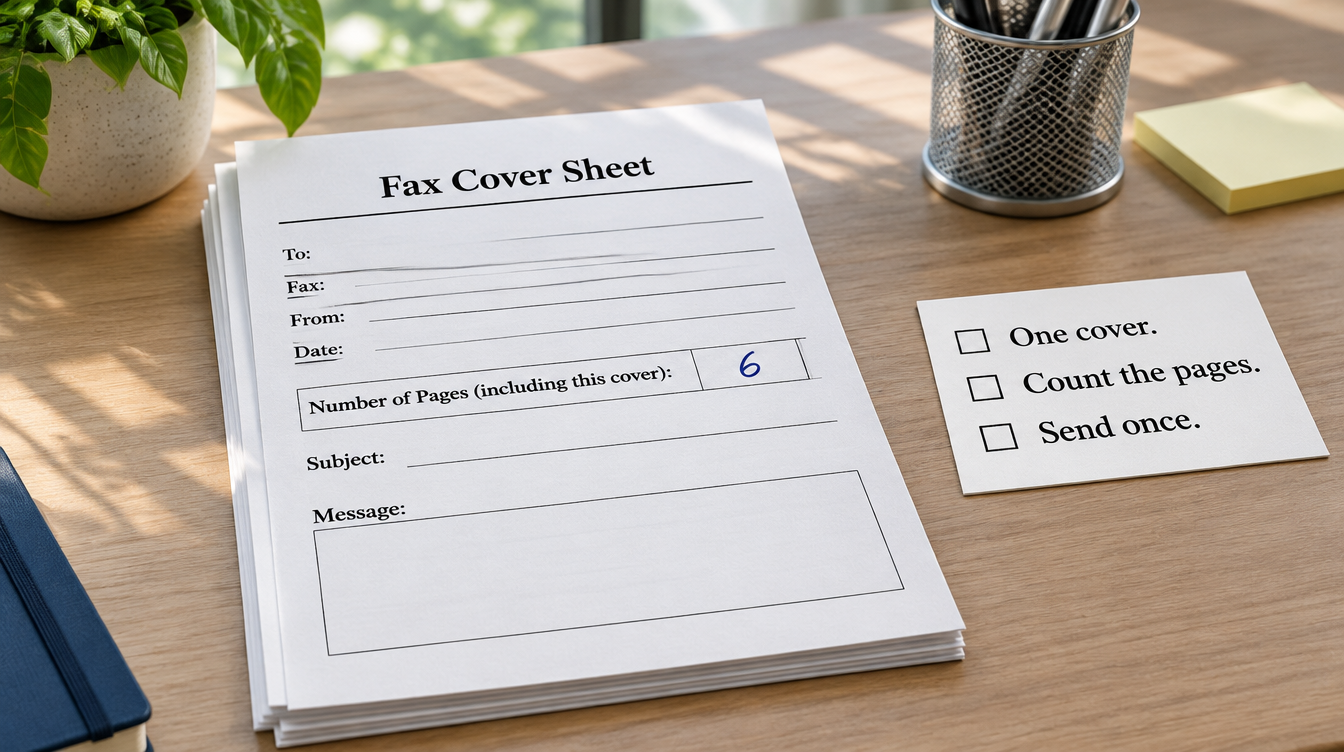
Assemble a fax with one routing cover, the right document order, and an accurate page count. Follow this final-PDF checklist before sending.
Document Preparation
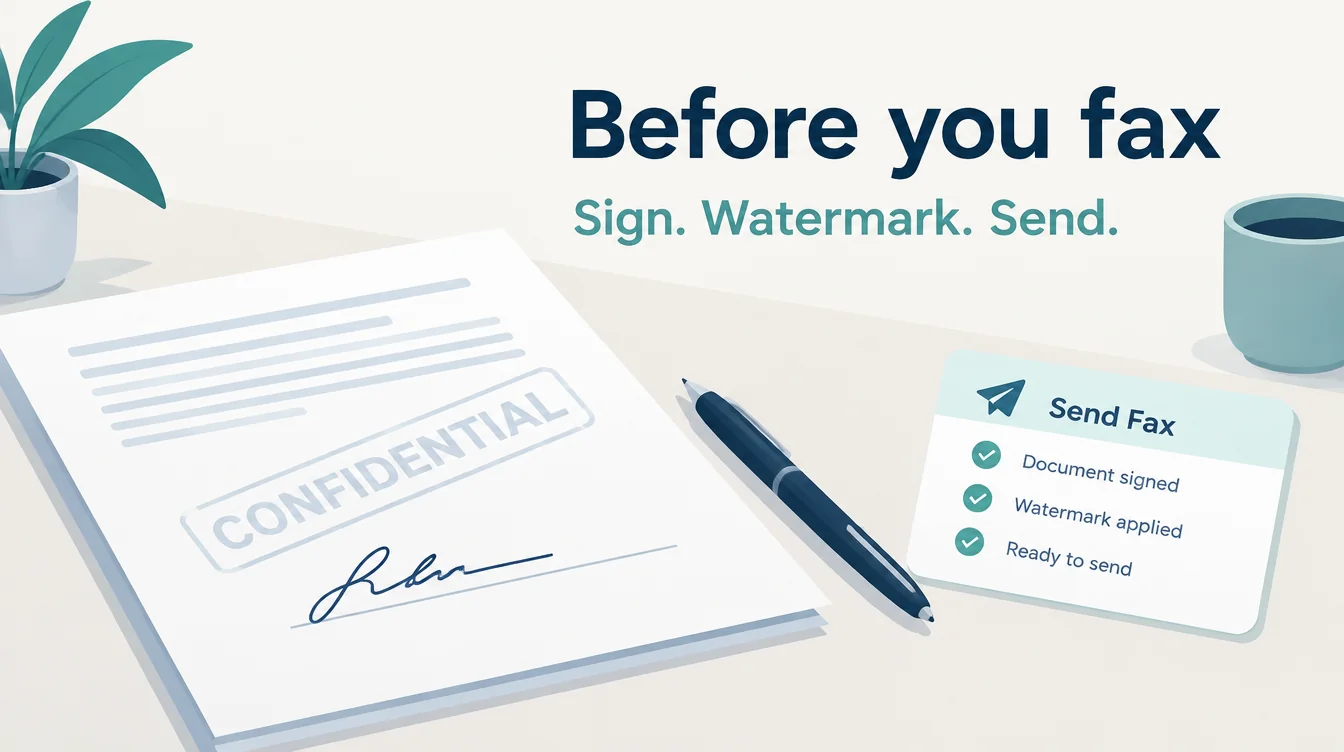
Finish pages before you send: draw a signature and add a CONFIDENTIAL or DRAFT watermark under Finishing touches, and black out sensitive fields. Plus the IRS wet-ink exception for Forms 2848 and 8821.
Scan with the camera, send pay-as-you-go. No machine, no line, no subscription needed.