
The short answer
To fax Form 4506-T, pick the RAIVS fax number that matches (1) whether you need an individual transcript or all other transcripts, and (2) the state you lived in, or the state your business was in, when that return was filed. Confirm both charts on the IRS where to file Form 4506-T page on the day you send. The live page can differ from the chart printed on the form.
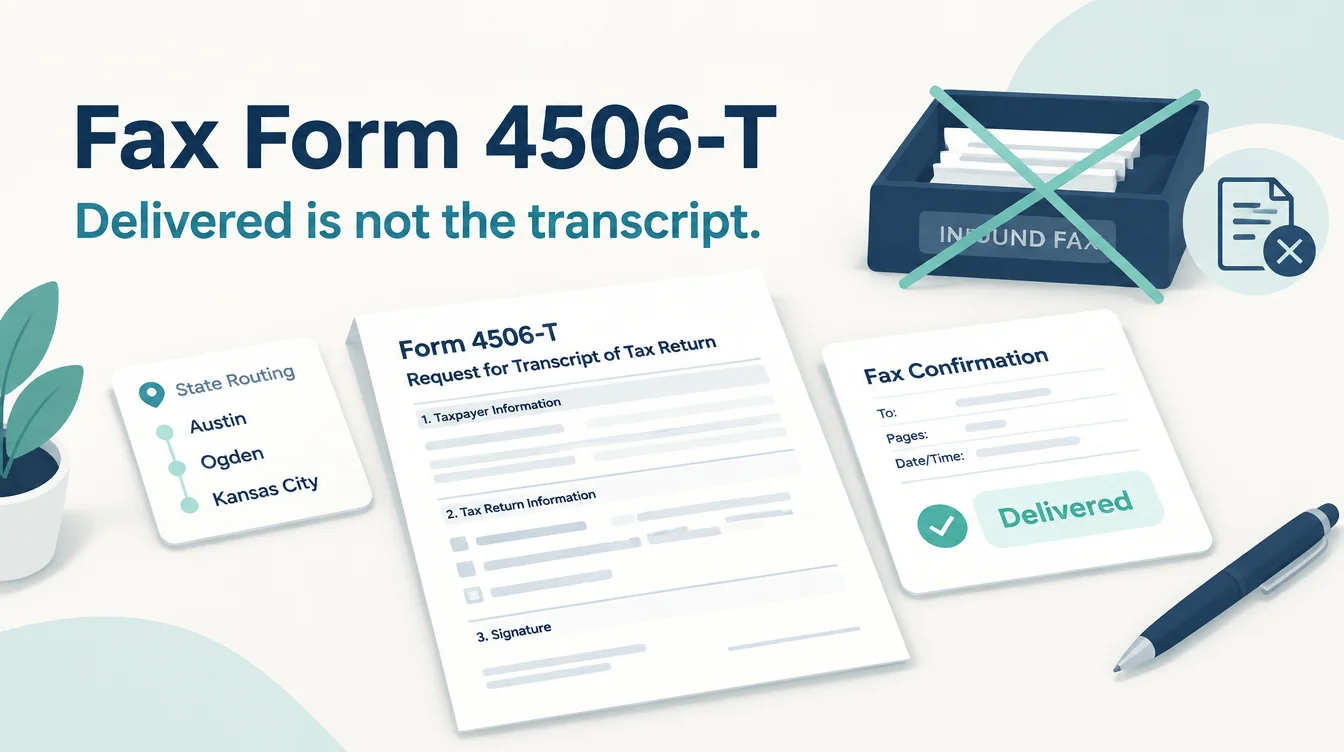
A FaxDash Delivered status means your request transmission completed. It does not mean the transcript is ready, and the IRS does not fax the transcript back to your number the way Fax-TIN returns an EIN. Transcripts go through IRS delivery methods (often mail to the address of record, or online when you use Get Transcript).
This guide is for tax offices and lending assistants who need a clean send-and-log loop. It is workflow guidance, not tax advice.
Related FaxDash guides: Where to fax other IRS forms, A fax workflow for small tax offices, How to fax IRS Form 2848 or 8821, How to fax Form 2553, Fax Form SS-4 for an EIN, and Why CAF rejected your Form 2848. Industry hub: FaxDash for accounting.
4506 vs 4506-T vs IVES (4506-C)
Keep these separate before you pick a fax number.
| Form / path | What it is for | How this article treats it |
|---|---|---|
| Form 4506-T | Request a transcript (return, account, wage and income, record of account, verification of non-filing) | This guide: faxable to RAIVS by state |
| Form 4506 | Request a copy of a tax return (fee; different product) | Not this workflow. See About Form 4506. Do not assume it uses the same fax path as 4506-T. |
| IVES / Form 4506-C | Lender or IVES participant path for income verification with taxpayer consent | Separate. See IVES for taxpayers. Not a public RAIVS how-to here. |
About Form 4506-T describes the transcript types. Current form PDF: Form 4506-T (Rev. 4-2025).
When to fax vs Get Transcript online
Online first when it fits. The IRS Get Transcript page and Tax Topic 156 say online is the fastest and easiest way for many individual records. Use Individual Online Account when you can view, print or download what you need.
Fax Form 4506-T when you need the paper request path to RAIVS (for example, when online access is not available for that request, or your office process requires a signed 4506-T on file). Mail remains an option on the same IRS where-to-file page.
Do not promise that faxing is "faster than the IRS." Speed depends on IRS processing and delivery methods, not on your outbound fax status alone.
RAIVS fax numbers by state (checked today)
Checked October 27, 2026 on Where to file addresses for filing Form 4506-T (page last reviewed or updated August 13, 2026). Use the state from the return you are requesting. If you request more than one transcript and the charts show two addresses, the IRS says to send based on the address of your most recent return. Re-check IRS.gov before every send.
Chart for individual transcripts (Form 1040 series, Form W-2, Form 1099)
| If you filed an individual return and lived in… | RAIVS Team | Fax (as listed Oct 27, 2026) |
|---|---|---|
| Florida, Louisiana, Mississippi, Texas; a foreign country; American Samoa, Puerto Rico, Guam, the Commonwealth of the Northern Mariana Islands, the U.S. Virgin Islands; or an A.P.O. or F.P.O. address | Austin, TX (Stop 6716 AUSC) | 855-587-9604 |
| Alaska, Arizona, California, Colorado, Connecticut, District of Columbia, Hawaii, Idaho, Kansas, Maryland, Michigan, Montana, Nebraska, Nevada, New Mexico, North Dakota, Ohio, Oregon, Pennsylvania, Rhode Island, South Dakota, Utah, Washington, West Virginia, Wyoming | Ogden, UT (P.O. Box 9941, Mail Stop 6734) | 855-298-1145 |
| Alabama, Arkansas, Delaware, Georgia, Illinois, Indiana, Iowa, Kentucky, Maine, Massachusetts, Minnesota, Missouri, New Hampshire, New Jersey, New York, North Carolina, Oklahoma, South Carolina, Tennessee, Vermont, Virginia, Wisconsin | Kansas City, MO (Stop 6705 S2) | 855-821-0094 |
Chart for all other transcripts
| If you lived in or your business was in… | RAIVS Team | Fax (as listed Oct 27, 2026) |
|---|---|---|
| Alabama, Alaska, Arizona, Arkansas, California, Colorado, Florida, Hawaii, Idaho, Iowa, Kansas, Louisiana, Minnesota, Mississippi, Missouri, Montana, Nebraska, Nevada, New Mexico, North Dakota, Oklahoma, Oregon, South Dakota, Texas, Utah, Washington, Wyoming; a foreign country; American Samoa, Puerto Rico, Guam, the Commonwealth of the Northern Mariana Islands, the U.S. Virgin Islands; or an A.P.O. or F.P.O. address | Ogden, UT (P.O. Box 9941, Mail Stop 6734) | 855-298-1145 |
| Connecticut, Delaware, District of Columbia, Georgia, Illinois, Indiana, Kentucky, Maine, Maryland, Massachusetts, Michigan, New Hampshire, New Jersey, New York, North Carolina, Ohio, Pennsylvania, Rhode Island, South Carolina, Tennessee, Vermont, Virginia, West Virginia, Wisconsin | Kansas City, MO (Stop 6705 S-2) | 855-821-0094 |
Mailing addresses for the same RAIVS teams are on that IRS page if you mail instead of fax.
Prepare and sign once
Stay high-level. The form and IRS pages control the details.
- Use the current Form 4506-T from IRS.gov.
- Match the transcript type and tax years to what the requester actually needs.
- Use the state from the return you are asking about when you choose the RAIVS chart.
- Complete optional fields such as the customer file number only as the form instructions describe.
- Obtain the required taxpayer signature(s). Joint returns need at least one spouse's signature per the form.
- Do not treat a fax cover sheet as a substitute for a signed Form 4506-T.
Stop here if the form is incomplete. A clean transmission of an incomplete request does not produce a useful transcript.
Send with FaxDash
- Enter only the RAIVS fax number from the live IRS chart for your transcript type and state.
- In FaxDash, enter a U.S. number as +1 plus the ten digits. A fax to a U.S. (+1) number uses 1 credit per page, including a cover page if you add one (per Help: sending faxes).
- Attach the signed Form 4506-T. Check readability and page order.
- Send once. Wait for the final status.
- When the fax shows Delivered, save the confirmation (web dashboard: Download Receipt on Sent Faxes).
Do not fax the same complete request again while you wait for the IRS transcript, unless the IRS or your tax professional tells you to.
What to log (and what happens next)
| Log column | What it records | What it does not establish |
|---|---|---|
| Chart used | Individual vs all other | That the transcript was issued |
| State on the return | Which RAIVS row you matched | Current mailing address alone |
| Fax number + send time | Where and when you transmitted | IRS acceptance of the request contents |
| Download Receipt location | Proof of outbound transmission | That a transcript is in the mail or online |
| Expected IRS delivery path | Online account, mail to address of record, or other IRS method | A fax reply to your FaxDash number |
The Form 4506-T PDF notes that, effective July 2019, the IRS mails tax transcript requests only to the taxpayer's address of record. Plan office follow-up around IRS delivery methods, not around watching your fax inbox for a transcript.
Unlike Form SS-4 Fax-TIN, you should not expect the transcript to arrive as an inbound fax to the number you used to send.
Compare the record you keep for a transcript request
We make FaxDash. This comparison focuses on the workflow, not a claim that one service is cheapest or guarantees a better transmission result. For Form 4506-T, the useful feature is a clear record of the signed request and where it went, not a receive number bought in expectation of a return fax.
| What to compare | FaxDash workflow | Why it matters |
|---|---|---|
| Prepare one complete packet | The web sender combines PDF and image uploads into one fax | Keep the cover, signed pages and attachments together |
| Keep a transmission record | Download a receipt with destination, page count and transmission times | File it with the exact version you sent |
| Continue from a phone or computer | Scan or select a PDF in the app, or upload from the dashboard | Use the document you already have without finding a fax machine |
Fax.Plus documents a confirmation report; FaxZero provides email status. Compare how easily you can save that record with the exact signed packet. FaxDash's receipt is available from sent history, so it can go directly into your request file.
FaxDash offers 2 free pages when you sign up.
The IRS Form 4506-T says requested transcripts are mailed to the taxpayer's address of record. A receive-number subscription does not turn this request into a return fax. Transmission confirmation does not prove transcript issuance.
Where FaxDash Business helps
Tax and lending desks often send several 4506-T requests in a week. Shared sent history on FaxDash Business shows who faxed which request and where the confirmation is saved, so a teammate does not duplicate a Delivered send while everyone waits on the IRS. Team seats are you plus 2 on Business, with extra seats available.
That history records transmission results. It does not track IRS transcript issuance.
See how FaxDash Business works for small teams.
When to stop and ask
- Which form, which years, who may sign, third-party rules: current IRS form instructions and a qualified tax professional. This article is not tax advice.
- Transcript still not available after a careful wait: follow IRS Get Transcript / Topic 156 guidance or IRS contact paths for your situation. Do not keep faxing the same 4506-T to "speed up" a transcript.
- A fax that will not go through after you have checked the number and the file: email support@faxdash.io with the destination number, the status and the date and time. Leave SSNs, EINs and form contents out of the email.
This guide is general information, not legal or tax advice. Fax numbers, forms and agency rules change, so check the agency's official page before you send. FaxDash isn't responsible for decisions made or actions taken based on this guide. For advice about your situation, talk to a qualified tax professional or attorney.