
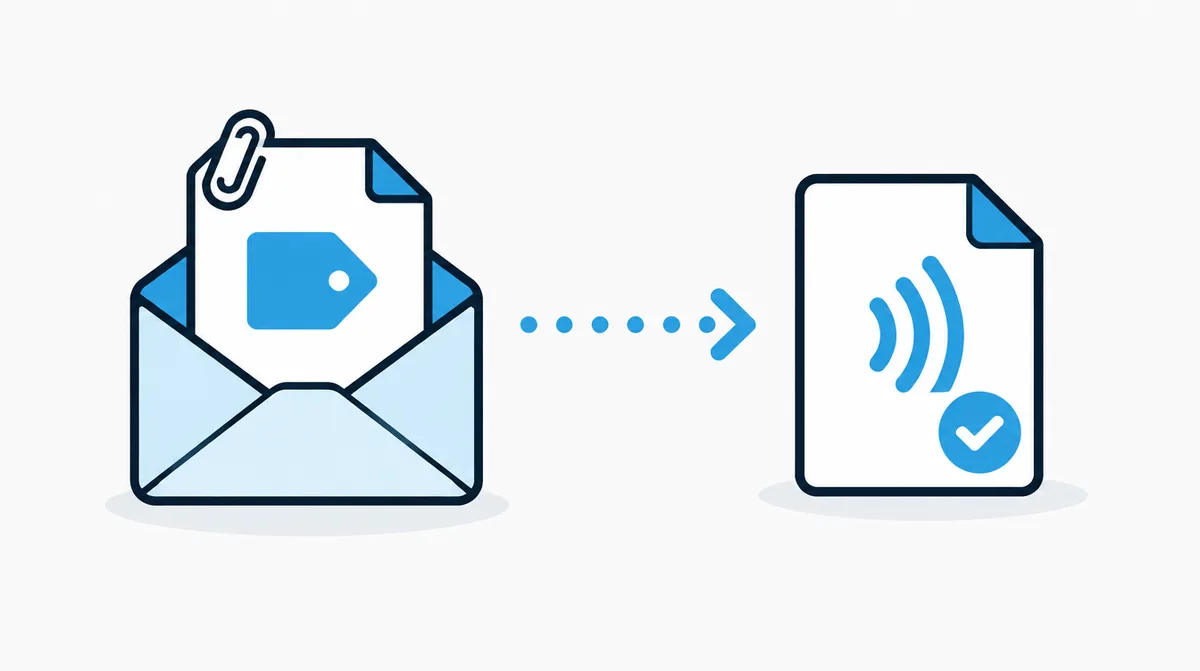
Say a signed agreement is sitting in your Yahoo Mail inbox and the other side wants it by fax. You can send it from Yahoo Mail with FaxDash email-to-fax, but check one thing first: email-to-fax needs an active FaxDash receive number, because that number is part of the address you send to. If you don't have one, the FaxDash app or web dashboard sends the same fax with no number and no subscription. For the full picture of routes, see how to fax from your computer, phone or email.
The short answer
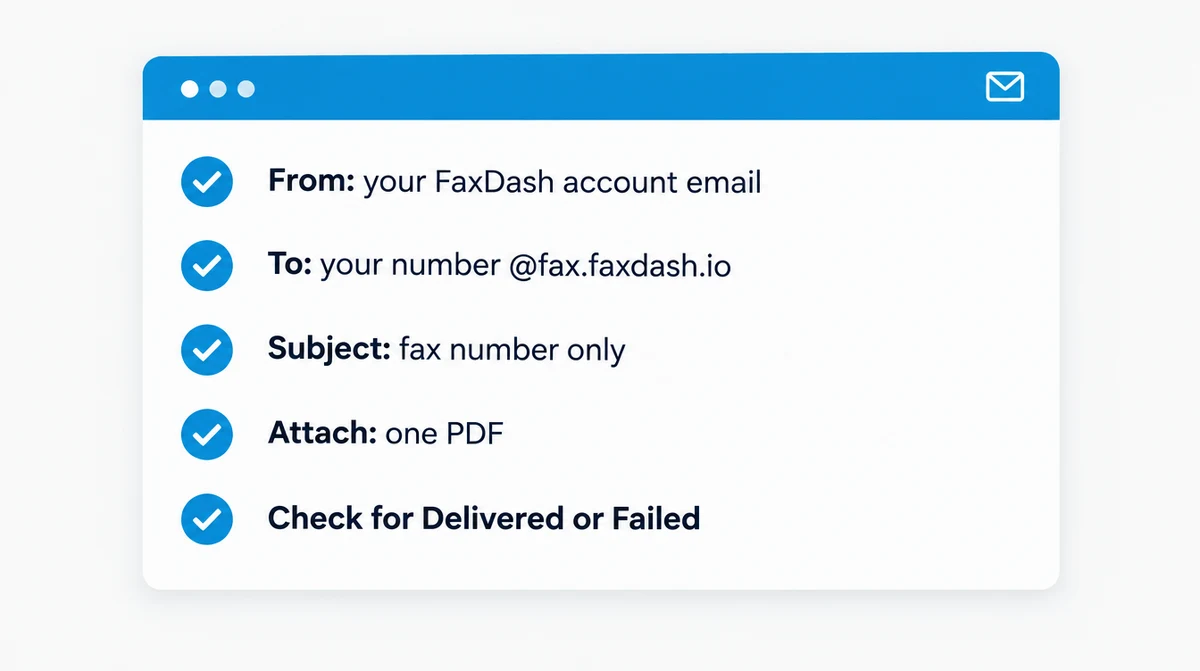
In Yahoo Mail, compose a new email from an address FaxDash recognizes. Send it to your FaxDash number at fax.faxdash.io, put only the destination fax number in the subject, and attach the document as one PDF. Then check your FaxDash history for Delivered or Failed.
Before you start
- A FaxDash receive number. Starter is $3.99 a month and includes 10 send credits a month. The number in the address is how FaxDash knows whose credits to use.
- A Yahoo address FaxDash accepts. FaxDash only takes mail from the email address on your FaxDash account, or from your verified contact email. Mail from any other address is refused. If your account uses a different address, add your Yahoo address as the contact email under Settings > General > Notifications in the web dashboard (Settings > Notifications > Contact email in the app) and confirm it.
- Your document as a PDF. Other file types aren't read. Open the PDF once to check every page is there and readable. For fonts and scans that fax well, see how to prepare a document so it faxes cleanly.
These rules come from FaxDash's email-to-fax help, checked October 31, 2026.
Faxing from your inbox needs a fax number at other services too, not only FaxDash. MetroFax, for example, listed its Essential plan, which includes email faxing and a fax number, at $11.95 a month billed monthly as of November 12, 2026 (MetroFax pricing).
Steps in Yahoo Mail on the web
- Click Compose.
- In To, type your FaxDash number, digits only with the country code, followed by @fax.faxdash.io. For a made-up US number +1 202 555 0123, that's
12025550123@fax.faxdash.io. - In Subject, type only the destination fax number. A 10-digit number is read as US or Canadian. For any other country, start with + and the country code, and make sure the number starts the subject.
- Click the Attach Files icon, select Attach files from computer, choose the PDF and click Open. If the PDF came to you in an earlier email, choose Attach files from recent emails instead.
- Leave the body empty or write a note to yourself. FaxDash doesn't send the message text. Then send.
The attach steps follow Yahoo's attachment help, checked October 31, 2026. In the Yahoo Mail app the fields are the same: one recipient address, the fax number as the subject, and one PDF attached.
What happens after you send
FaxDash sends the fax from your number and charges credits per page, the same as any other send. There's no reply email when it goes through. The fax appears in your Sent history, and you get a push notification and, unless you turned it off, an email when it's delivered.
If FaxDash can't send it, it replies to the address that emailed it and says why: no PDF attached, a number it can't read, an address that isn't allowed, or not enough credits. Nothing is charged.
Common Yahoo Mail mistakes
- Sending from the wrong address. If your FaxDash account uses a work address and you send from Yahoo, the message is refused until your Yahoo address is your verified contact email.
- Replying to an old thread. A reply adds "Re:" to the subject. With an international number, anything before the number makes the fax fail. Start a new email instead.
- Reference numbers in the subject. Every digit in the subject is read as part of the fax number. Put invoice or claim numbers on a cover page inside the PDF.
- Attaching more than one PDF. If there are several PDFs, only the first is sent. Combine the pages into one PDF first, or upload several files in the web dashboard, which merges them into one fax.
- Typing the cover note in the email. The message text isn't sent. Put any cover page on page one of the PDF.
- Attaching a Word file or photo. FaxDash reads only a PDF attachment. Save the document as a PDF first.
- A very large scan. Yahoo Mail caps the attachments in one message at 25 MB in total (Yahoo Help). If a scan is bigger, upload it in the web dashboard instead.
What it costs
Sending uses credits: 1 per page to US (+1) numbers, including Canada, and more credits per page elsewhere. A cover page has no feature fee but uses 1 send credit. Credits come with your receive plan each month (10 on Starter, 25 on Standard, 60 on Business), and you can buy more in packs from 5 pages for $0.99. Credits you buy never expire. If a fax fails after FaxDash's automatic retries, its credits go back to your balance. FaxDash offers 2 free pages when you sign up.
For more on the subject line, with more examples, see how to send a fax from Gmail. The rules are the same in Yahoo Mail.
FAQ
Can I fax from Yahoo Mail without a fax number? Not with email-to-fax, which needs an active FaxDash receive number. You can send the same PDF from the FaxDash web dashboard or app without one.
Does Yahoo Mail have a built-in fax feature? Yahoo Mail doesn't fax by itself. The fax goes out through your fax service. With FaxDash, it's the email-to-fax address.
My FaxDash account uses a different email. Can I still send from Yahoo? Yes, once your Yahoo address is your verified contact email in FaxDash settings.
Can received faxes come to my Yahoo inbox? Fax-to-email sends you a notice with who sent the fax, the page count and a link to view it in FaxDash. The fax itself isn't attached. See fax-to-email and email-to-fax for a small team.
Can I send to several fax numbers from one email? The subject holds one destination number. To send one document to several numbers, use batch send in the web dashboard.
How do I know it went through? Check your FaxDash history for Delivered or Failed. A delivered fax has a confirmation you can download. If it failed, why a fax fails to connect walks through the checks.