

A small firm still gets faxes: a signed authorization back from a client's doctor, a records request answered by an agency, a filing for a court that accepts fax under its own local rule. The fax line rarely runs the firm, but when it matters, someone needs to find the page and show when it was sent.
We make FaxDash, so we're not neutral. Below we compare it with other services on the things this kind of office cares about, using each company's own pages as checked on November 17, 2026. Prices are regular monthly rates in USD before applicable taxes. Where another service fits better, we say so.
This article is general information, not legal, tax or compliance advice. Agency rules and fax numbers change, so confirm with the agency or a qualified professional before you send.
If you're setting up sending for the first time, start with our guide to how to fax from your computer, phone or email. This page only compares services.
What a small law firm needs from a fax service
Five things change the decision. Check them against your own firm before you look at prices.
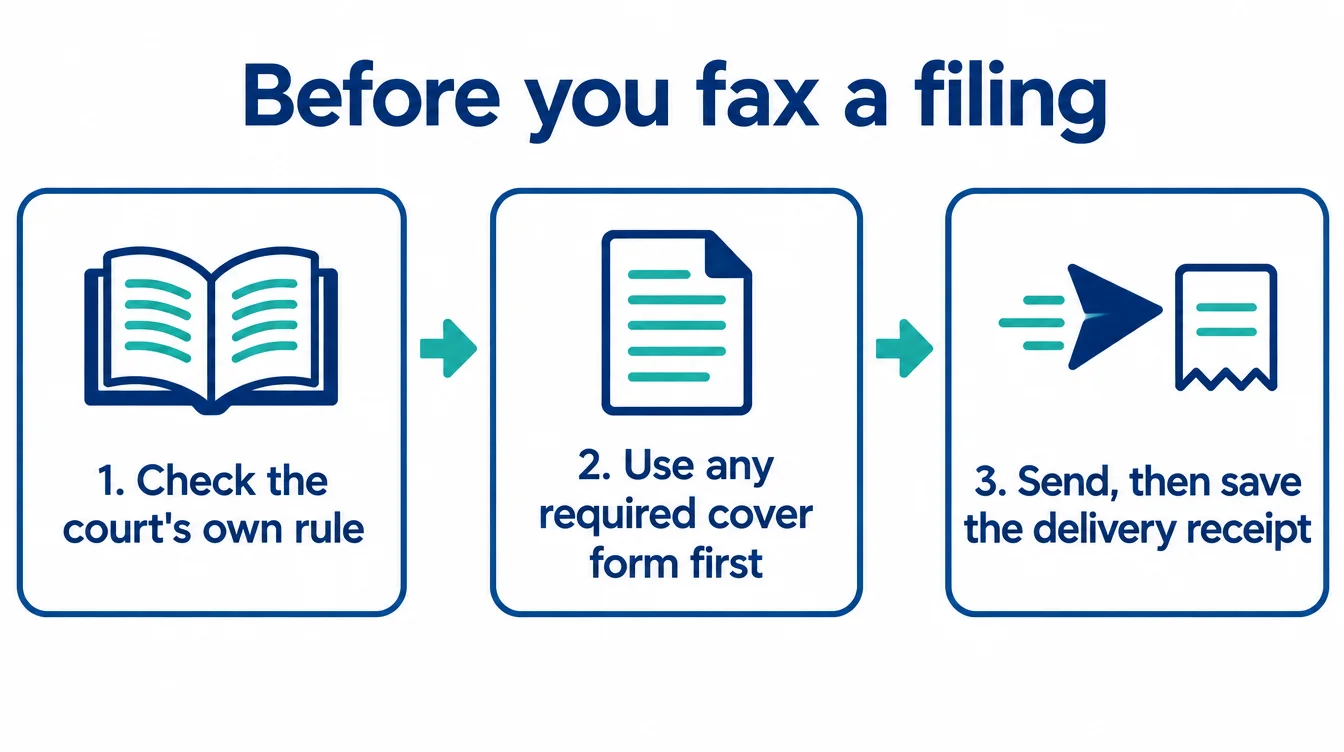
1. Courts and agencies that still take fax, under their own rules. Whether a court accepts a fax filing depends on that court and its rules, so read the court's own page every time. For example, California Rules of Court rule 2.304 (checked November 22, 2026) says a party may file by fax directly with a court that has provided for direct fax filing by local rule. It also says the filer must use the Facsimile Transmission Cover Sheet (Fax Filing), form MC-005, as the first page, and must put "By fax" immediately below the document's title. Rules vary by court, and this is one example, not a rule for your court. Check your own court's rules, and ask the clerk if you're unsure. We don't say which courts accept fax or what any rule requires of your firm.
2. A cover sheet and a confidentiality line. Many firms put a confidentiality notice on the cover page. Our guide to what to put on a fax cover sheet covers the wording and its limits: a notice is a courtesy line, and checking the number before you send does more. If a court or agency requires its own cover form, send that form as the first page instead of a generic one.
3. Seats for the people who handle faxes. An attorney, a paralegal and an assistant often all need to see what came in. Count the people who will actually work the fax inbox, and decide who should see billing.
4. Proof of what you sent. Keep a record of each fax: the destination number, the page count and when it was sent. Check what record each service gives you, and keep any record a court's rule asks for.
5. Signed pages. Many faxes are signed documents. Decide whether people will sign on paper and scan, or sign a PDF before sending.
The options
Three services with different approaches. Prices are regular monthly list prices from each company's own pages, checked November 22, 2026. They can change, so check before you buy.
FaxDash
Who it's for: a firm of up to three people that receives more than it sends.
Price: sending is pay-as-you-go, with credit packs from 5 pages for $0.99 to 150 pages for $9.99, and purchased credits never expire. A receive number starts at $3.99 a month (Starter). Business is $12.99 a month with 500 received pages and 60 send credits a month, and you + 2 team seats; extra seats are $2.99 a month each (pricing and billing help).
Standard also supports teams: $6.99 a month plus $2.99 per added seat, with no seats included. For an owner plus two colleagues that is $12.97 a month, compared with $12.99 for Business and its larger allowances (teams help).
Team, proof and pages:
- Roles: on a team, everyone signs in as themselves. Admins and members send from the team's credits and work one shared inbox, and the sent history shows who sent each fax. A finance role sees faxes, credits and billing but doesn't send (teams help).
- Proof: when a fax shows Delivered, Download Receipt on the Sent Faxes page gives a confirmation listing the destination number, the page count, and when the fax was sent and completed (sending help).
- Pages: on the web Send Fax page, Finishing touches has Add signature and Add watermark, such as CONFIDENTIAL, with no feature fee (scan, sign and enhance help). The built-in cover page has no feature fee but uses 1 send credit like any other page.
Choose it if: you're three people or fewer, fax a few times a week rather than all day, and want a downloadable receipt for each send.
Fax.Plus
Who it's for: a firm that wants more members and pages on one plan.
Price: its official plan guide lists Premium at $17.99 a month and Business at $34.99 a month. Its pricing page lists Premium with 500 pages a month and one member, and Business with 1,000 pages a month, five members and multiple fax numbers.
Team and proof notes: the pricing page says teams need the Business or Enterprise plan, and lists Team Setup and an Admin Console on Business. Its FAQ says you get an email notification with the status of each fax you send.
Choose it if: four or five people work the fax line, or you want more than one number, for example one per practice area.
eFax
Who it's for: a firm that wants a plan with more user licenses.
Price: its pricing page lists Personal at $18.99 a month with 200 pages a month to the US and Canada, 1 user license and 1 fax number, and Business at $39.99 a month with 500 pages a month, 5 user licenses (+$10 a month per extra user) and 1 fax number (+$5 a month per extra line).
Team and proof notes: under "Our Top Features Come with Every Plan," eFax's pricing page says "Each eFax® plan provides secure online storage" and also lists Searchable Faxes, Electronic Signatures for Fax and iOS & Android Mobile Apps.
Choose it if: you want five user licenses on one plan, searchable fax storage and signing in the same service.
Side by side, checked November 22, 2026
| FaxDash Business | Fax.Plus Business | eFax Business | |
|---|---|---|---|
| Billed monthly | $12.99/mo | $34.99/mo | $39.99/mo |
| People | You + 2 team seats (+$2.99/mo each) | 5 members | 5 user licenses (+$10/mo each) |
| Pages a month | 500 received + 60 send credits | 1,000 | 500 |
| Fax numbers | 1 (+$2.99/mo each extra) | Multiple fax numbers listed | 1 (+$5/mo each extra) |
| Smaller option | Starter $3.99/mo, or credits only with no subscription | Premium $17.99/mo, 1 member | Personal $18.99/mo, 1 user |
Sources: FaxDash pricing, FaxDash pricing and billing help, Fax.Plus pricing and plan guide, and eFax pricing, all checked November 22, 2026. FaxDash sending costs 1 credit per page to US (+1) numbers, including Canada, and more credits per page elsewhere. Fax.Plus's help article "What is the cost of sending a fax?" says billed usage can exceed document pages because of destination and transmission time.
The services count pages differently, so compare one real month. A hypothetical three-person firm that receives 120 pages and sends 50 pages a month to US numbers fits inside FaxDash Business's 500 received pages and 60 send credits and eFax Business's 500 pages. It also fits Fax.Plus Business's nominal 1,000-page allowance before any destination or duration multipliers. At that volume, the deciding questions are how many people need a login and how many numbers you want.
When FaxDash isn't the best fit
- More than three people work the fax line. FaxDash Business includes you + 2, with extra seats at $2.99 a month each. Fax.Plus Business and eFax Business each list five people on the plan. Count your real headcount on all three.
- You want several numbers on one plan. Fax.Plus Business lists multiple fax numbers. On FaxDash, each extra number is an add-on.
- You receive well over 500 pages a month. Above the Business allowance, each received page uses a send credit, and a plan with a larger allowance may be simpler.
- Most of what you send can go by upload. If the courts and agencies you work with take documents through a portal, you may need only occasional sending, not a team plan.
How to switch without missing faxes
- Keep the old service running for a short overlap, at least one billing cycle, so a late reply still lands.
- Set up the new number and the team first. On FaxDash, create the team in the web dashboard and invite people there.
- Send a one-page test to a number you can check, and wait for Delivered or Failed in your history. Our test fax guide walks through it.
- Update the number everywhere it appears: letterhead, email signatures, your website and any court or agency contact records you control.
- Cancel the old plan after downloading the faxes and records you need to keep.
To keep your current fax number, FaxDash's receiving help says number transfers are available on the Business plan through support@faxdash.io.
FaxDash offers 2 free pages when you sign up.
FAQ
Does the FaxDash receipt replace what a court asks for? FaxDash can't tell you that. Courts set their own filing and proof requirements, so check your court's rules or ask the clerk.
Can a paralegal send faxes from the firm's credits? Yes. On a FaxDash team, an admin chooses each person's role. Members send from the team's credits and work the shared inbox. The finance role sees faxes, credits and billing but doesn't send.
Can we mark faxed pages as confidential? Yes. On the web Send Fax page, Finishing touches can add a CONFIDENTIAL watermark, with no feature fee. A cover page can carry a confidentiality notice too.
Can each person have a page limit? Yes. On a FaxDash team, an admin can set a monthly page limit per member. Limits count pages sent, not received.