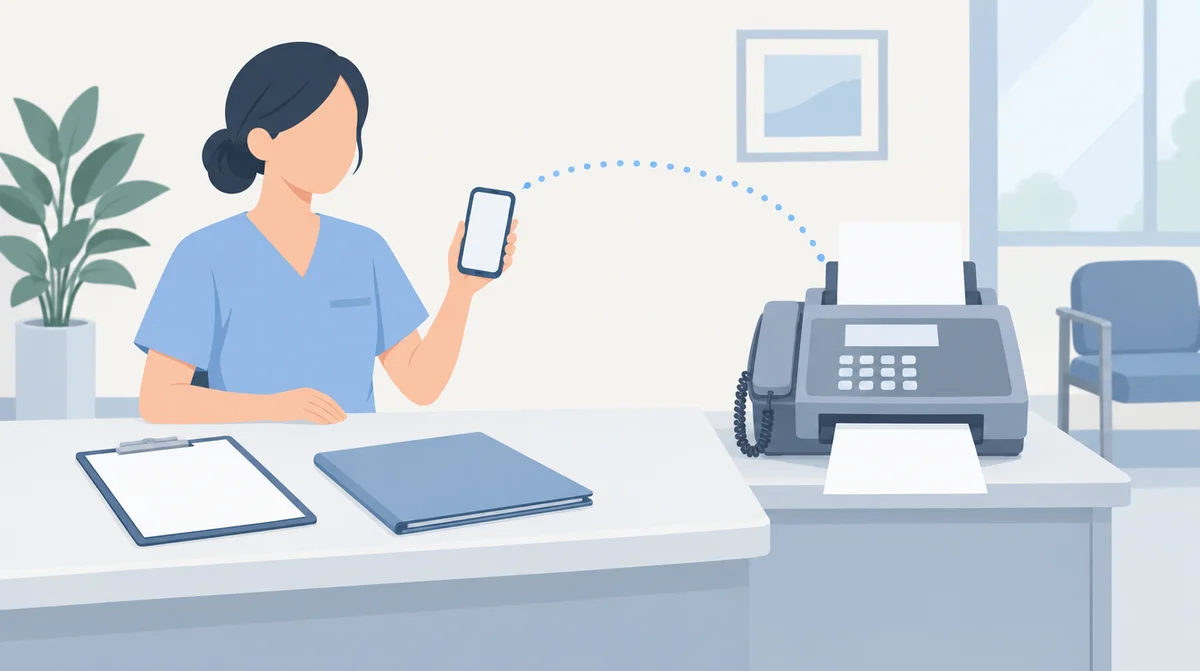
A fax app on your phone can send a referral or a records request from anywhere. If the pages include patient information and HIPAA applies to you, the app becomes part of how your practice handles protected health information (PHI). Before you scan that first page, check the vendor, the agreement and a few settings on your own account.
This checklist covers what to look at in any fax app before you fax patient information from a phone, and how FaxDash handles each point. For the rules themselves, see our guide to HIPAA fax rules for small medical and dental practices.
This article is general information, not legal, tax or compliance advice. Agency rules and fax numbers change, so confirm with the agency or a qualified professional before you send.
Short answer
Before you fax PHI from a phone, confirm that the fax service will sign a Business Associate Agreement (BAA) and that one is signed for your account. Then check encryption, what stays on the phone, the audit trail, how received faxes are announced, and whether any AI features or connected tools touch the documents. FaxDash signs a BAA on the Business plan only. To request one, email support@faxdash.io or hipaa@faxdash.io.
1. A signed BAA, on the plan you actually use
Under HIPAA, a vendor that handles PHI for a covered entity is a business associate, and the covered entity needs a BAA with it. A fax service that says it supports HIPAA but hasn't signed a BAA with your practice doesn't cover your faxes.
What to check:
- Which plan includes the BAA. Some services offer it on certain plans only.
- How you request it. Get the steps from the vendor in writing.
- Which features it covers. If you plan to use AI features or connect other tools, ask whether the agreement covers them.
How FaxDash handles it: the BAA is on the Business plan only. Email support@faxdash.io or hipaa@faxdash.io to request it. See the FaxDash Business plan for what else the plan includes.
2. Encryption at rest and in transit
Ask how documents are protected while stored and while moving between your phone, the service and the carrier.
How FaxDash handles it: the Business plan page, checked November 17, 2026, says documents are encrypted in transit (TLS 1.2+) and at rest (AES-256). FaxDash's security help says access is tied to your authenticated account.
3. What stays on the phone
A phone gets lost more easily than a desk machine. Check whether the app keeps copies of documents on the device.
What to do: ask the vendor in writing what the app keeps on the device and for how long. Use your phone's own screen lock, and keep scans out of your camera roll if your practice's policy calls for it. In FaxDash, received faxes open from the inbox in the app and the web dashboard, and the email notice for each fax carries a link, not the fax.
4. An audit trail you can show
If someone asks who opened a fax and when, you need a record.
How FaxDash handles it: the security help says the document vault is a secure archive of your faxes with an immutable audit trail, "so you can see who accessed which document and when." It is included with the Business receive plan.
5. How received faxes are announced
Notices that carry the whole fax can spread PHI to every inbox and device the email reaches.
How FaxDash handles it: received faxes appear in your inbox in the app and the web dashboard, with a push notification. You also get an email with who sent it, when it arrived and a link to open it in FaxDash; the fax itself isn't attached (receiving help). FaxDash's integrations help says the link needs you to be signed in.
6. AI features and connected tools
Many fax apps now summarize or sort documents with AI. Find out where that processing happens, whether it is on by default, and whether your BAA covers it. If you connect other tools to your fax account, ask the same questions about each of them.
How FaxDash handles it: FaxDash's receiving help, checked November 22, 2026, says AI summaries are available for faxes received on your number, and that "Analysis runs on Amazon Bedrock, inside our AWS BAA." To stop it, switch off "Summarize received faxes with AI" in the app or the web dashboard. New faxes then arrive without an AI summary, category or extracted details. Turning AI analysis off does not by itself make your fax workflow HIPAA compliant.
7. Sending habits that protect patients
The app is only part of it. Before each send:
- Check the number twice. A wrong digit sends PHI to a stranger. Use saved contacts for regular recipients.
- Send only what is needed. Leave out pages the recipient doesn't need.
- Add a cover page. Note who the fax is for. A cover page has no feature fee but uses 1 send credit.
- Mark it or black out parts. In the web dashboard, add a CONFIDENTIAL watermark. The watermark has no feature fee. You can also redact anything the recipient shouldn't see.
- Keep the record. In FaxDash, delivered means the transmission completed. It does not mean someone has read the document. Our guide on confirming a fax was received covers follow up.
How SRFax describes its HIPAA setup, checked November 22, 2026
Other fax services also offer a BAA. This is what SRFax's own pages said on November 22, 2026, compared on features only.
| FaxDash | SRFax | |
|---|---|---|
| How you get a BAA | On the Business plan, by email to support@faxdash.io or hipaa@faxdash.io | A "Request a BAA" link on its Healthcare Solutions page |
| Using it from a phone | iPhone and Android apps that scan, send and receive, plus the web dashboard | Its Healthcare Solutions page says the service "works exclusively through email" |
Sources: FaxDash's security help and getting started help, and SRFax's Healthcare Solutions page and HIPAA compliance page.
Both will sign a BAA. If your staff fax from phones, FaxDash's apps let them scan a page with the camera and send it in the same place they receive.
Cost
FaxDash's pricing help, checked November 22, 2026, lists the Business plan at $12.99/month with 500 received pages, 60 send credits, priority support, the document vault and HIPAA support (BAA), with 2 team seats included and $2.99 per extra seat a month. Sending uses 1 credit per page to US (+1) numbers, including Canada, and more credits per page elsewhere. FaxDash offers 2 free pages when you sign up.
FAQ
Is a fax app HIPAA compliant on its own?
No app makes you compliant by itself. HIPAA compliance depends on a signed BAA, your settings and how your practice handles PHI. Confirm your obligations with whoever owns compliance for your practice.
Does FaxDash sign a BAA?
Yes, on the Business plan only. Email support@faxdash.io or hipaa@faxdash.io to request it.
Can I turn off AI analysis?
Yes. Switch off "Summarize received faxes with AI" in the app or the web dashboard. Turning AI analysis off does not by itself make your fax workflow HIPAA compliant.
Does FaxDash email me the fax?
No. You get an email for each new fax with who sent it, when it arrived and a link to open it in FaxDash. The fax itself isn't attached.