
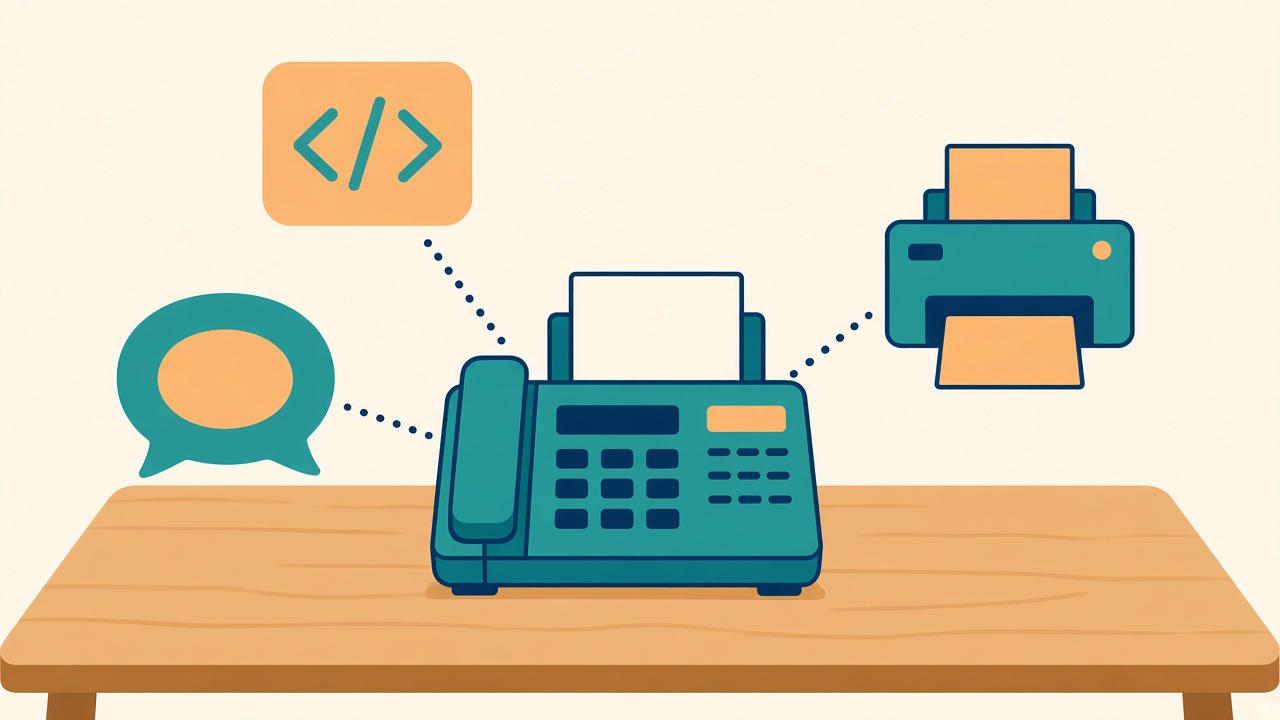
Start with the part of the fax process you want to improve. Do you want to ask an assistant for help while you work? Have another system repeat a defined task? Or make incoming faxes appear on the office printer?
Those are different needs. FaxDash offers MCP, a REST API and FaxDash Connect, and a team can use more than one. Choosing the smallest useful combination keeps maintenance and permissions easier to understand.
This article is general information, not legal, tax or compliance advice. Agency rules and fax numbers change, so confirm with the agency or a qualified professional before you send.
Choose by the result you need
- MCP: use an AI assistant to work with FaxDash through conversation. Signing in through OAuth works on every FaxDash plan.
- REST API: build a repeated workflow in your own software. API keys require Business.
- FaxDash Connect: automatically print received originals on an office printer. The desktop app is free; receiving requires a number and receive plan.
These are connection choices, not three levels of intelligence. An API workflow can use an AI service if you build that step. A conversational assistant can read available fax information without controlling your printer.
Choose MCP when a person is directing the work
MCP connects an assistant to FaxDash tools. A useful request might be to find a recent fax, inspect its available text or check whether an earlier send was delivered. The assistant's approved permissions determine which fax tools it can use.
The data path matters: information the assistant reads or sends passes through its provider. Decide whether that provider is appropriate for the documents involved before granting content access. FaxDash's BAA does not cover a separate assistant provider. The integration and permissions guide explains the boundary.
Keep the request specific. Identify the fax, the intended output and whether you are asking for review or an external action. “Summarize this and propose a reply for me to check” gives a different instruction from authorizing a fax send. Sending consumes your FaxDash credits.
MCP supplies a connection to tools. A connector alone does not establish an unattended schedule, recurring monitoring or background execution. Those depend on the assistant or other system hosting the workflow, its capabilities and your authorization.
For connection instructions, use the guide to faxing from an AI assistant. Decide the task and permissions first, then follow the setup that fits your client.
Choose the API when your software owns the process
The REST API fits work whose trigger, inputs and expected result are sufficiently clear to implement and maintain. For example, your application might need to match received-fax metadata with an internal work record.
You take responsibility for the application around the calls: credentials, monitoring, retries, business rules and human escalation. A successful HTTP request does not prove that the office completed the underlying task. Write down where API-fetched pages would be stored and which services would process them. Any added AI or storage provider is another data recipient to assess.
Separate the permissions your application needs. Listing received faxes uses inbox metadata access. Reading the pages and extracted text requires content access. A service that only counts arrivals should not need permission to send or delete faxes. Use the FaxDash API reference to check the exact endpoint and scope before designing a step.
Treat event notifications as signals
The generic webhook sends event metadata, not the fax pages or AI analysis. Receiving content downstream requires a separate authorized fetch. Generic webhook delivery is best effort: a notification can be missed or arrive twice.
Design for both cases. Store the fax reference and event type before creating downstream work, make repeated processing safe, and reconcile against the inbox or sent status when necessary. For outgoing API retries, follow the reference's idempotency rules rather than blindly creating a second send.
Do not promise an automated workflow until someone has tested its permissions, missing-data behavior and recovery path with appropriate synthetic inputs.
Choose Connect when the next step needs paper
Connect runs on macOS 12 or later and 64-bit Windows 10 or 11. It prints received faxes on the selected printer, including ones already opened digitally. It cannot send faxes or access billing and settings. The Connect help guide covers installation and operating behavior.
Use one running copy for a shared team inbox to avoid multiple copies. Plan for catch-up printing after a pause or downtime, and handle older inbox items separately at first sign-in.
Connect prints the incoming document. It does not let an AI assistant choose only urgent faxes for printing, and it is not a print destination for AI-generated summaries. If your office needs those outputs, define and evaluate a separate process instead of assuming Connect supplies it.
Account for missing AI output
Built-in summaries and custom AI processing are separate design choices. FaxDash summaries cover received faxes up to five pages. Analysis can be disabled, and signed-BAA accounts start with it off. The API also documents missing-summary reasons including timeout and failure. See the received-fax summary guidance and API response definitions.
Use the original document as the fallback when it is available. If the pages themselves cannot be downloaded, keep a visible exception for recovery and a named owner. “No summary” should lead to human review or another explicitly approved path, rather than silently dropping the fax from the workflow. Check important amounts, instructions and dates against the original even when a summary is present.
A fictional example of combining the three
Consider an invented small wholesaler receiving supplier documents. This is a proposed, untested design, not a built-in FaxDash integration.
The office uses Connect because staff still review originals on paper. A custom Business-plan API service lists incoming fax metadata and creates a row in an approved internal register. It does not fetch document content or send anything.
When a buyer needs help with one document, they use an authorized MCP assistant to inspect it and propose questions for the supplier. The buyer checks the original and decides what to do. The register remains the team's record of ownership and completion.
Each piece has one job. The API service does not need broad access just because the assistant can read a document, and Connect does not need to know what the buyer decided.
Compare the full cost of each choice
Budget by category before comparing plans:
- Fax service: receiving plans, outbound pages and any applicable usage beyond allowances.
- Assistant service: the provider's plan or usage charges, separate from FaxDash.
- Custom software: development, hosting, monitoring and ongoing maintenance.
- Paper workflow: computer availability, printer supplies, secure storage and staff handling.
Business currently includes 10,000 API-key requests monthly; the reference says excess requests continue without additional charges. Verify current terms in the API reference and FaxDash pricing. Free Connect software still relies on a paid receiving service and your office hardware.
How other fax services offer the same three pieces, checked November 12, 2026
If you are weighing services before you build, the same three questions apply: can an assistant connect, which plan has the API, and what does the desktop app do. This is what each company's own pages said on November 12, 2026.
| FaxDash | Fax.Plus | eFax | |
|---|---|---|---|
| AI assistant (MCP) | Signing in through OAuth works on every plan | AI Assistant Integration (MCP) for ChatGPT, Claude and more, except on accounts with Advanced Security Controls, including HIPAA and PHIPA accounts | Not listed on its pricing page |
| Developer API | REST API keys on Business, and a webhook for fax events | Fax.Plus API with the Enterprise plan, plus webhooks with a delivery log and replay of missed events | Full eFax API on Corporate, its custom plan for large organizations |
| Desktop app | FaxDash Connect prints each received fax on a printer you choose, on Mac or Windows | Print to Fax sends a fax from any app's print dialog on Windows or macOS | A desktop app for sending faxes from any PC |
Current prices are on each company's pricing page: Fax.Plus and eFax. FaxDash's are on Pricing, credits and billing. FaxDash offers 2 free pages when you sign up.
Start with the smallest complete workflow
Write down the trigger, required information, output, owner and failure response. Choose MCP for a conversation-led task, the API for software you will operate, or Connect for automatic received-fax printing.
Add another component when it solves a real gap. Before expanding, make sure the team can identify what happened, who is responsible and how to recover when a document, notification or printer is unavailable.