
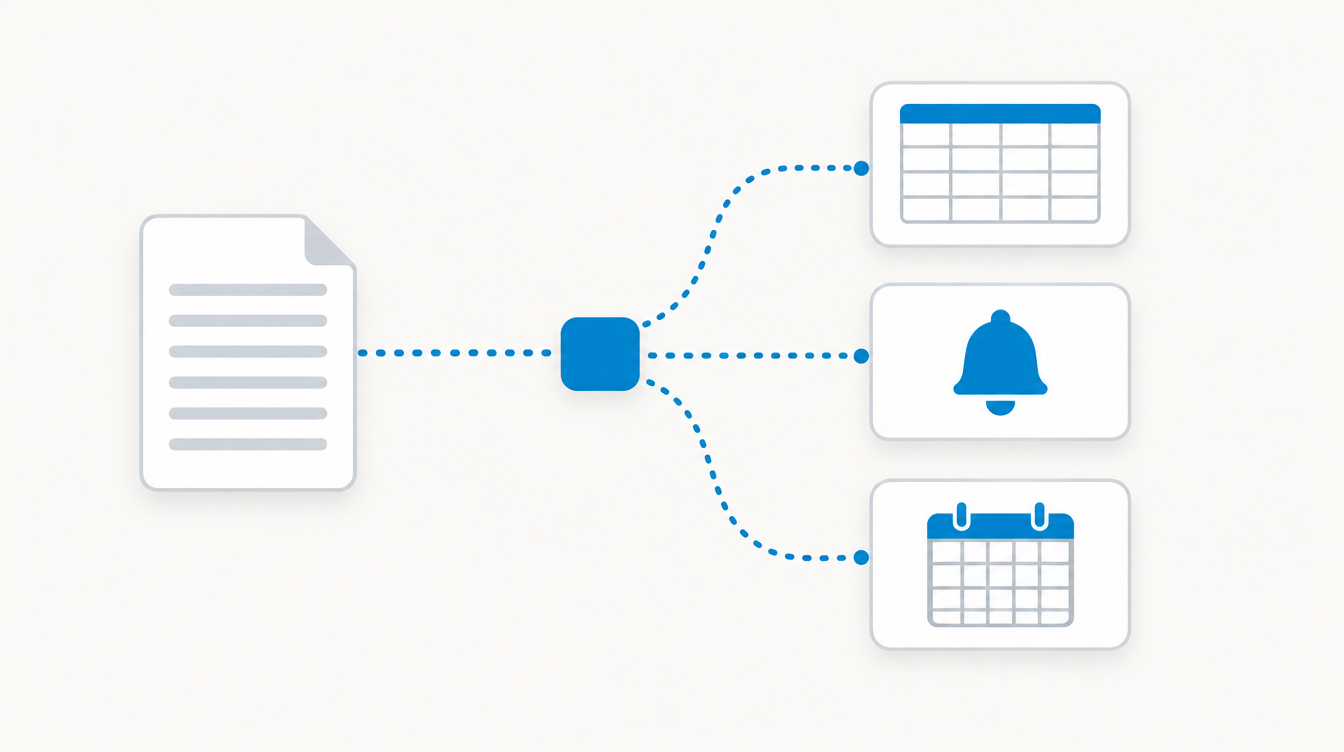
When a fax arrives, the useful next step is often not reading it. It is making sure it gets logged, assigned and followed up. A tracking sheet row, a task or a reminder can do that, and you can create them automatically if FaxDash tells another tool that a fax event happened. The workflow question is what that signal contains, and what your automation must handle because it does not contain more.
FaxDash does this with a webhook: an address you give FaxDash, which it sends a small JSON message to when a fax event happens. Zapier and Make both offer a catch address you can use for it. This guide covers what FaxDash sends, how to connect each tool, how to build a check against duplicates and missed events, and when a simpler route is enough.
This article is general information, not legal, tax or compliance advice. Agency rules and fax numbers change, so confirm with the agency or a qualified professional before you send.
Short answer
- Where to set it up: in the web dashboard, open Settings, then Integrations, paste your address into the Webhook / Zapier / Make box and click Save Integrations.
- When FaxDash sends a message: when a fax arrives on your number (
fax.received), and when a fax you sent is delivered (fax.delivered) or fails for good (fax.failed). - What is in it: numbers, page count, a fax ID and a link back to FaxDash, not the fax pages. The exact fields are below.
- What to build in: a check on the fax ID for repeats, and a periodic look at your FaxDash history for anything missed.
All of this is from FaxDash's integrations help.
What FaxDash sends
FaxDash's help says each request has an event, a timestamp and a data object. Zapier, Make or your own endpoint receives these fields.
| Event | When | Fields in data |
|---|---|---|
fax.received | A fax arrives on your number | faxId, fromNumber, toNumber, pageCount |
fax.delivered | A fax you sent is delivered | faxId, destinationNumber, pageCount, status |
fax.failed | A fax you sent fails for good | faxId, destinationNumber, pageCount, status |
Every data object also has dashboardUrl, a link to your inbox for a received fax or your Sent page for the others. The fields the help lists do not include the pages, the extracted text or the AI summary. To read the fax, open it in FaxDash.
"Delivered" means the transmission completed. It does not tell you the recipient read or accepted the fax. See how to confirm a fax was received.
Rules your receiving address must meet
FaxDash's help sets these requirements:
- It must be a public https address that accepts JSON.
- It should answer with a 2xx status within 5 seconds.
- FaxDash does not follow redirects.
- Delivery is best effort. If your address is down, a message can be missed, and one can occasionally arrive twice.
The last point shapes the whole design. You cannot treat every message as exactly one event.
Steps: Zapier
- Create the receiving address. Zapier's webhook guide says to add a trigger step, choose Webhooks by Zapier, pick Catch Hook, and copy the unique URL shown on the Test tab. Catch Hook accepts GET, PUT or POST requests and parses the request body, and FaxDash sends a POST.
- Paste it into FaxDash. Settings, then Integrations, then the Webhook / Zapier / Make box, then Save Integrations.
- Trigger one event and test. Send a one-page fax or have someone fax your number, then use the test step in Zapier to load the sample. Zapier replies with a 200 by default.
- Build the next steps after the sample arrives.
Check your Zapier plan first. Zapier's own pages are not consistent about which plans include Webhooks by Zapier: the webhook guide above lists Free, Professional, Team and Enterprise, while Zapier's getting started with Webhooks article lists Professional, Team and Enterprise. Confirm on your account. Zapier's guide also says that when a Zap is turned off or deleted, its address returns a 404, after an update delay of up to several hours, so FaxDash events sent while the Zap is off may not be caught.
Steps: Make
- Create the receiving address. Make's Webhooks documentation says to add the Webhooks app's Custom webhook module in the scenario builder, click Add next to Webhook, give it a name and save. Make generates a unique URL. Each scenario uses its own webhook.
- Paste it into FaxDash. Same box in Settings, then Integrations.
- Send a test event. Make says that you can define the expected data structure when you create the webhook, or send a sample request and let Make detect it. Without a defined structure, Make accepts incoming data without validating it.
- Build the next steps. Make accepts JSON, form data and query strings.
A hypothetical tracking sheet
Hypothetical example, not a customer story. A small office wants every received fax logged. The webhook creates one row per fax.received event:
| Sheet column | Filled from |
|---|---|
| Fax ID | faxId |
| From | fromNumber |
| Sent to | toNumber |
| Pages | pageCount |
| Open | dashboardUrl |
| Owner | left blank, a person fills it in |
| Status | starts as "To review", a person changes it |
Two details make this reliable. Before adding a row, the automation checks whether the fax ID is already in the sheet. That absorbs the occasional repeat the help describes. And someone compares the sheet with the FaxDash inbox on a regular schedule, because a missed event leaves no row and nothing to flag it.
The automation did not read the fax, assign it or complete the work. It logged that a fax exists and linked to it. A person still opens the fax, checks it and acts.
How iFax and Fax.Plus handle webhooks
Compared on features only, from each company's own documentation, checked November 10, 2026:
- iFax documents webhooks for sent and received faxes with a global webhook URL in its dashboard settings. It says a failed webhook is retried automatically up to 5 times, and a failed received-fax callback up to 16 times, with increasing waits. For received faxes, its documentation says the callback is a multipart POST that includes the received fax PDF in a file part named
filename. - Fax.Plus documents webhooks for
fax_sentandfax_receivedevents. Webhooks must be enabled under Settings, then Integrations, and an endpoint is created through its API. The page describes a signing secret for verifying deliveries. It also lists Zapier among its integrations.
The tradeoff is how much arrives with the event. Those two services document retries, signing or the fax file in the callback. FaxDash's help documents metadata and a link, a short list of receiving rules, and best-effort delivery, so your side does more checking, and the pages stay in FaxDash until a person opens them. If you need the PDF delivered to your own storage automatically, or retries handled for you, check the details above before choosing.
Where this goes wrong
- A repeat creates two tasks. Key on
faxIdand skip IDs you have already recorded. - A missed event creates no task. Compare your log with your FaxDash history on a schedule.
- The address leaks. FaxDash's help does not describe signed requests or custom headers, so treat the address itself as the secret. Keep it out of tickets and chat. If you need a way to verify the sender, ask support@faxdash.io before relying on one.
- Phone numbers travel to another service. The data includes numbers. If your office handles protected health information, ask whoever manages your compliance before connecting a workflow tool. A BAA with FaxDash is available on the Business plan only; to request one, contact both support@faxdash.io and hipaa@faxdash.io. That agreement covers FaxDash, not Zapier or Make.
- The tool is turned off. Zapier returns a 404 for a Zap that is off or deleted. Check that the automation is running after any change.
Decision rule
If the only goal is to know that a fax arrived, the push notification and email, or a Slack or Teams message, may be enough. Build the webhook flow when each fax needs a record, an owner or a deadline. To read faxes or send them from code, FaxDash's REST API is on the Business plan.
Cost
FaxDash's help and pricing pages do not list a fee for webhook messages. FaxDash's API reference puts its endpoints for managing webhook endpoints under the Business plan, and the help does not state a plan requirement for the Webhook / Zapier / Make box, so check Settings, then Integrations, on your own account. Zapier and Make have their own plans, so check them. Faxes cost credits as usual: 1 credit per page to US (+1) numbers, including Canada, and more credits per page elsewhere. Credits never expire. FaxDash offers 2 free pages when you sign up.
FAQ
Do I need a developer?
Not for the catch address in Zapier or Make. You paste an address into FaxDash and build the rest in the tool. Calling the REST API is a developer task.
Does FaxDash send the fax pages?
The fields listed in the help are IDs, numbers, page count, status and a link. They do not include the pages or the summary.
Can I stop it?
Clear the box in Settings, then Integrations, and click Save Integrations.
What if my address is down?
A message can be missed. Compare your records with your FaxDash history, and see how to resend a failed fax if a send failed.