
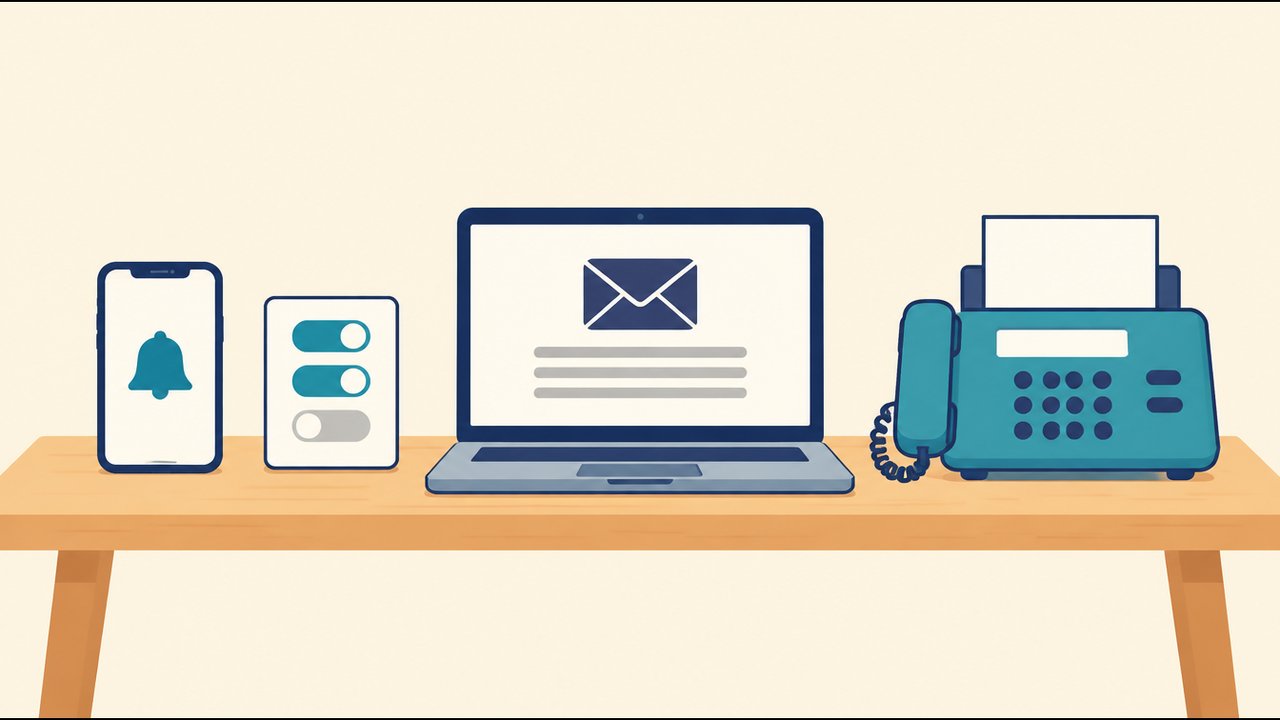
Suppose your office email is filling up with a message every time a fax arrives, and you're thinking about switching notifications off. Before you do, it helps to know which alerts tell you a fax failed, because that's the one you can't afford to miss. FaxDash lets you control push and email alerts separately, and the failure alert is the one that stays.
The short answer
In the web dashboard, open Settings, then General, and find Notifications. You can turn push notifications or email notifications on or off separately, and choose whether to get an email when a fax arrives.
The good news: failed-fax emails still arrive even if you turn fax emails off, per FaxDash's sending help, so a fax that didn't go through never goes unnoticed. If you want quiet, turn off the emails you don't need, and keep push notifications on as a second alert. FaxDash offers 2 free pages when you sign up.
What FaxDash sends
- Push notifications when a fax is delivered, when one fails and when a new fax arrives.
- Emails when a fax is delivered or fails.
- An email for each new fax, with a link to open it. The fax itself isn't attached.
- Plan alerts if you have a receive plan: a push notification and an email when you reach 80% of your monthly received-page allowance, and again when it runs out.
- A notification inbox in the app and the web dashboard, so you can catch up on anything you missed.
Some emails still arrive even if you turn fax emails off: failed-fax emails, replies to faxes you send by email, and team invitations.
Steps
- Decide what you can't miss. For most offices that's a failed fax. A new-fax alert matters if someone is waiting on a reply.
- Open the settings. In the web dashboard, go to Settings, then General, then Notifications.
- Choose push, email or both. Failed-fax emails still arrive even with fax emails off. For a second alert on failures, leave push on and check your phone's own notification permissions.
- Set the new-fax email. Turn it off if you'd rather open received faxes from the inbox in the app or dashboard. Help says you can turn it off in Settings.
- Check the notification inbox later. Open it in the app or the dashboard to see alerts you missed.
The honest catch
An alert about a fax tells you the status of the transmission. Delivered means the transmission completed. It doesn't mean a person has read the fax, and a new-fax alert doesn't mean anyone has acted on it.
Notification emails come from a no-reply address. Replying to one goes nowhere useful and can never send a fax. If you need help, write to support@faxdash.io instead. And a failed-fax message says the credits for that fax have been returned to your balance automatically, so a failure is a prompt to check the number and resend, not a charge to chase.
Plan notices travel the same way. When your plan ends and nothing covers your fax number any more, FaxDash notifies you about its 30-day grace period through the notification inbox and, if you have them on, push and email. If a renewal payment fails, the 30 days start that day, and FaxDash emails you that day and again as the date gets close. That's one more reason to keep at least one alert channel on.
If you share an inbox, be careful with "off". A switched-off email alert can look like a quiet week when it's only a quiet inbox. Check your sent history after anything important.
How FaxDash compares on notifications
Notification controls differ between services. Here is what Documo and eFax say on their own pages today, next to FaxDash's Help. This compares documented features, not hands-on tests.
| Feature | FaxDash | Documo | eFax |
|---|---|---|---|
| Email choices | Email on or off, plus a choice for the new-fax email | For inbound and outbound faxes: All, Success, Failure or None | Email alerts when documents are sent or received |
| Copy of the fax in the email | No, the new-fax email links to the fax | Optional copy of the fax in the notification | Not stated on that page |
| Admin-level control | Not described in Help | Account settings override user settings | Not stated for notifications on that page |
| Push notifications | Yes | Not stated on that page | Not stated on that page |
A fair read: Documo documents finer email controls, including Success and Failure choices and attaching a copy of the fax. FaxDash Help documents a simpler set: push, one email on or off switch and a choice about the new-fax email, which links to the fax. If success-only or failure-only emails matter to you, weigh that difference when you compare.
FAQ
Will I still know if a fax fails if I turn email off? Yes. Failed-fax emails still arrive even if fax emails are turned off. Push notifications also alert you if they're on, and the fax shows as Failed in your history.
Does the new-fax email include the fax? No. It includes a link to open the fax in FaxDash. The fax itself isn't attached.
Can I get push but no email? Yes. Help says you can turn push or email off separately.
Can I reply to a notification email? No. Replying goes nowhere useful. Email support@faxdash.io instead.
Do notifications cost anything? Help doesn't list a charge for them.