Free · no account · nothing uploaded
Free fax cover sheet maker
Pick a sheet, fill it in, add your logo and download a PDF ready to fax. Made in your browser, in black and white so it faxes clearly.
Made in your browser. Nothing you type or upload is sent to FaxDash or anyone else.
Ready-made templates
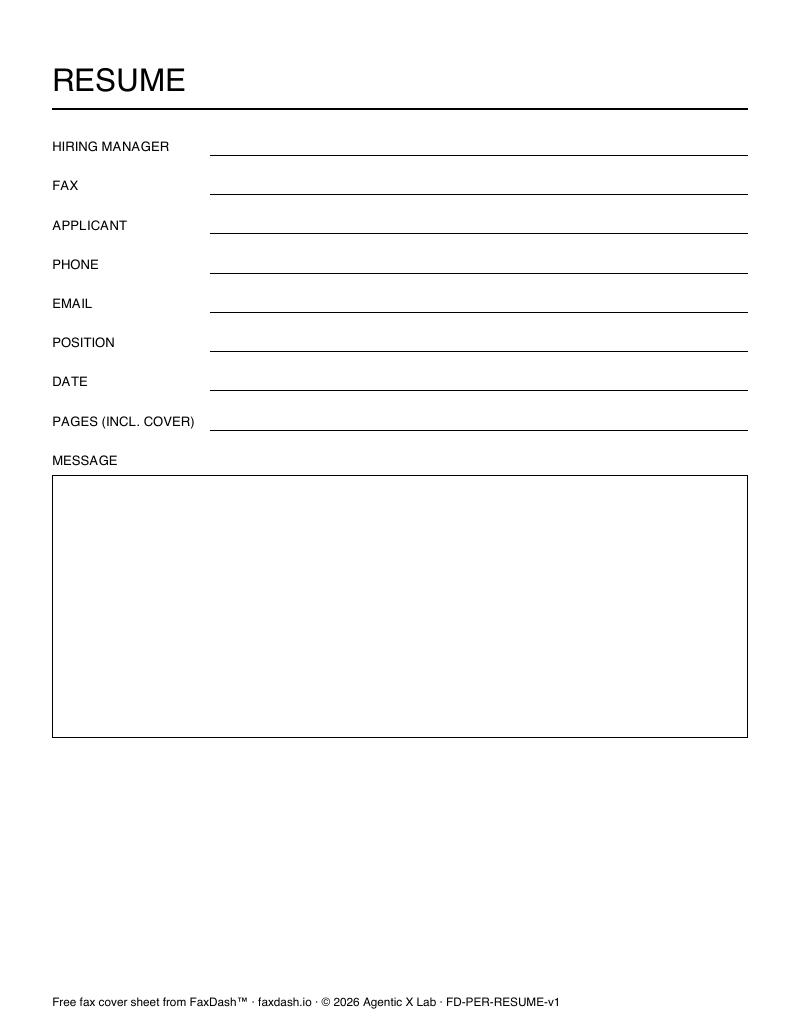
25 free sheets as PDFs, by who you are faxing. Download one as it is, or open it in the maker above.
Most popular
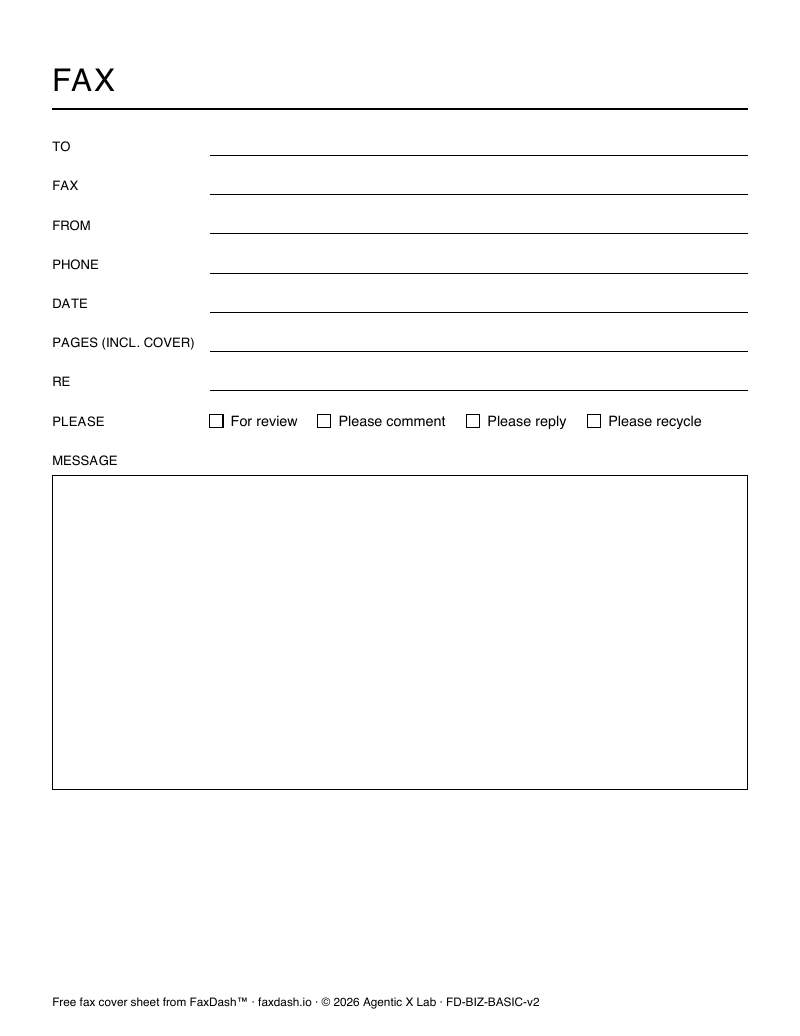
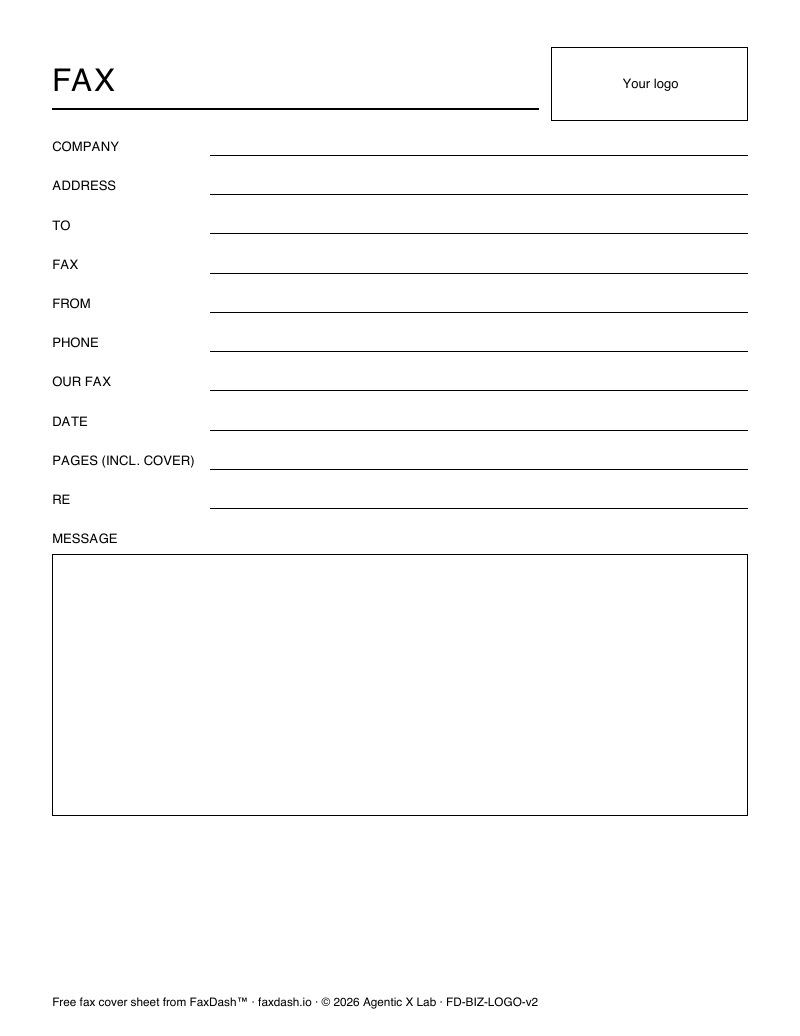
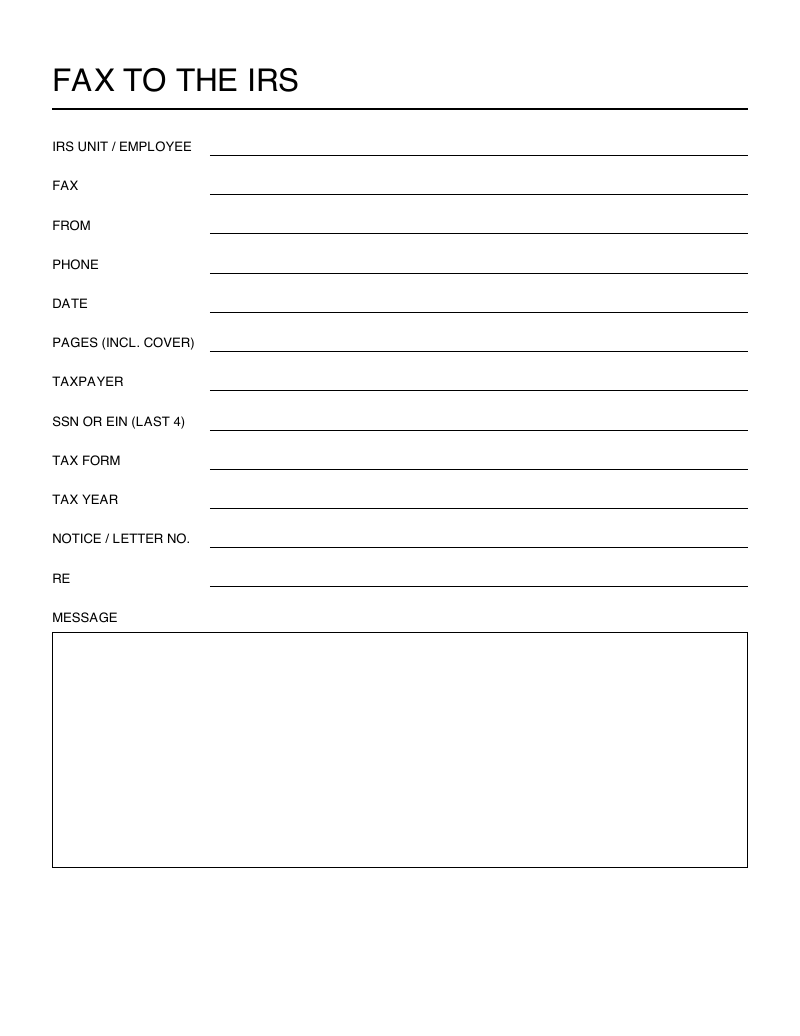
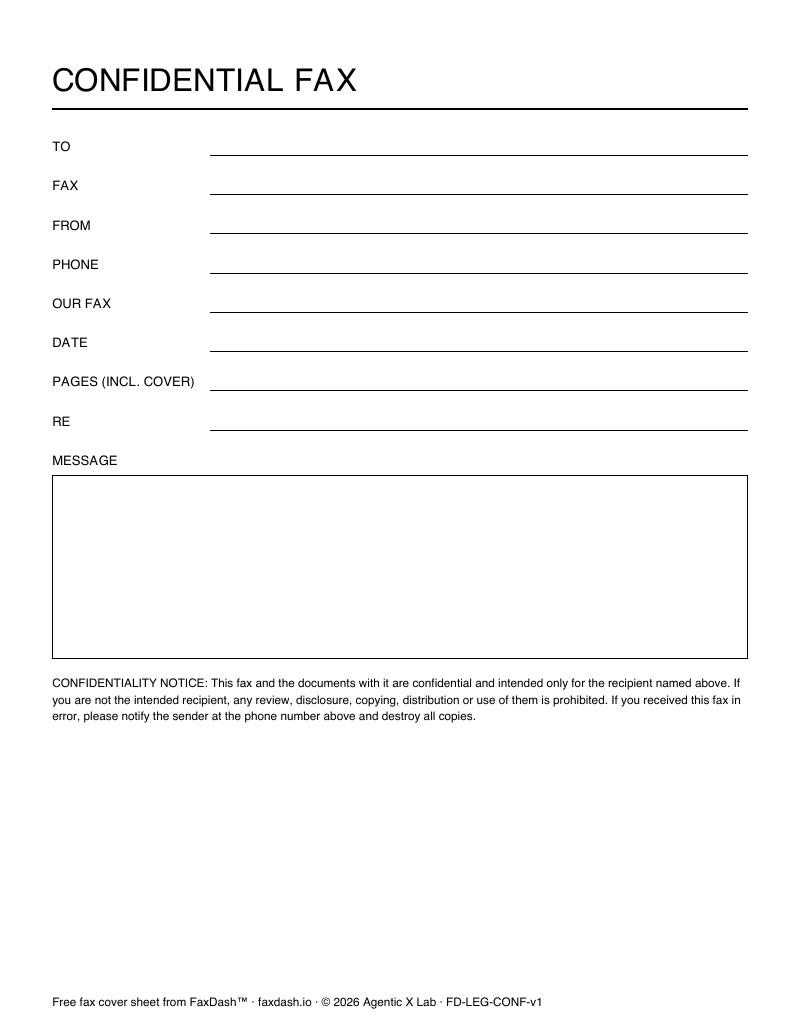
Government and tax
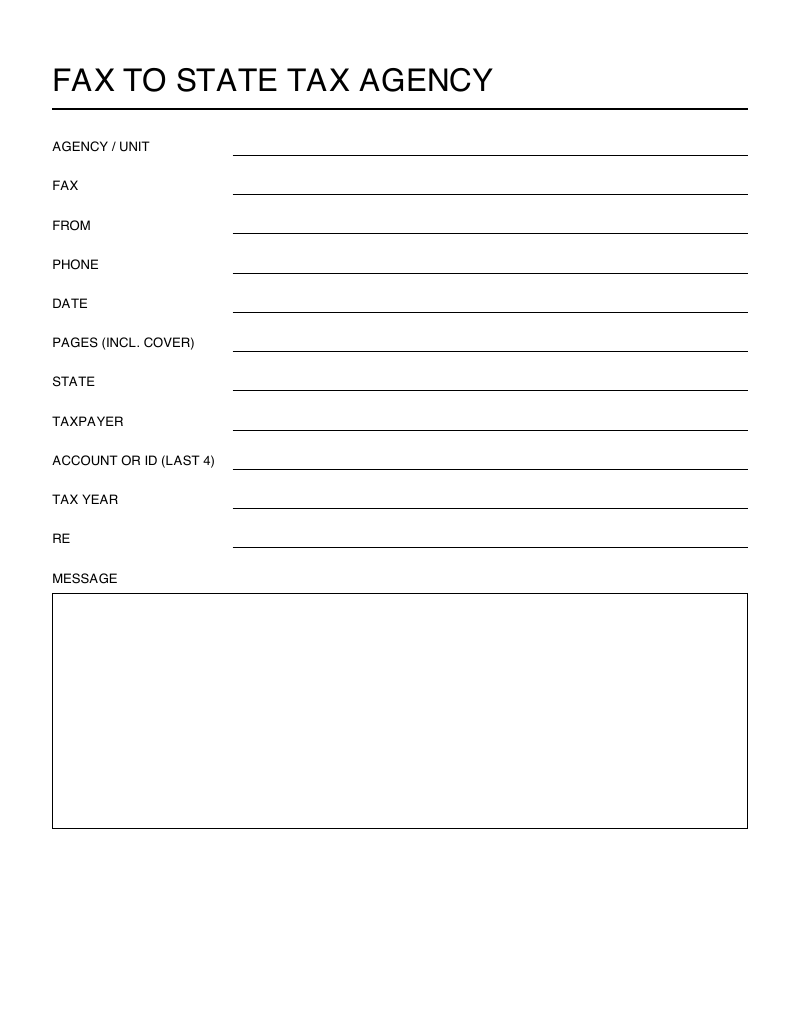
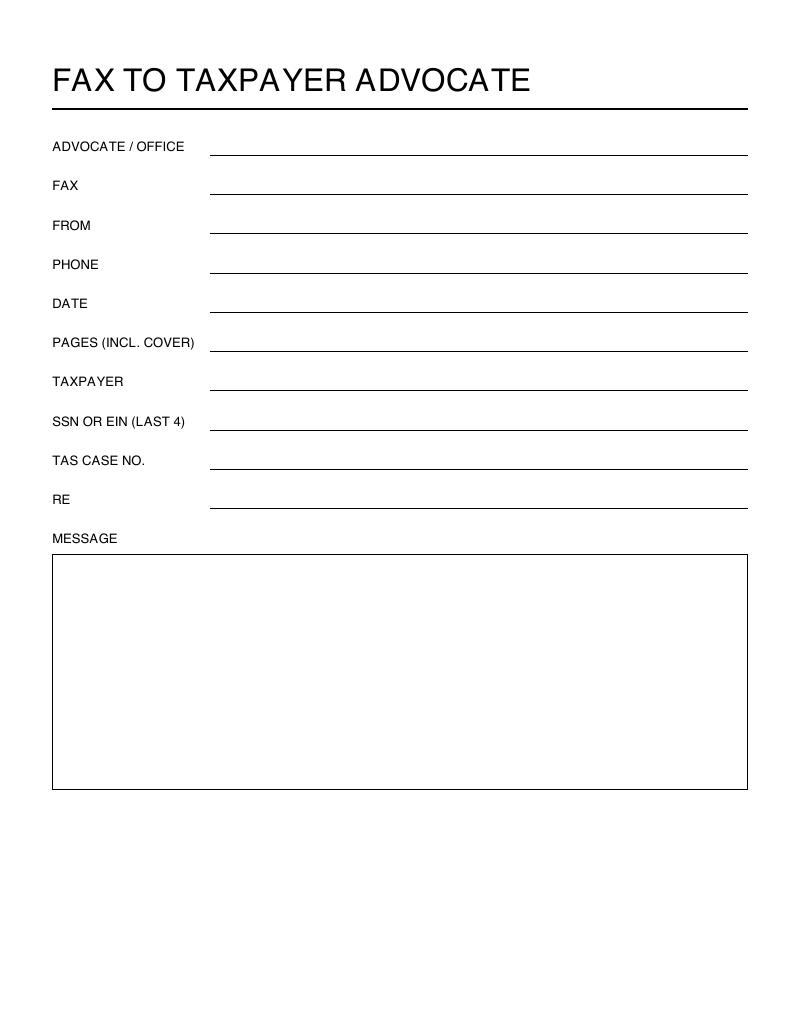
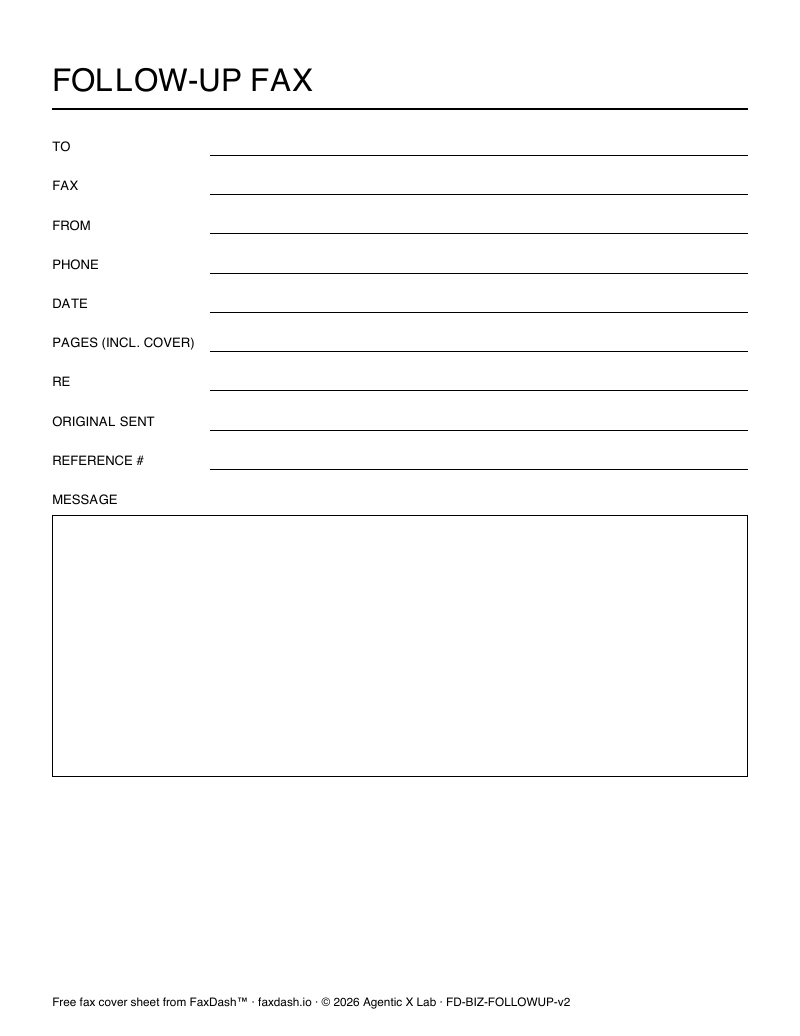
Business
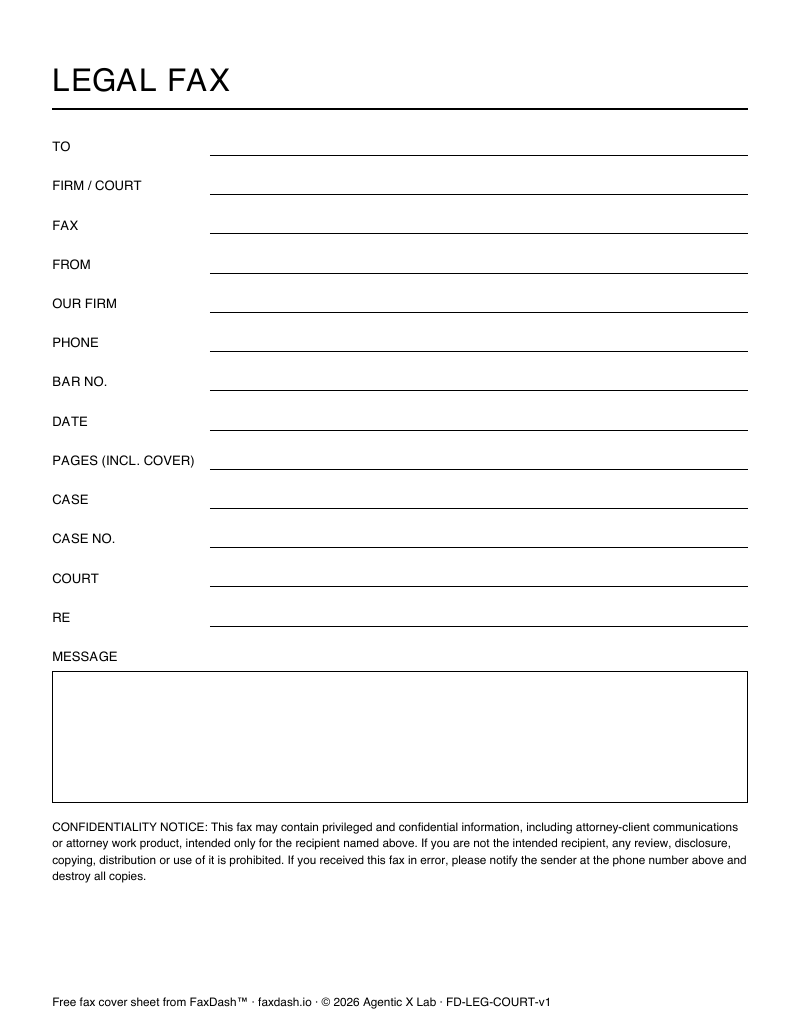
Confidential and legal
Real estate and finance
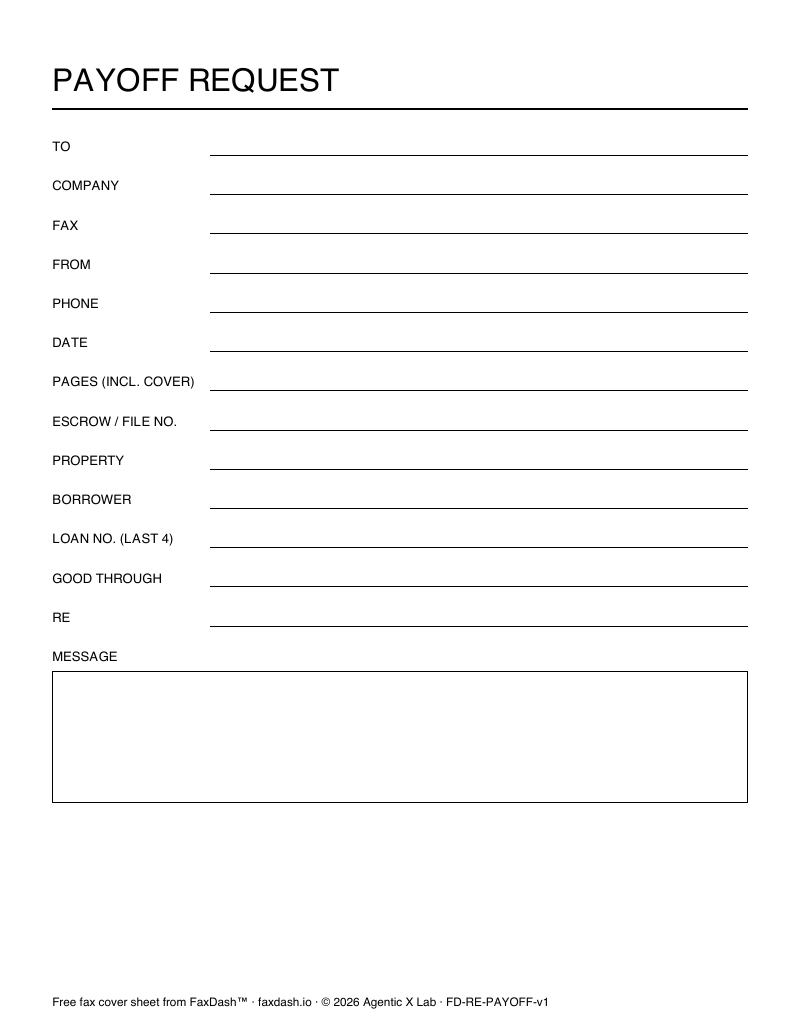
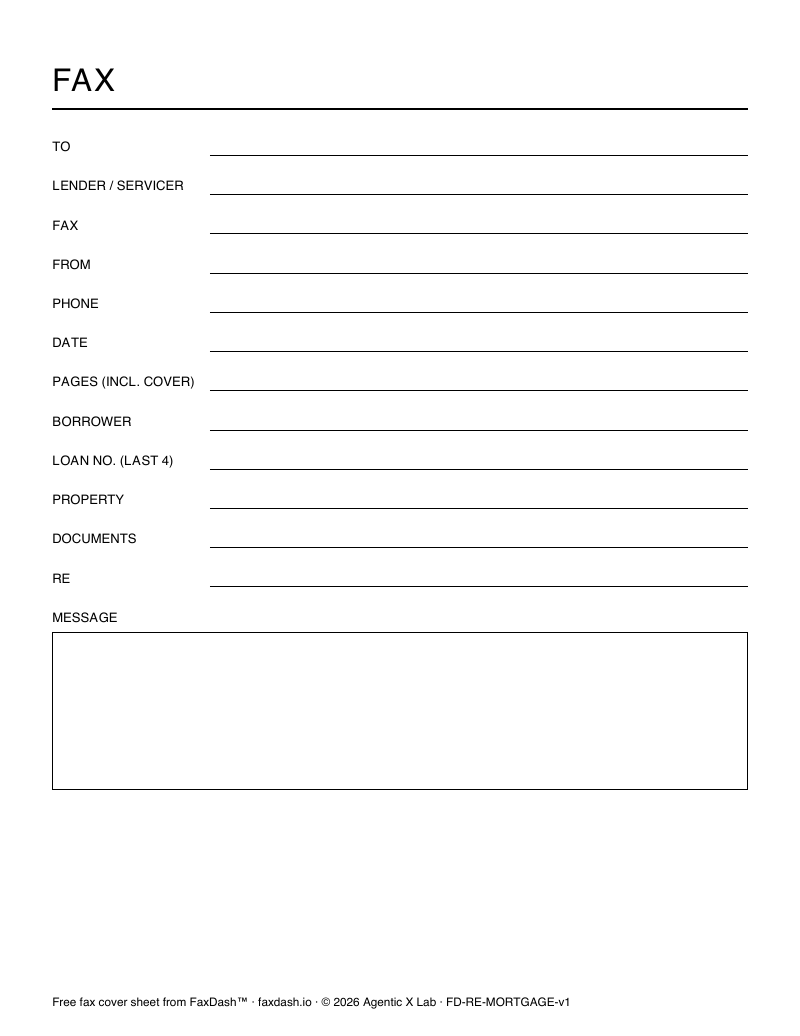
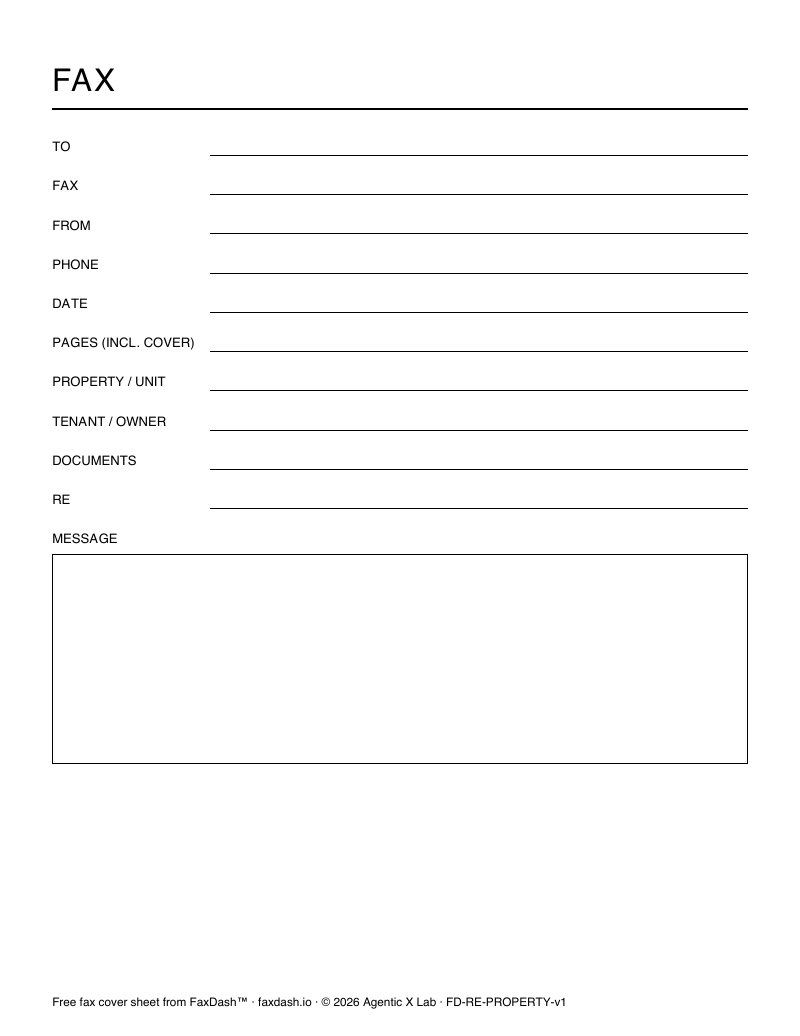
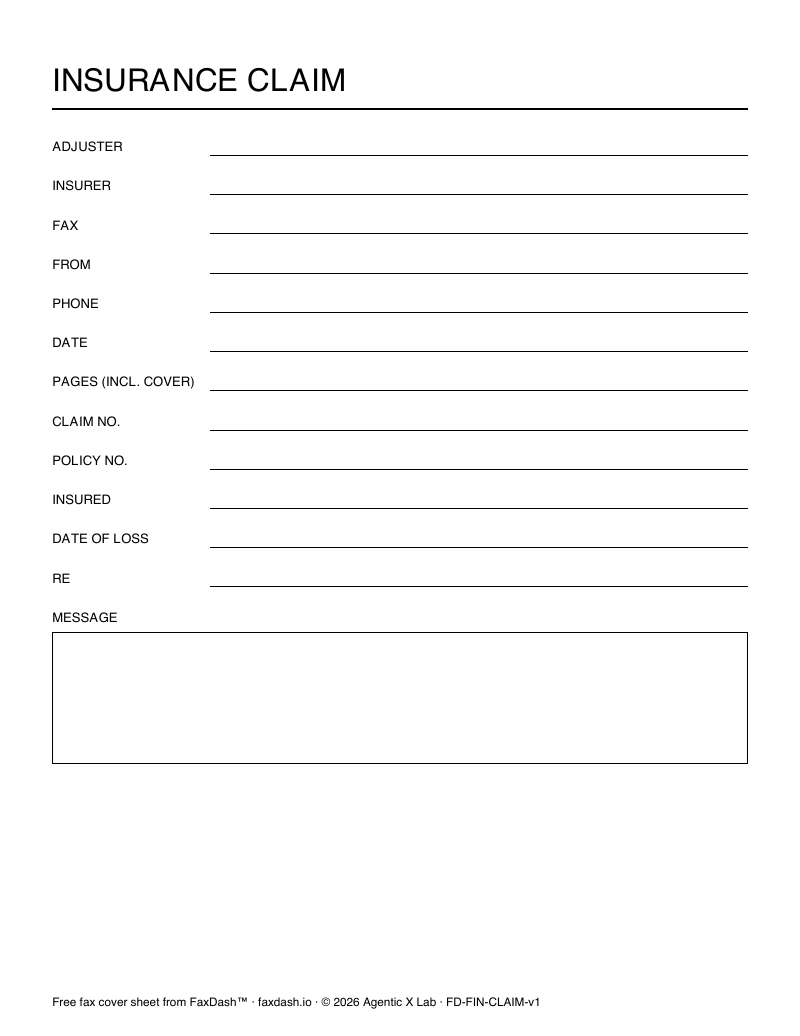
Tax and accounting offices
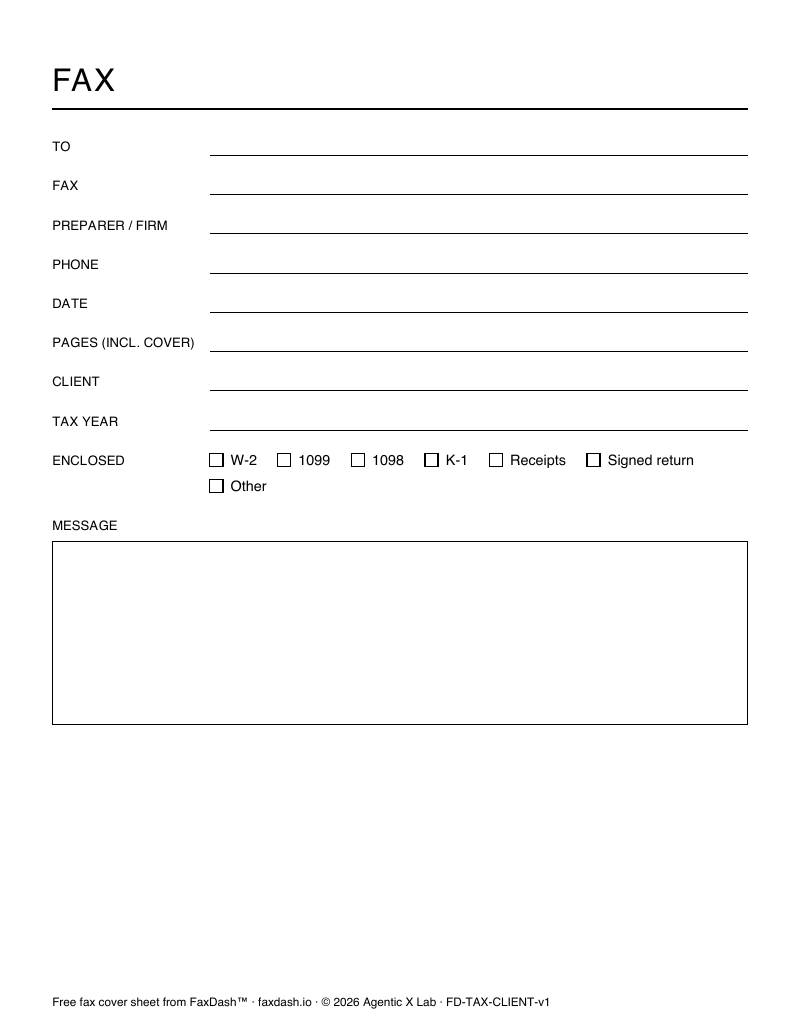
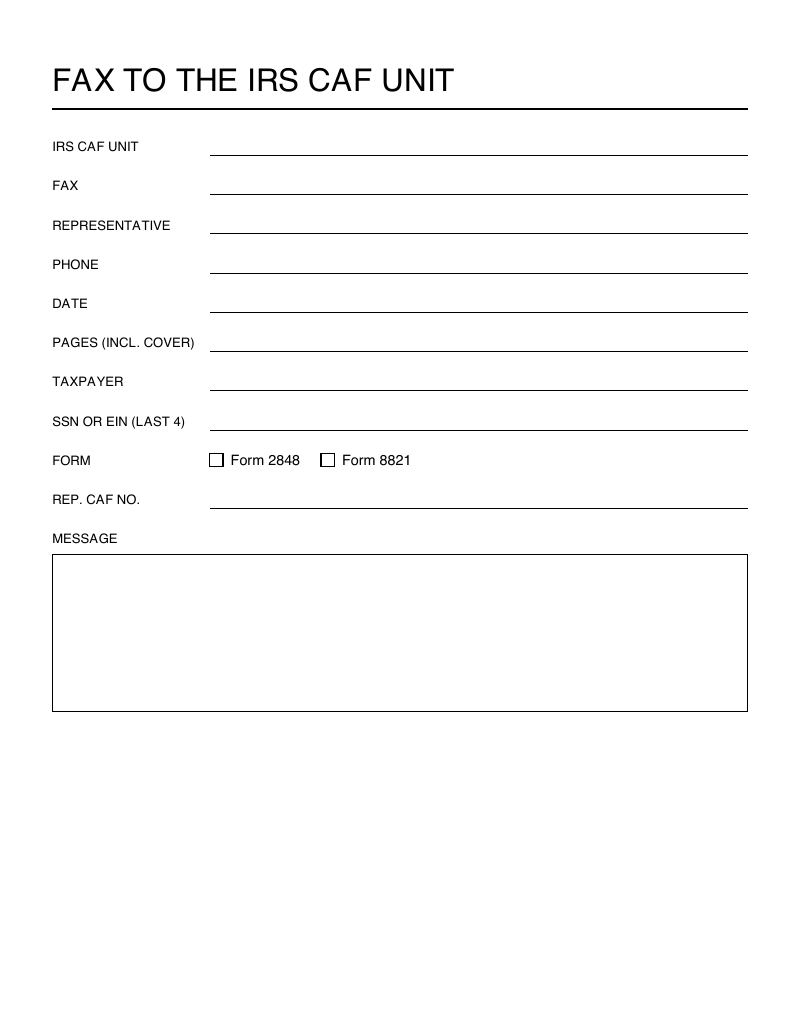
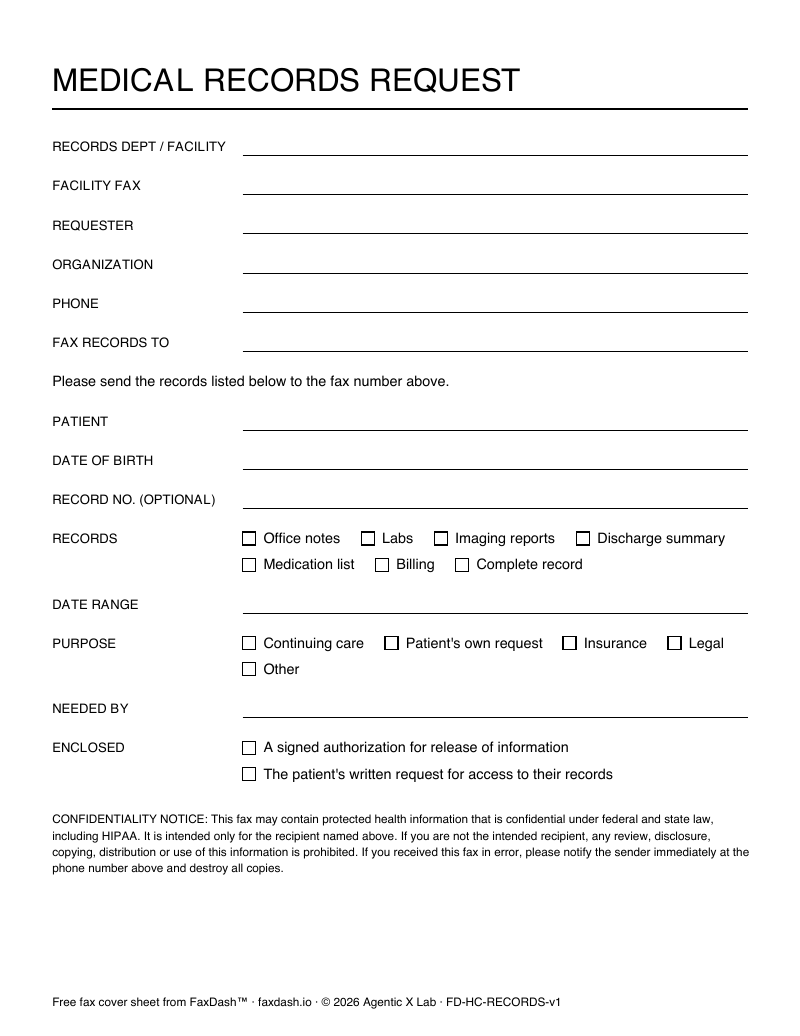
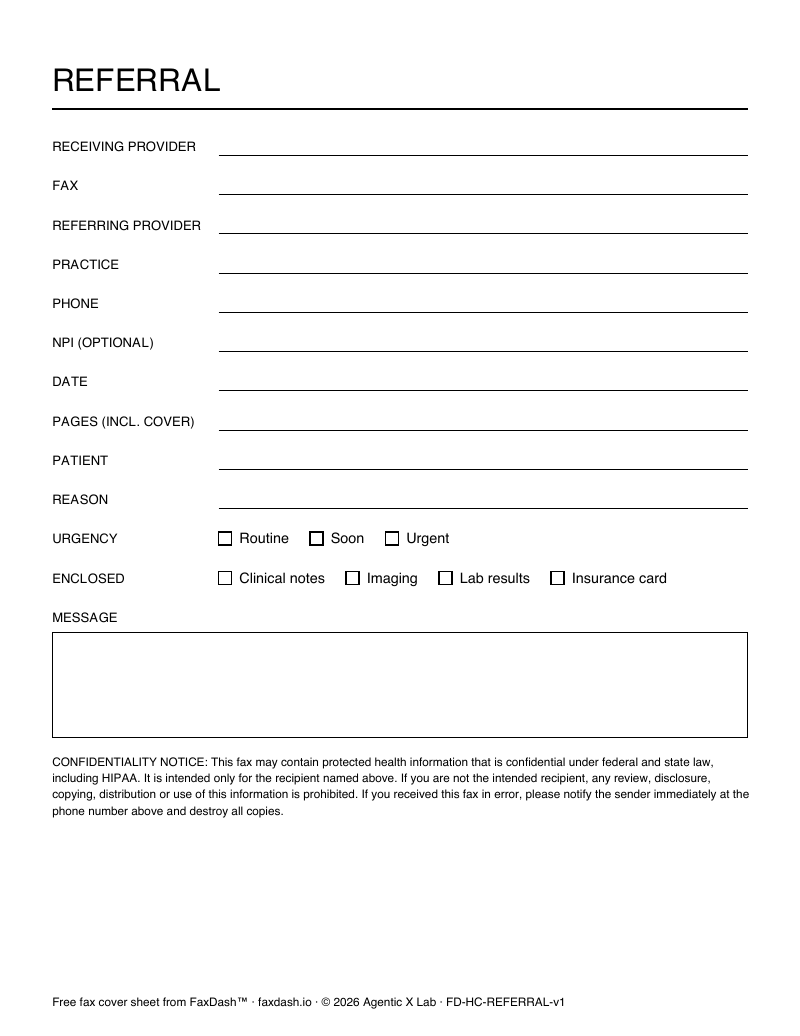
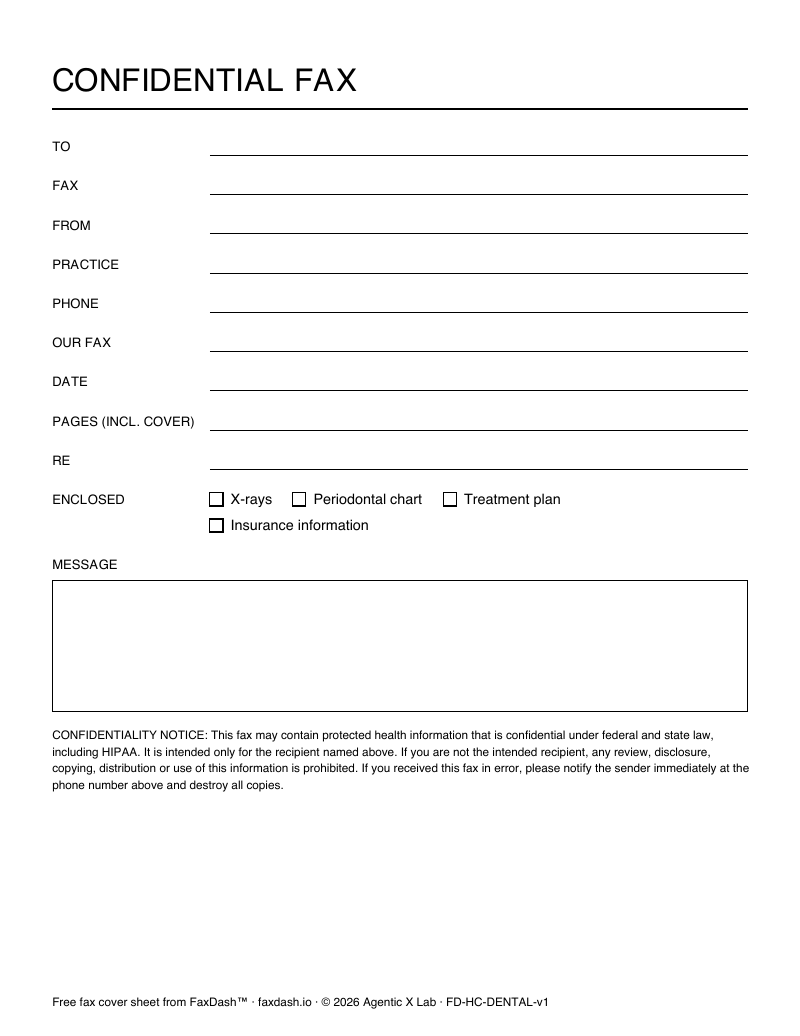
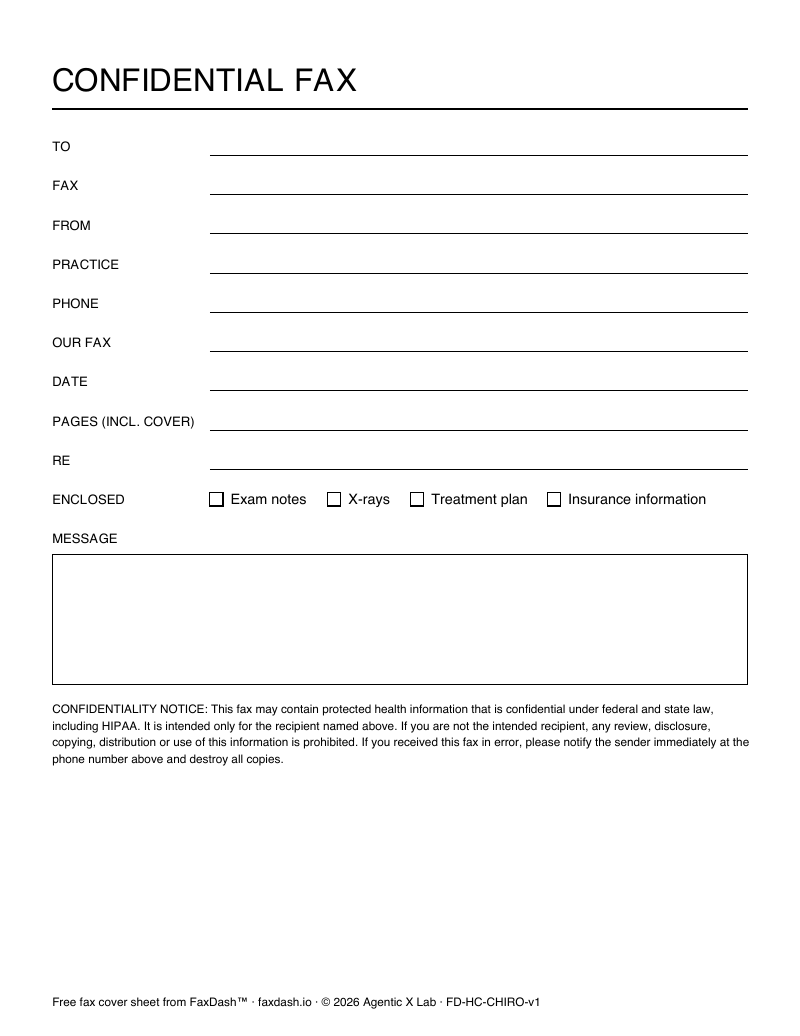
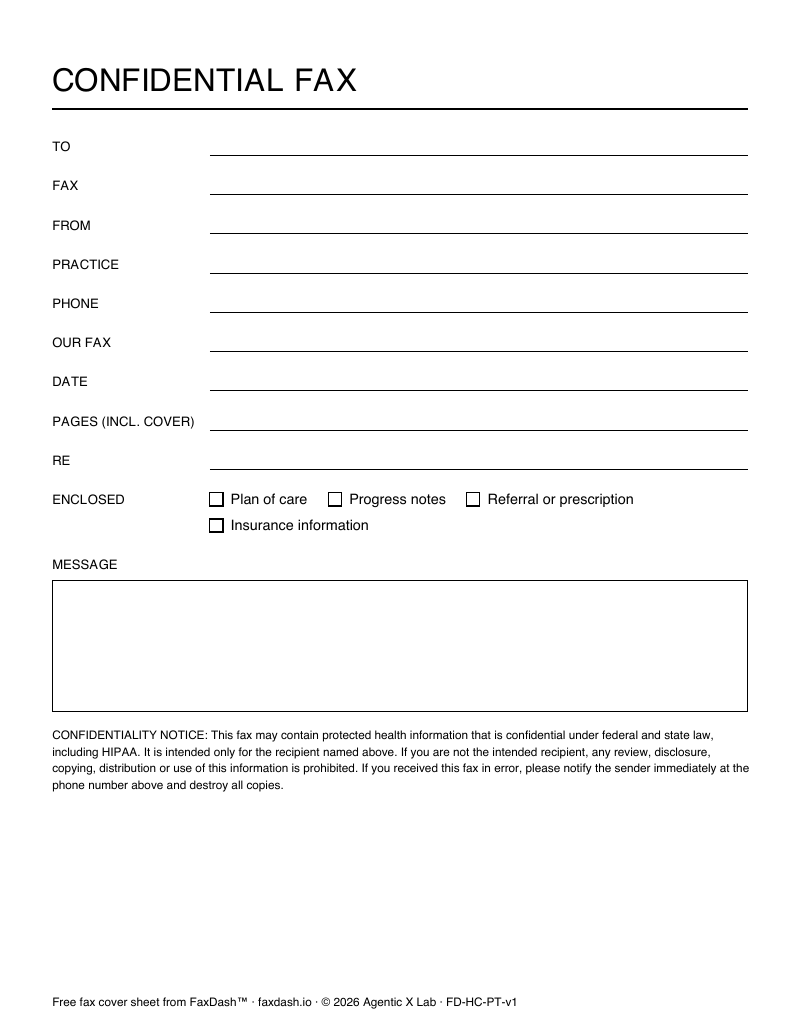
Healthcare
Why black and white?
A fax is black and white, at about 200 dots per inch. Color bands, gray fills and pale logos come out as speckles or disappear. Every sheet here is black on white, and a logo you add is converted the way a fax machine would. Switch the preview to “Fax” to see exactly what the person you are faxing gets, including how an accent color comes out.
Questions about fax cover sheets
- Are the fax cover sheets free?
- Yes. The maker and all 25 templates are free to use and download, with no account. You only pay if you choose to send the fax through FaxDash, which uses credits. You can also print a sheet and use it with any fax machine or service.
- Is anything I type uploaded?
- No. The maker runs in your browser: what you type and any logo you add stay on your device, and the PDF is made there. The ready-made templates are plain PDF files you download.
- How do I fax the cover sheet?
- Download the PDF, then send it as the first page of your fax, followed by your documents. Count the pages including the cover and write that number on the sheet. You can send it with a fax machine, any online fax service, or the FaxDash app.
- What is the difference between the print and fillable PDFs?
- The print PDF is for printing and writing on by hand. The fillable PDF lets you type into the fields in any PDF reader, then print it or send it as it is.
- Do I need a cover sheet at all?
- It is not required, but it helps. A cover sheet tells the person at the other end who the fax is for, who sent it, how many pages to expect and how to reach you, which matters when a fax lands on a shared machine.